

iPhone Touch Screen Not Working? Fixes for a Frozen Screen
iPhone touch screen not working? Before you book a repair, try the simple fixes. A frozen screen often just needs
iPhone touch screen not working? Before you book a repair, try the simple fixes. A frozen screen often just needs

iPhone apps crashing or closing as soon as you open them? Usually it’s one app with a bug, an app

iPhone camera black screen when you open the Camera app? Often the fix is quick. A case or lens attachment

iPhone notifications not showing? In most cases nothing is broken. A Focus like Do Not Disturb or Sleep is on,
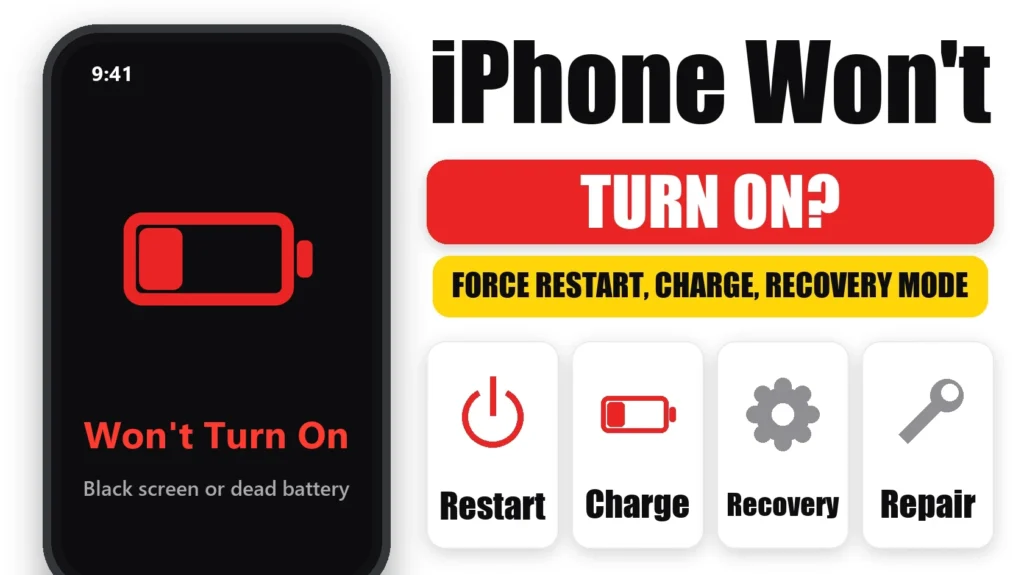
iPhone won’t turn on? Don’t panic. Most of the time it isn’t dead. The battery is fully drained, the software

Face ID not working on your iPhone? Most of the time it’s something simple: a smudge or screen protector over

iOS 27 widgets not working? Blank widgets, widgets stuck on old data, or widgets that disappear after the update are

iPhone keyboard lag after the iOS 27 update, with letters appearing late or taps getting missed? You’re not imagining it.