
iPhone Overheating? Why It Gets Hot and How to Cool It Down
iPhone overheating? A warm iPhone is usually normal: Apple says iPhones get warm during setup, big updates, wireless charging, gaming
Everything you need to fix iPhone battery and charging problems, sorted by what’s actually going wrong. Whether your iPhone won’t charge, drains too fast, or you’re wondering if it’s time for a new battery, this hub breaks it down into battery health, charging errors, drain issues, replacement decisions, wireless charging, and model-specific quirks. Every guide follows the same format: what’s likely causing it, ranked by probability, followed by a step-by-step fix — and a clear point where DIY should stop and professional repair should start.
iPhone overheating? A warm iPhone is usually normal: Apple says iPhones get warm during setup, big updates, wireless charging, gaming
Latest status · Last checked October 10, 2026 Apple’s response: No public statement yetiOS 27.0.1: Doesn’t list a speaker fix.
Latest status · Last checked October 10, 2026 Latest iOS: iOS 27.0.1 (released September 28, 2026)Known issue: Early overheating and
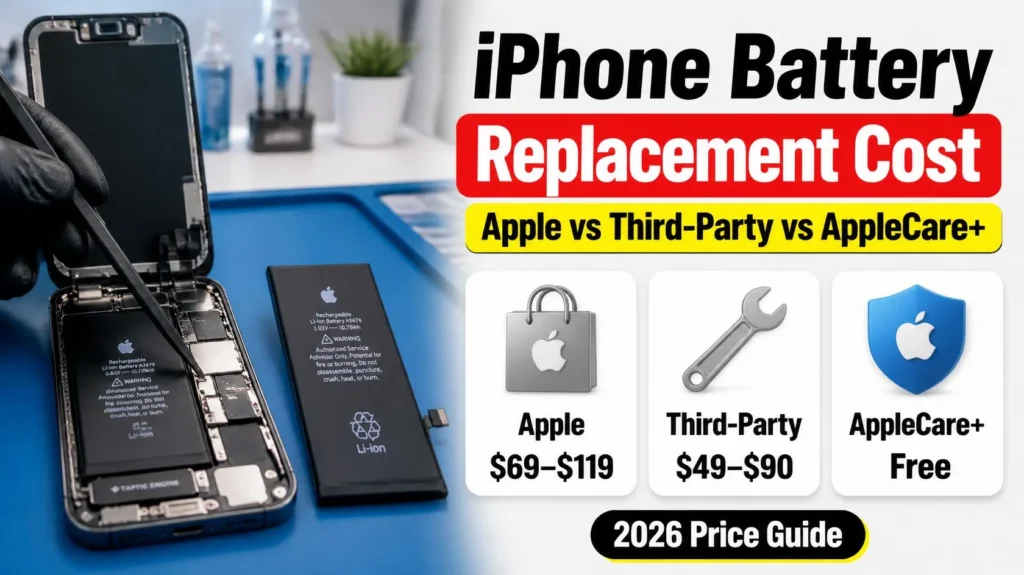
iPhone battery replacement cost varies more than most people expect — not just between Apple and a third-party shop, but
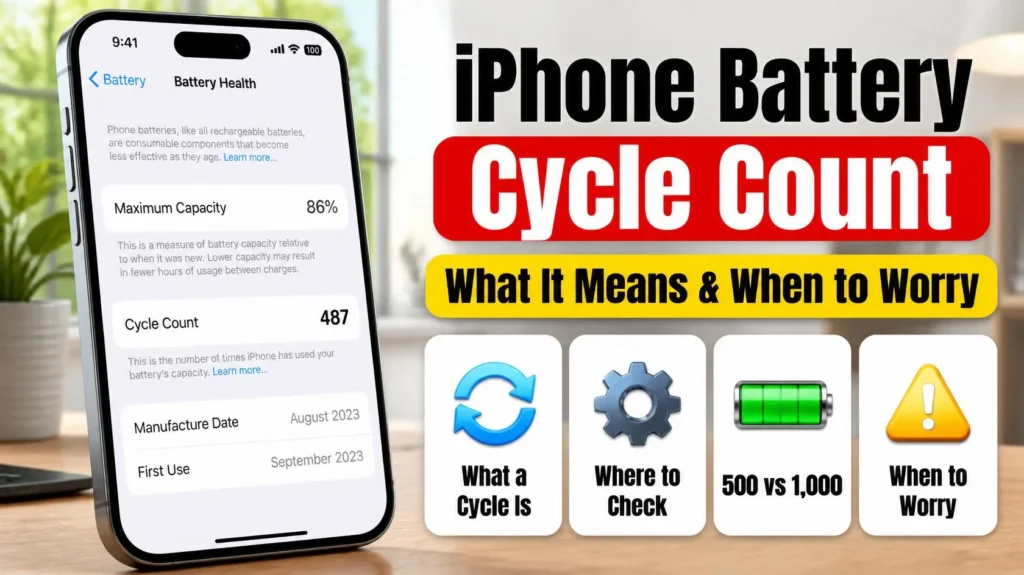
Your iPhone battery cycle count is the single most reliable mileage-style number your phone tracks about its own battery —
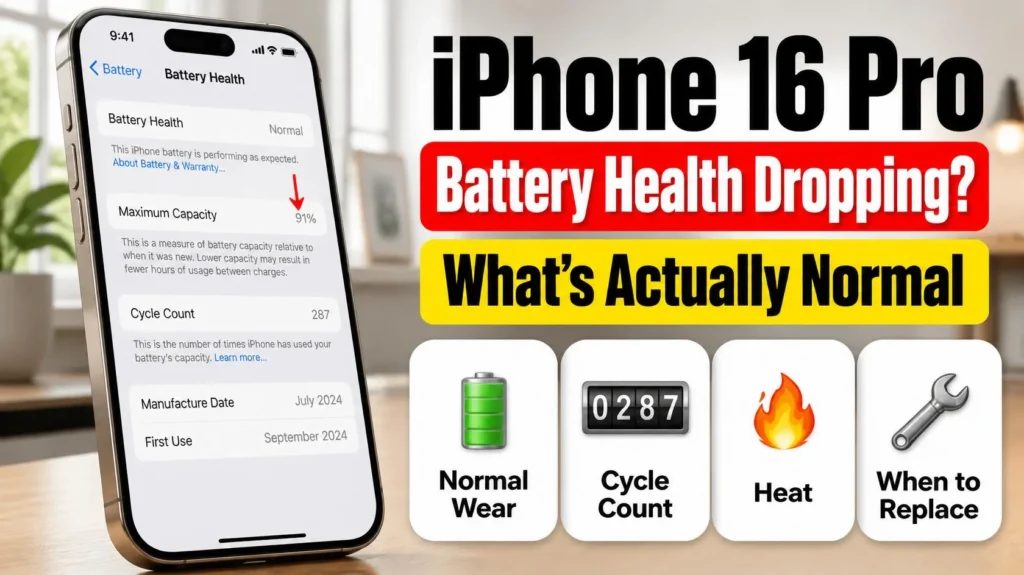
Is your iPhone 16 Pro battery health dropping fast? Some owners report a 97% to 91% slide within weeks of
The Unknown Part battery message explained: the four causes, what it affects, and the only ways to make it go away.
Apple’s own steps for the liquid-detection alert: how long to wait, what not to do (rice included), and how to charge in an emergency.
“Charging On Hold” is a temperature safety pause, not a broken charger. What triggers it and how to resume charging faster.
Apple’s next iPhone event lands September 9, 2026, and if your current iPhone’s battery has you eyeing the “Buy” button,