Latest status · Last checked October 10, 2026
Latest iOS: iOS 27.0.1 (released September 28, 2026)
Known issue: Early overheating and battery drain reports; most were reported resolved after iOS 27.0.1
Our advice: Update, then give a new iPhone 2–3 days to finish setting up before judging it
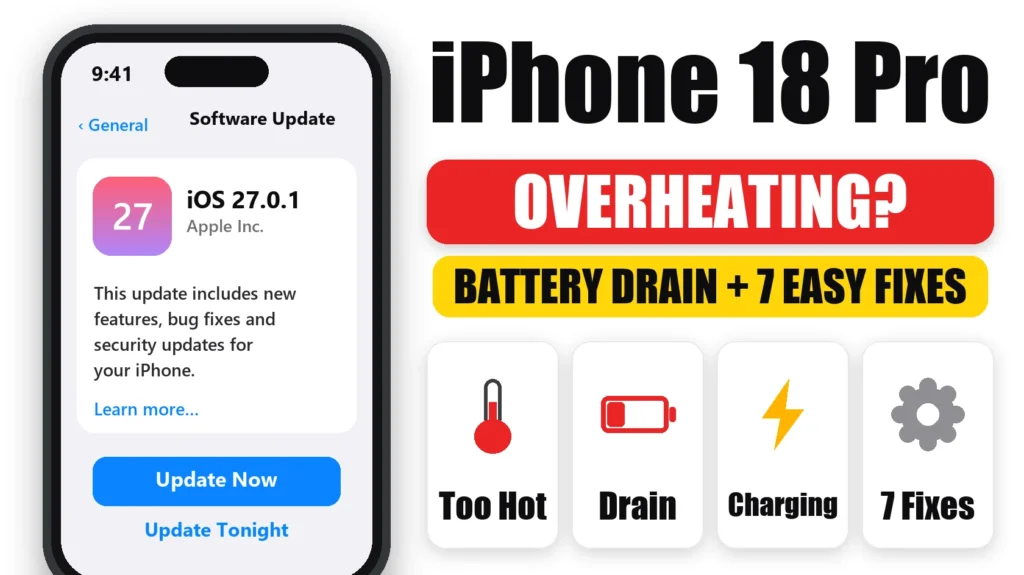
Is your iPhone 18 Pro overheating or draining battery faster than you expected? In the first few days, that’s usually normal. A new iPhone spends days restoring your data, downloading apps and indexing photos, and Apple says that makes it warm. If the heat or drain continues after that, there are a handful of common causes, and most have quick fixes. Here’s what’s normal, what owners are reporting, and 7 steps to cool it down.
Official Apple Store on Amazon
Genuine cases, cables, and accessories — sold and shipped by Apple.
📋 Quick Summary
- Warmth in the first 2–3 days after setting up an iPhone 18 Pro is normal.
- Install iOS 27.0.1. Early heat and battery reports were mostly resolved after it.
- Heavy use plus charging, 4K video in the sun and gaming can trigger heat limits on any iPhone.
- Still hot when idle after a week? Check Settings → Battery for one app working in the background.
- A temperature warning that keeps coming back while idle is worth a call to Apple.
Table of Contents
Is It Normal for a New iPhone 18 Pro to Get Hot?
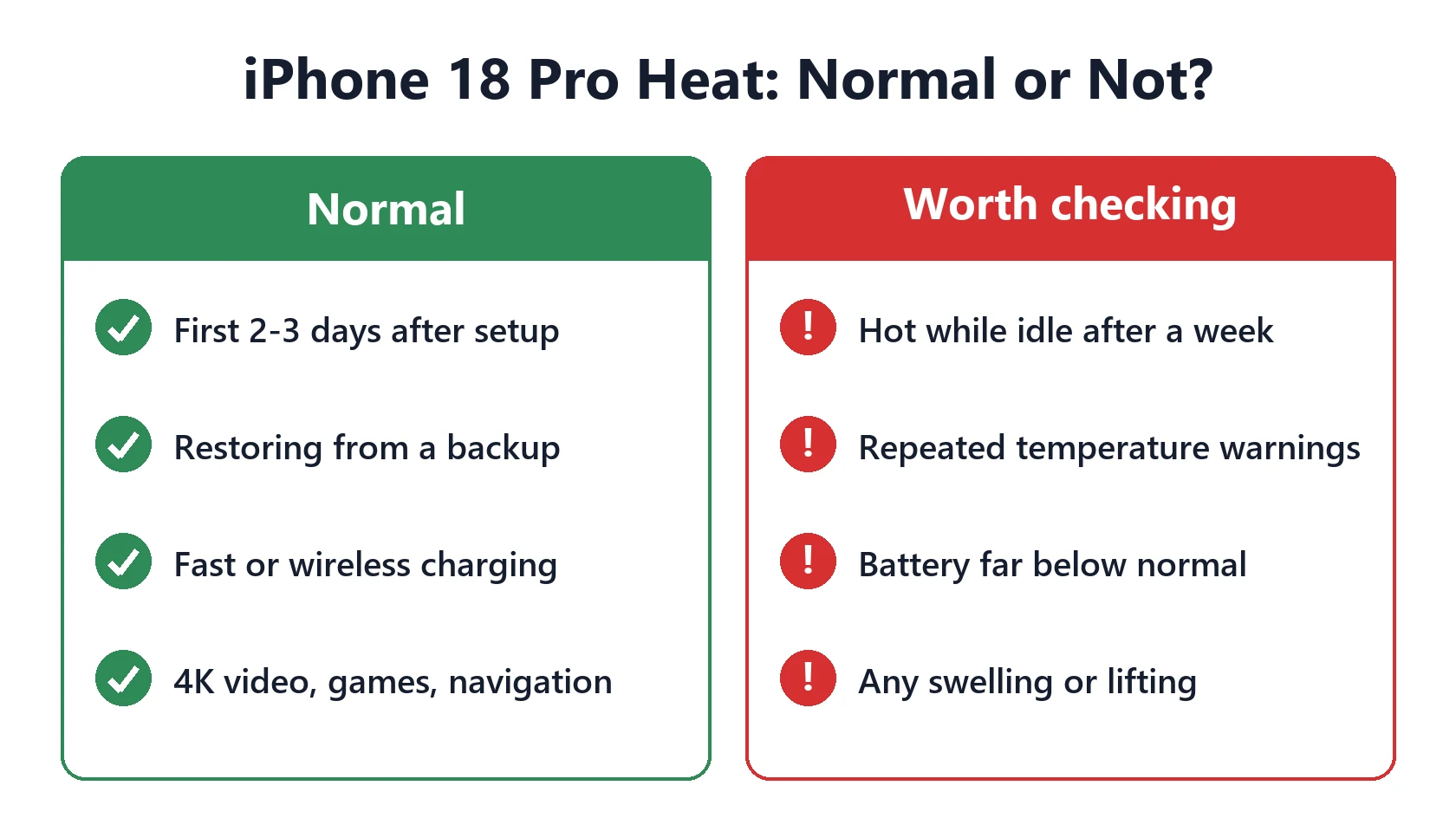
Yes, for the first few days. Apple’s support article If your iPhone or iPad gets too hot or too cold says it’s normal for an iPhone to feel warm while you set it up, restore from a backup, install a major update, charge wirelessly, play graphics-heavy games, use the camera or stream high-quality video. It cools down once that work is done.
A new iPhone 18 Pro does several of those at once: restoring your backup, downloading every app, and indexing your photos and messages in the background. Expect warmth and faster battery drain for 2–3 days, especially overnight while charging.
What iPhone 18 Pro Owners Are Reporting
Early reports collected by Tom’s Guide included overheating, rapid battery drain, Control Center freezing and odd camera colors. It reported that most of these were resolved after iOS 27.0.1. Some owners in forum threads still describe heat after a week, though those reports are anecdotal.
Not everyone sees it. 9to5Mac’s reviewer reported no overheating after a week, crediting the vapor chamber cooling. In a side-by-side test filming 4K at 60fps in direct Texas sun, both the iPhone 18 Pro and iPhone 17 Pro stopped recording with a heat warning after about eight minutes. So extreme conditions still hit limits.
Separately, U.S. iPhone 18 Pro Max owners on AT&T should check our guide to the iPhone 18 Pro Max SOS issue. A phone constantly searching for signal also runs warm and drains faster.
How to Fix iPhone 18 Pro Overheating: 7 Steps
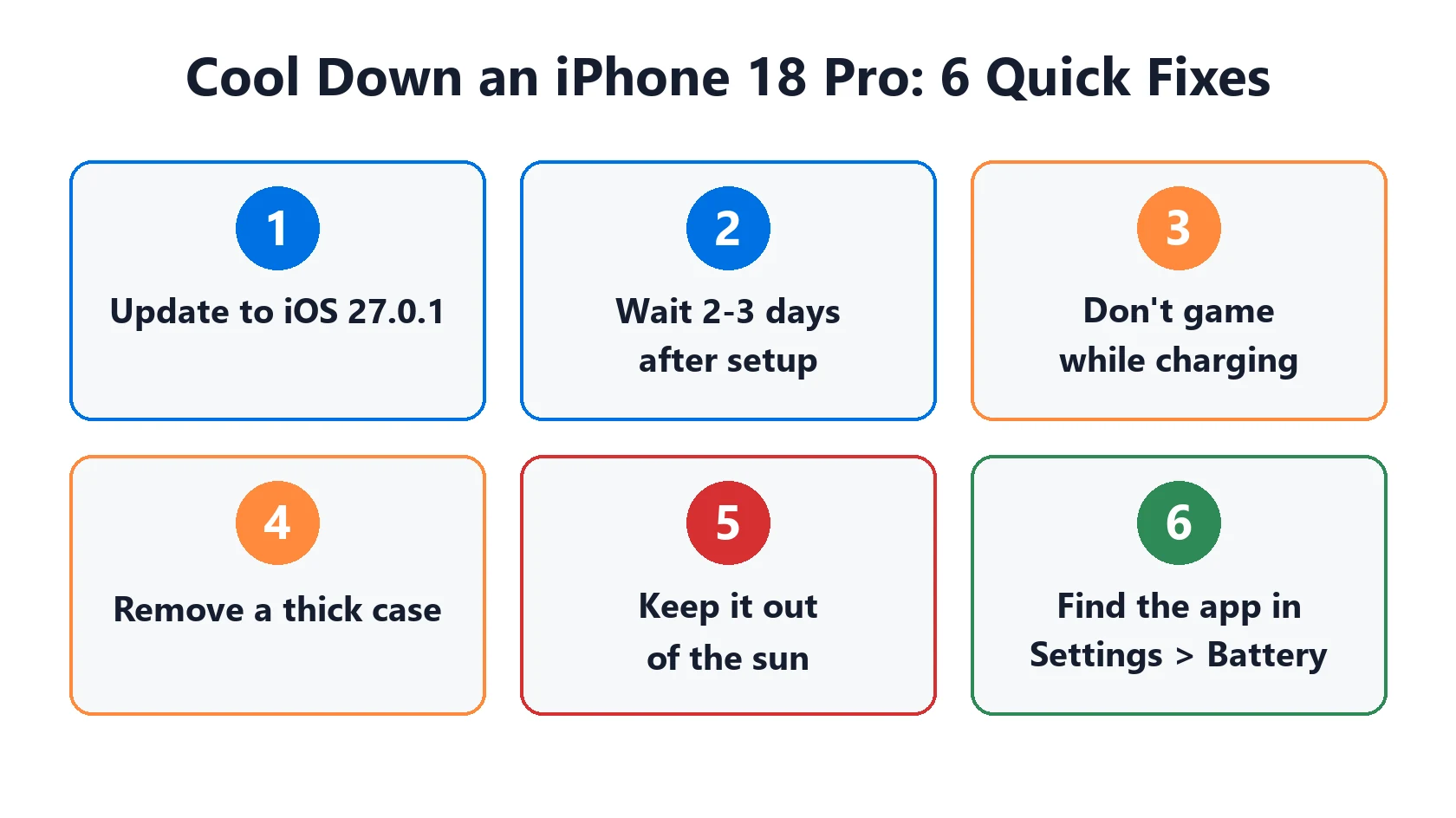
- Update to iOS 27.0.1 or later in Settings → General → Software Update.
- Give it 2–3 days. Leave it charging and locked overnight so setup and indexing finish.
- Don’t game or stream while fast charging. Charging heat plus processor heat adds up.
- Take off a thick case while charging or doing heavy work. It traps heat against the back.
- Keep it out of direct sun, especially when recording 4K video or navigating in a car mount.
- Find the app causing it. In Settings → Battery, look for an app with high background activity, then update or remove it.
- Restart once a week while you troubleshoot. It clears stuck background processes.
If the screen shows “iPhone needs to cool down”, Apple says to turn it off, move it out of direct sunlight to a cooler place, and wait. Don’t put it in a fridge or freezer.
How to Fix iPhone 18 Pro Battery Drain
Battery drain usually follows the same pattern as heat: high for the first few days, then it settles. If it doesn’t, the causes are the same ones that drain any iPhone on iOS 27: background apps, widgets and Live Activities, weak signal, and location services. Work through our iOS 27 battery drain guide, and if it drains mostly while you sleep, see iPhone battery drains overnight.
Don’t judge battery health on a brand-new phone. Its maximum capacity should read 100% or very close to it. If it doesn’t, contact Apple.
When to Contact Apple
Contact Apple Support if:
- The temperature warning appears repeatedly during light use or while idle.
- It’s still hot while idle more than a week after setup, on the latest iOS.
- Battery life is far below normal after a week and no app stands out in Settings → Battery.
- You see any swelling, or the screen or back starts to lift. Stop using it right away.
Every iPhone 18 Pro is still under Apple’s one-year warranty, and you’re likely still within the return window if you bought it recently.
Featured Apple Deals on Amazon
Current discounts on AirPods, chargers, cables, and other Apple gear.
Frequently Asked Questions
Why is my new iPhone 18 Pro getting hot?
In the first few days, it’s restoring your data, downloading apps and indexing in the background, which Apple says makes iPhones warm. It should cool down within 2–3 days. If not, update to iOS 27.0.1 and check Settings → Battery.
Does iOS 27.0.1 fix iPhone 18 Pro overheating?
Tom’s Guide reported that most early iPhone 18 Pro issues, including overheating and battery drain, were resolved after iOS 27.0.1. Install it first.
Is iPhone 18 Pro overheating while charging normal?
Some warmth while charging is normal, especially with fast or wireless charging. Avoid gaming or streaming while charging, and take off thick cases.
Why does my iPhone 18 Pro battery drain so fast?
New iPhones use more battery for the first few days. After that, look for one app with high background activity, Live Activities, widgets or weak signal.
Should I return my iPhone 18 Pro for overheating?
Give it a week on the latest iOS first. If it still overheats during light use or while idle, contact Apple while you’re within the return window.
📚 Related Guides
Written by S M Momin Arif
Founder and lead writer at iPhoneFixDaily, covering iPhone battery and charging diagnostics based on direct hands-on testing. Read more about our approach →