
iPhone Overheating? Why It Gets Hot and How to Cool It Down
iPhone overheating? A warm iPhone is usually normal: Apple says iPhones get warm during setup, big updates, wireless charging, gaming
Fixes for iPhones that lose charge faster than they should — right after an iOS update, overnight while sitting untouched, or dying unexpectedly at 20–30% even though the screen says otherwise. Includes how to actually read your battery usage stats in Settings, which background processes are the usual culprits, and when drain points to a software issue versus a battery that’s simply wearing out.
iPhone overheating? A warm iPhone is usually normal: Apple says iPhones get warm during setup, big updates, wireless charging, gaming
Latest status · Last checked October 10, 2026 Latest iOS: iOS 27.0.1 (released September 28, 2026)Known issue: Early overheating and
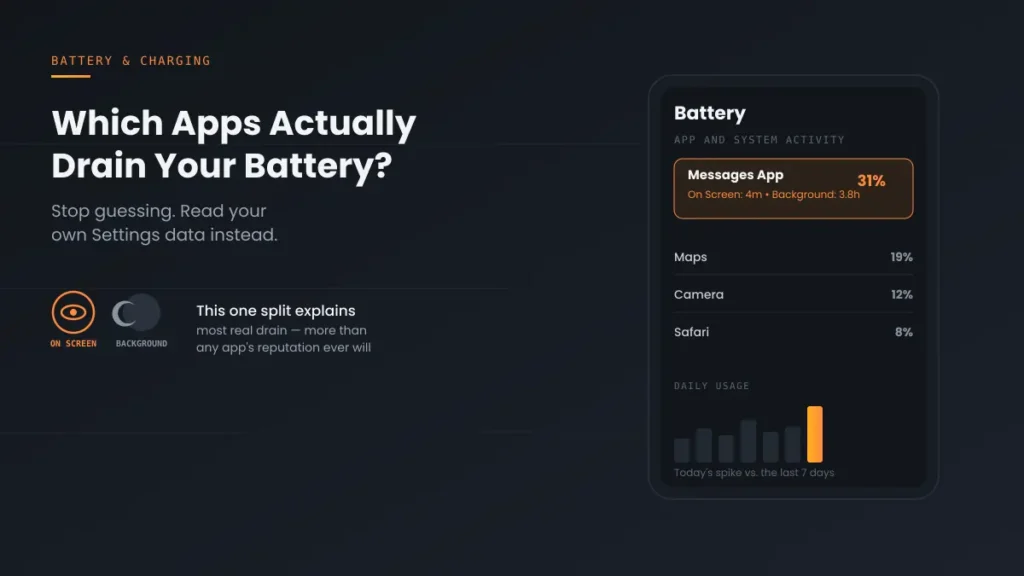
Which apps actually drain iPhone battery? Skip the generic top-10 lists — here’s how to read your own Settings data and find the real culprit.
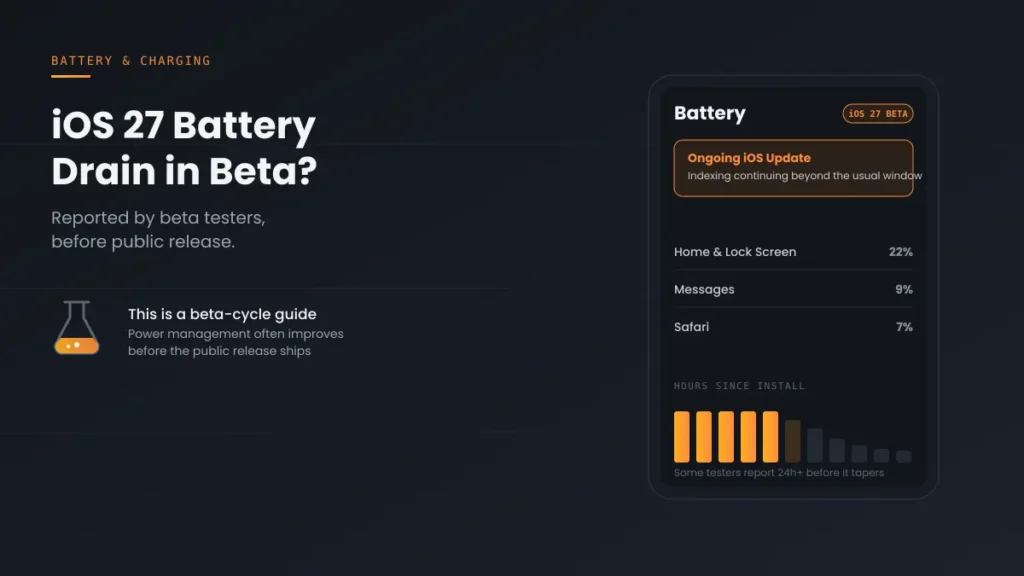
iOS 27 Battery Drain already showing up in beta testing? Here’s what’s different this cycle, what to expect by public release, and 5 real fixes.
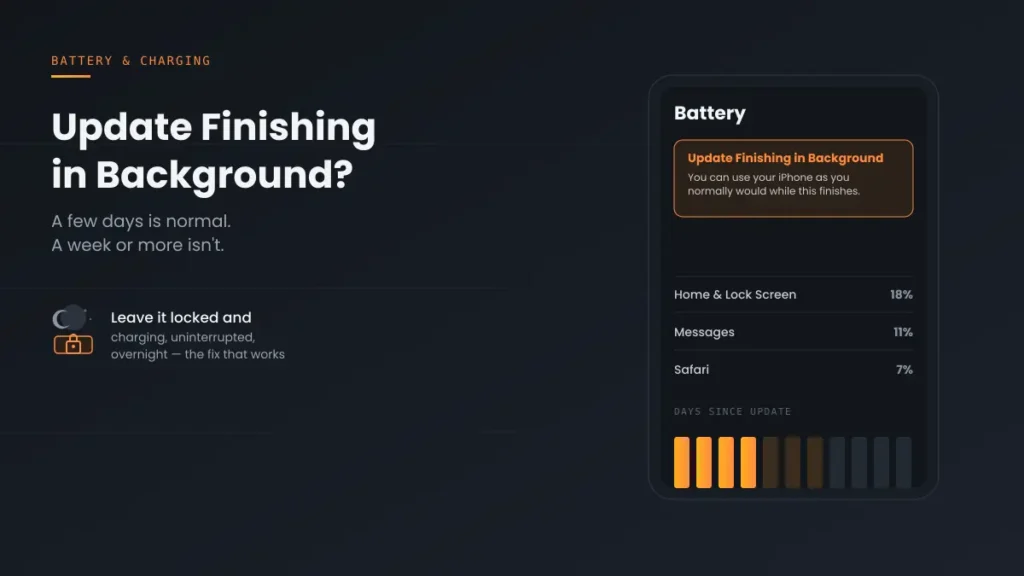
Update Finishing in Background iPhone won’t go away? A few days is normal — here’s how to tell if it’s actually stuck, and 5 fixes if it is.
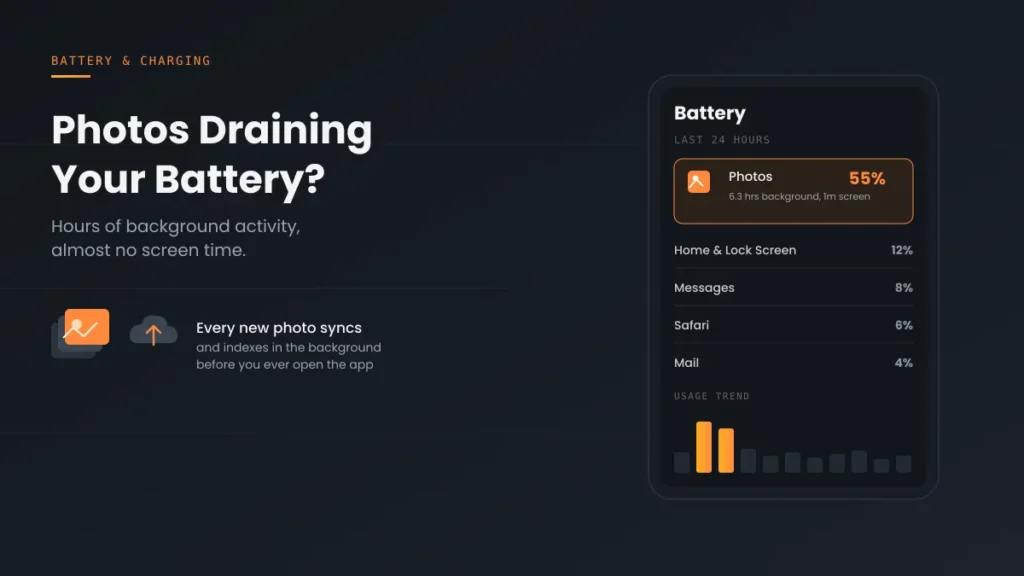
Photos draining iPhone battery with hours of background activity? It’s iCloud sync and indexing, not a broken phone. Here’s why it happens and 5 fixes that work.
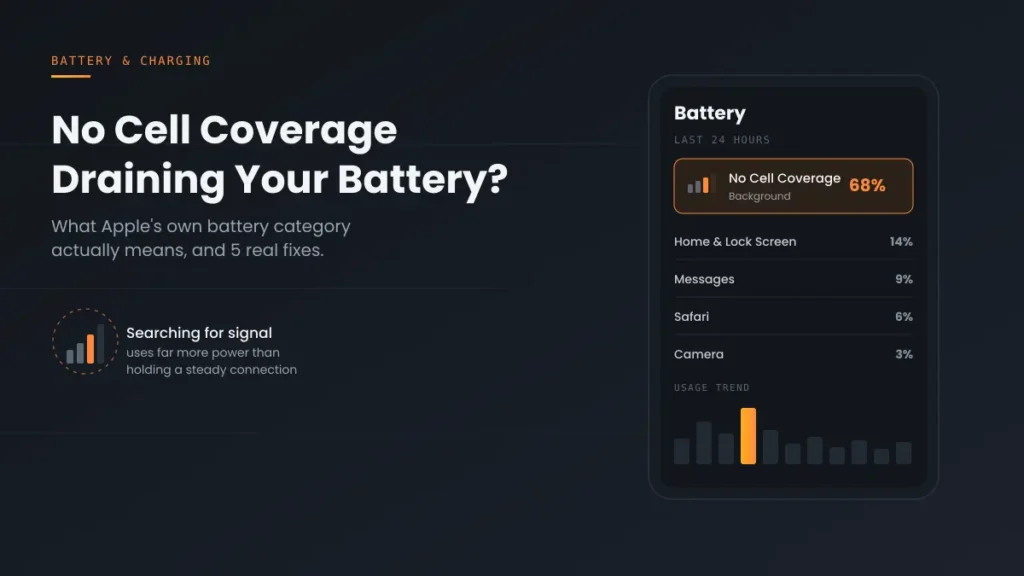
No Cell Coverage draining iPhone battery? It’s a real Apple-tracked category, not a bug. Here’s what triggers it and the 5 fixes that actually work.
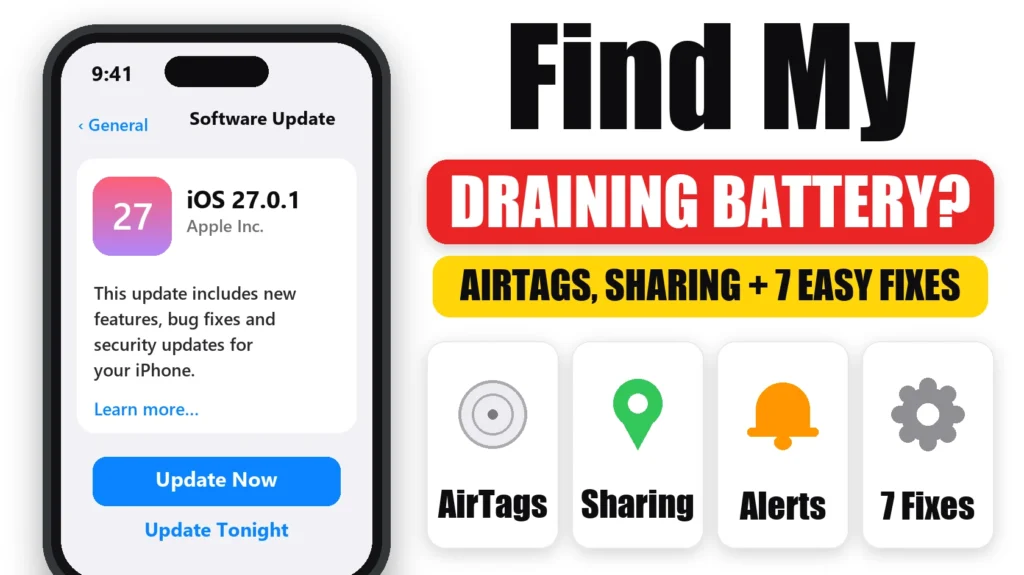
Severe Find My drain usually isn’t the app itself — it’s a paired AirTag. Here’s the quick test to confirm it, plus 4 more real causes.
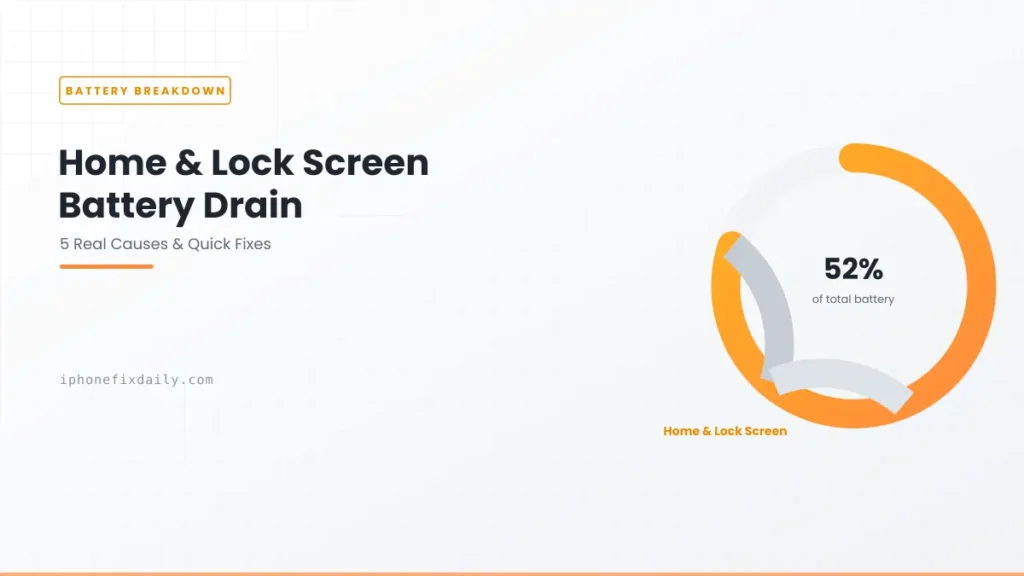
A widget, a stuck process, or iPhone Mirroring — this recurring drain has a real cause, not just “restart and hope.” Here’s how to actually find yours.
iOS 26.6 battery drain is real and currently being reported — here’s the typical stabilization window, and how to tell if it’s actually something else.