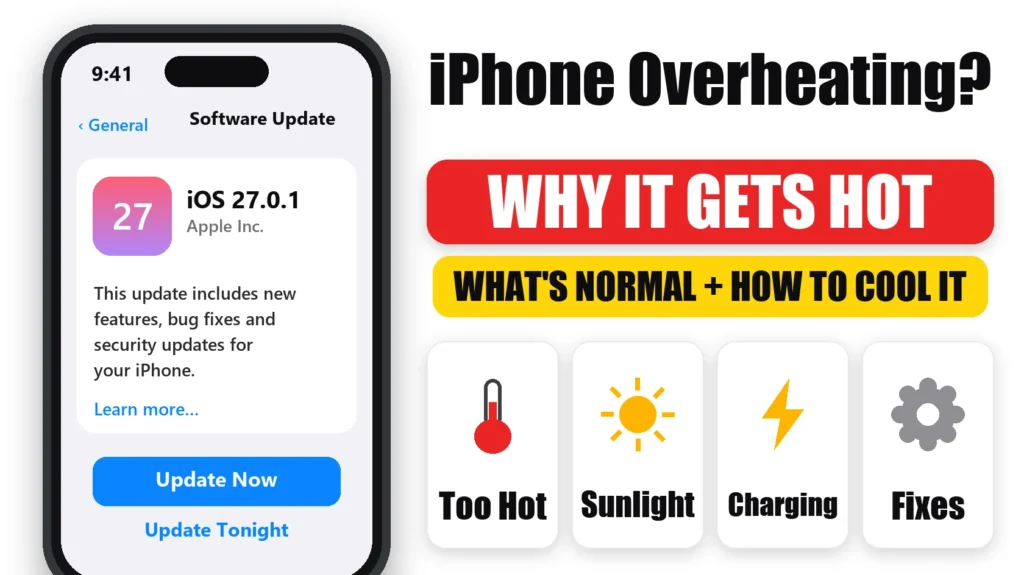
iPhone overheating? A warm iPhone is usually normal: Apple says iPhones get warm during setup, big updates, wireless charging, gaming and video streaming. It becomes a problem when your iPhone gets hot while idle, keeps dimming the screen, stops charging or shows a temperature warning. This guide covers what’s normal, the 7 most common causes of iPhone overheating, and how to cool it down safely.
Official Apple Store on Amazon
Genuine cases, cables, and accessories — sold and shipped by Apple.
📋 Quick Summary
- Apple designs iPhone for 0–35°C (32–95°F) ambient temperatures.
- Warmth during setup, updates, wireless charging, gaming and video is normal.
- When too hot, iPhone slows or stops charging, dims the screen and lowers performance to protect itself.
- Temperature warning? Turn it off, move it somewhere cooler out of the sun, and wait.
- Never cool it in a fridge or freezer, and don’t leave it in a hot car.
Table of Contents
When It’s Normal for an iPhone to Get Warm
According to Apple’s support article If your iPhone or iPad gets too hot or too cold, it’s normal for your iPhone to feel warm when you:
- Set it up for the first time or restore from a backup.
- Install a software update, especially a major one like iOS 27.
- Charge it wirelessly.
- Use graphics- or processor-heavy apps and games, including the camera.
- Stream high-quality video.
It cools down once the task is done. A brand-new iPhone can feel warm for a few days while it finishes setting up. See iPhone 18 Pro overheating for the newest models.
What Your iPhone Does When It’s Too Hot
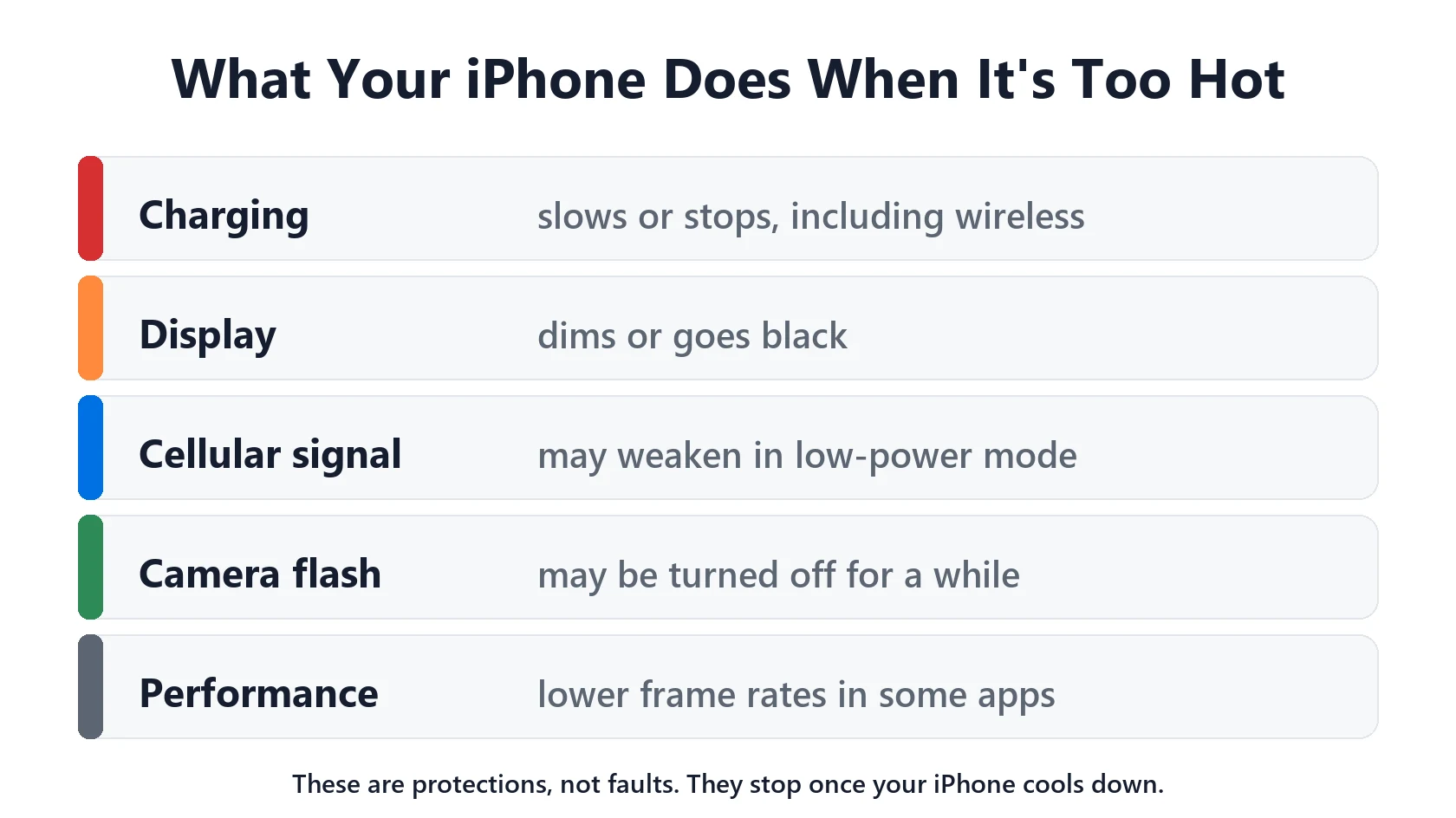
When the inside of your iPhone gets too hot, Apple says it may:
- Slow or stop charging, including wireless charging.
- Dim the display, or turn it black.
- Weaken cellular signal as the radios go into a low-power state.
- Temporarily turn off the camera flash or other camera features.
- Run some apps and features more slowly.
These are protections, not faults. They switch off once your iPhone cools down. If charging stops with a “Charging On Hold” message, see Charging On Hold on iPhone.
Why Your iPhone Is Overheating: 7 Causes
- Hot surroundings. Direct sunlight, a car dashboard or a hot car. Apple warns that parked cars can get hotter than iPhone’s safe storage range.
- Heavy apps. Gaming, navigation, video recording and streaming all generate heat, more so while charging.
- Charging plus use. Fast or wireless charging adds heat on top of whatever you’re doing.
- A recent update. After an update, background indexing runs for a few days. See iOS 27 battery drain.
- A misbehaving app. One app stuck working in the background. Check Settings → Battery.
- Weak signal. Searching for a cellular signal works the radios hard. See No Cell Coverage battery drain.
- A thick case that traps heat, especially while charging.
How to Cool Down an Overheating iPhone
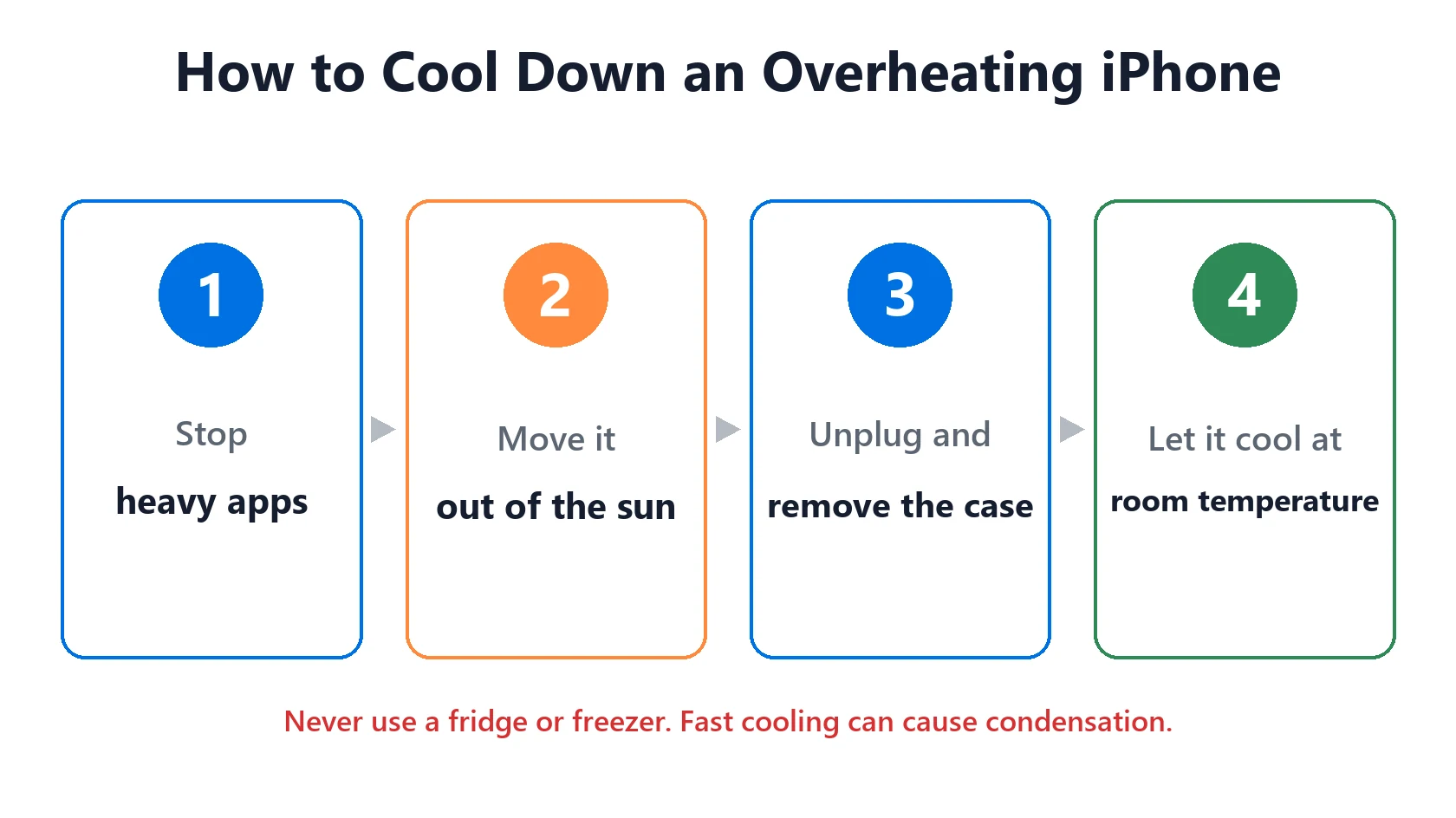
- Stop what you’re doing, especially games, video or navigation.
- Move it out of the sun and away from heat sources.
- Unplug it if it’s charging, and take off the case.
- Let it cool at room temperature. Don’t put it in a fridge or freezer, and don’t blow cold air on it. Rapid cooling can cause condensation inside.
- Once it’s cool, find the cause: check Settings → Battery for an app with high background activity, and update iOS and your apps.
Temperature Warning on Your iPhone
If your iPhone shows a temperature warning screen, Apple’s steps are simple: turn it off, move it somewhere cooler, out of direct sunlight, and let it cool down before using it again. Apple notes you may still be able to make an emergency call from this screen.
iPhone Overheating While Charging
Some warmth while charging is normal, especially with wireless or MagSafe charging. To keep it down, charge on a hard surface rather than a bed or sofa, take off thick cases, and avoid gaming while charging. If your iPhone gets hot on a wireless charger, see iPhone gets hot while wireless charging, and for charger choices see Qi2 vs MagSafe.
When to Contact Apple
Contact Apple Support if your iPhone gets hot while idle at normal room temperature, shows temperature warnings during light use, or the battery drains far faster than normal. Stop using it straight away if you notice swelling or the screen or back lifting. See our battery and charging guide for battery safety.
Featured Apple Deals on Amazon
Current discounts on AirPods, chargers, cables, and other Apple gear.
Frequently Asked Questions
Why is my iPhone overheating?
Usually heat from your surroundings, heavy apps, charging while in use, or background work after an update. Move it somewhere cooler, stop heavy use, and check Settings → Battery for an app that’s working too hard.
What temperature is too hot for an iPhone?
Apple designs iPhone for ambient temperatures between 0° and 35°C (32° to 95°F), and says to store it between -20° and 45°C (-4° to 113°F).
Is it bad if my iPhone gets hot?
Brief warmth is normal. Apple says using an iPhone in very hot conditions can permanently shorten battery life, so avoid long exposure to heat.
Can I put my iPhone in the fridge to cool it down?
No. Rapid cooling can cause condensation inside. Let it cool at room temperature, out of the sun.
Why does my iPhone get hot while charging?
Charging generates heat, especially wireless charging, and using the phone at the same time adds more. Charge on a hard surface, remove thick cases, and avoid gaming while charging.
📚 Related Guides
Written by S M Momin Arif
Founder and lead writer at iPhoneFixDaily, covering iPhone battery and charging diagnostics based on direct hands-on testing. Read more about our approach →