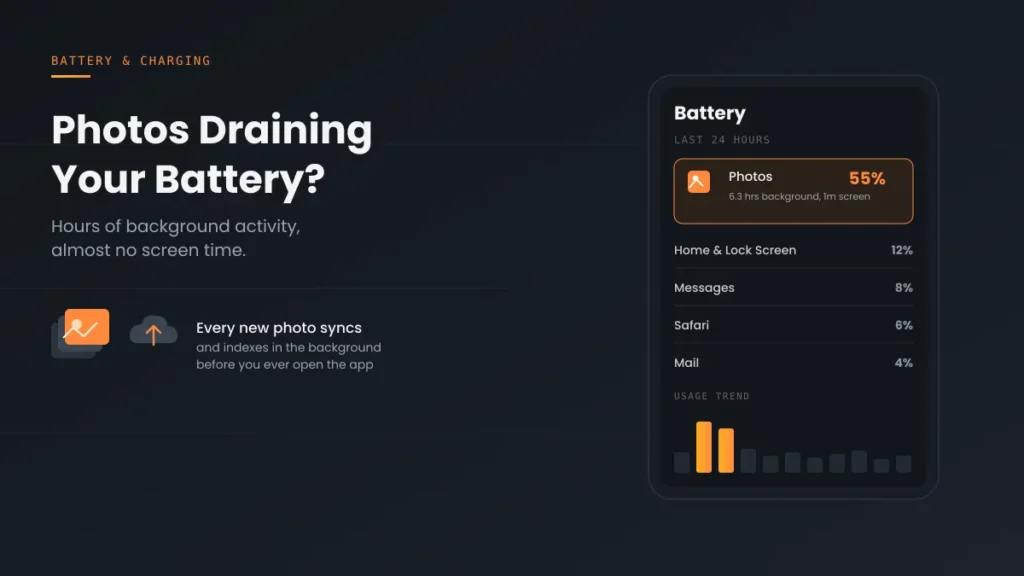
Is Photos draining your iPhone battery, with hours of background activity even though you barely opened the app? That’s usually iCloud Photos uploading your library and your iPhone analyzing your photos for features like Memories and People. It’s normal after you add a lot of photos, update iOS or set up a new iPhone, and it stops once the work is done. Here’s why it happens and 7 ways to stop Photos draining your iPhone battery.
Updated October 12, 2026 for iOS 27.
Official Apple Store on Amazon
Genuine cases, cables, and accessories — sold and shipped by Apple.
🎧 LISTEN TO THIS GUIDE
~90 sec listen
📋 Quick Summary
- Photos drain shows as hours of Background time with almost no Screen On time.
- It’s usually iCloud Photos syncing plus on-device photo analysis.
- Apple says photo analysis runs while your iPhone is locked and charging, and can take up to a few days.
- Need battery now? Pause iCloud Photos for a day or turn on Low Power Mode.
- It doesn’t harm long-term battery health. It only uses today’s charge.
Table of Contents
Why Photos Drains Your iPhone Battery
Two things run in the background after your photo library changes:
- iCloud Photos sync. If iCloud Photos is on, every new photo, video and edit uploads to iCloud, and changes from your other devices download.
- On-device analysis. Photos scans your library to build Memories, recognize people and pets, and find duplicates. Apple says this needs your iPhone to be locked and connected to power, and can take up to a few days for a big library.
Both use the processor and radios, so Photos can show up near the top of Settings → Battery for a while. That’s expected right after importing or editing lots of photos, restoring from a backup, setting up a new iPhone, or a major update like iOS 27.
6 Causes of Photos Draining iPhone Battery
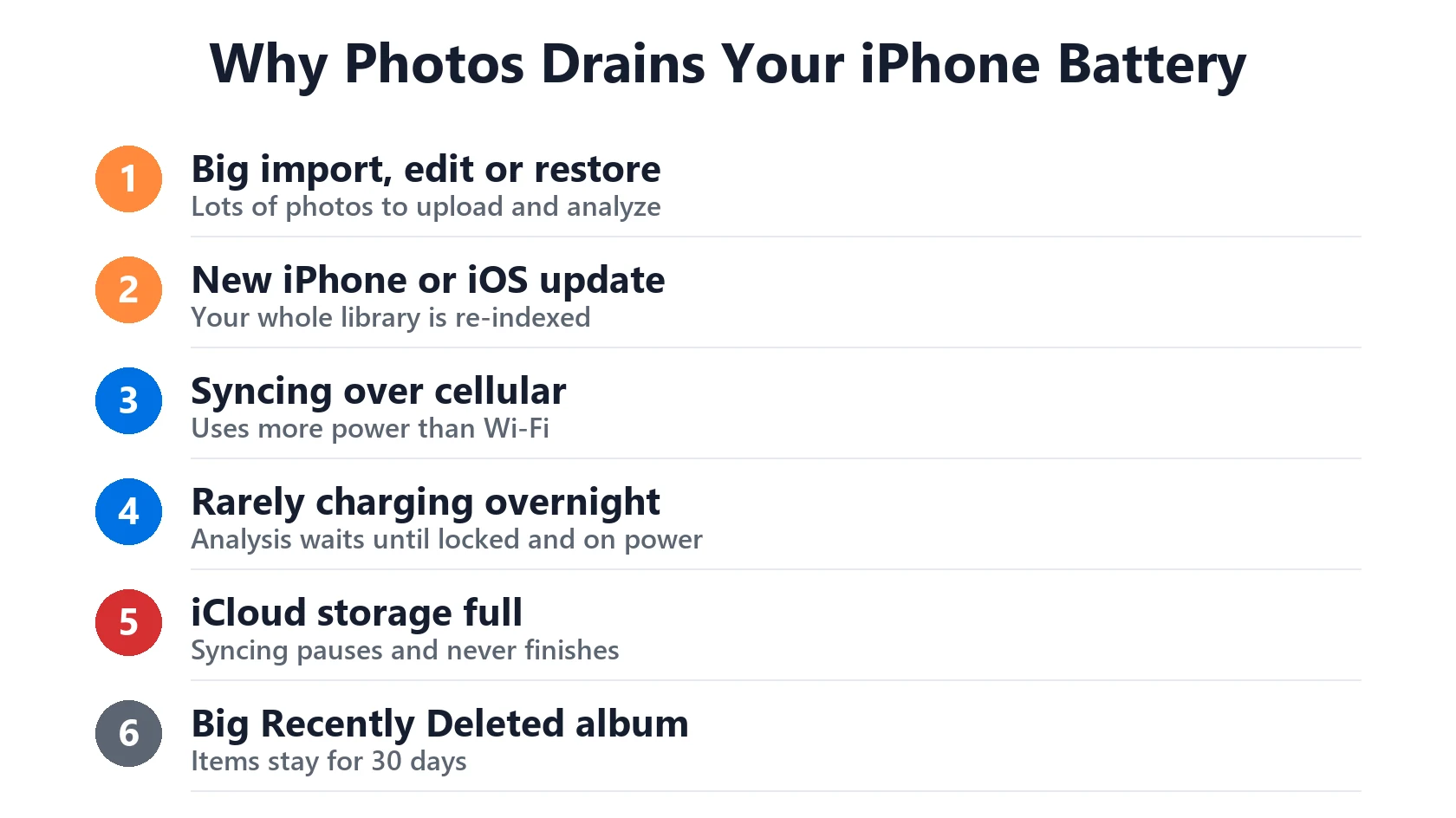
- A big import, edit or restore. The most common trigger. Hundreds of new photos take time to upload and analyze.
- A new iPhone or iOS update. Your whole library is re-indexed. See iOS 27 battery drain.
- Syncing over cellular. Uploading away from Wi-Fi uses more power.
- Not charging overnight. Analysis waits for your iPhone to be locked and on power, so if it rarely charges, the work drags on.
- Full iCloud storage. Apple says syncing pauses when iCloud storage is full, so the job never finishes. Check the status at the bottom of your library.
- A large Recently Deleted album. Deleted items stay for 30 days. Some users report that emptying it after a big clean-out reduced background activity.
How to Stop Photos Draining Your Battery: 7 Fixes
- Confirm it’s Photos. In Settings → Battery, check that Photos shows much more Background time than Screen On time. A little background use after new photos is normal.
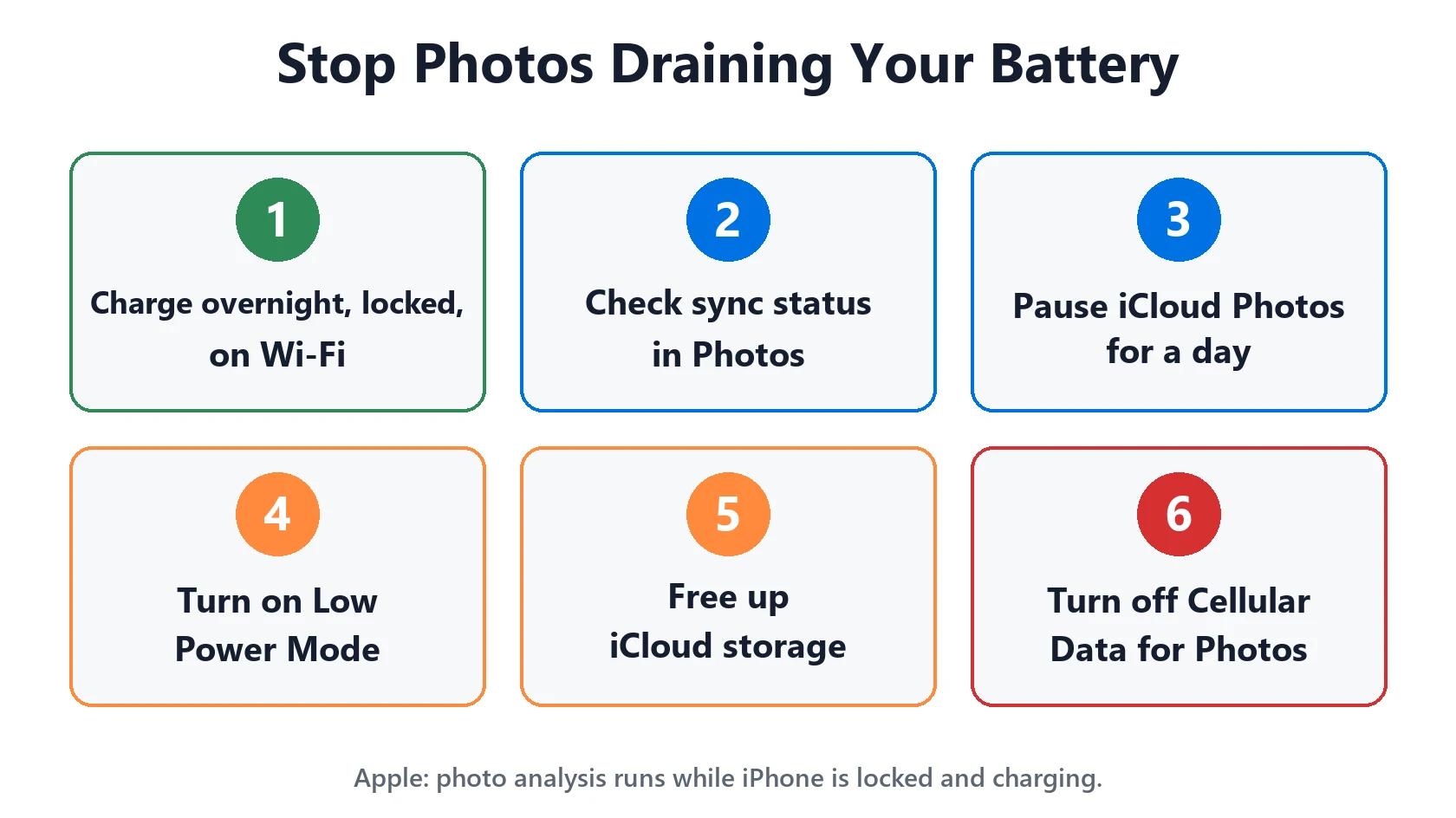
- Charge overnight, locked, on Wi-Fi. This lets syncing and analysis finish fastest, often in a night or two.
- Check the sync status. Open Photos and scroll to the bottom of your library. It shows whether it’s uploading, paused or stuck, and why.
- Pause iCloud Photos for a day when you need battery now (steps below).
- Use Low Power Mode. Apple says it temporarily pauses iCloud Photos along with other background tasks.
- Free up iCloud storage in Settings → [your name] → iCloud if it’s full, so syncing can finish.
- Limit cellular syncing. In Settings → Apps → Photos, turn off Cellular Data so uploads wait for Wi-Fi.
You can also empty Recently Deleted (Photos → Collections → Recently Deleted) if you’ve just deleted a lot. Apple’s advice when photos aren’t syncing is not to turn iCloud Photos off, so try the steps above first.
How to Pause iCloud Photos for a Day
According to Apple’s iCloud Photos guide, you can pause uploads for one day:
- iOS 26 and later: open Photos, tap Collections, tap your profile button, then tap Pause.
- iOS 18: open Photos, tap your profile button, then tap Pause.
- iOS 17 and earlier: Photos → Library → All Photos, scroll down and tap Pause.
Pausing may not be available depending on your library’s status. Syncing resumes automatically the next day.
Match Your Situation
| What you see | Likely cause | What to do |
|---|---|---|
| Started after importing or editing lots of photos | Normal sync and analysis | Charge overnight, locked, on Wi-Fi |
| Started after a new iPhone or iOS update | Library re-indexing | Give it a few days of overnight charging |
| Worse away from Wi-Fi | Syncing over cellular | Turn off Cellular Data for Photos |
| Sync never finishes | iCloud storage full | Free up iCloud storage |
| Need battery right now | Ongoing sync | Pause iCloud Photos or use Low Power Mode |
| Continues for weeks | Stuck sync | Restart, update iOS, then contact Apple |
Photos isn’t the culprit? See which apps actually drain iPhone battery, or Home and Lock Screen battery drain if that’s your top item. Not sure your battery is healthy? Check it here:
Battery Health Checker
Enter your numbers below for an instant read on whether your battery is degrading normally.
How to find these numbers on your iPhone
General estimate based on typical lithium-ion degradation — not a diagnostic.
Recommended First Step
Check Settings → Battery first
If Photos shows hours of Background activity and you haven’t added photos recently, the sync is probably stuck. Leave your iPhone charging and locked on Wi-Fi overnight, then check again.
See the Full Battery & Charging GuideFeatured Apple Deals on Amazon
Current discounts on AirPods, chargers, cables, and other Apple gear.
Frequently Asked Questions
Why is Photos draining my iPhone battery?
Usually iCloud Photos is uploading your library and Photos is analyzing your pictures in the background. It’s normal after adding lots of photos, an iOS update or a new iPhone, and it stops when the work is done.
How long does Photos keep using battery in the background?
Apple says on-device analysis can take up to a few days for a large library. Charging overnight while locked on Wi-Fi helps it finish faster.
Should I turn off iCloud Photos to stop the drain?
It would stop the sync, but your photos would stop backing up to iCloud. Pause it for a day or use Low Power Mode instead, and let the sync finish while charging.
Why does Photos show hours of background activity but no screen time?
That’s the sign of sync and analysis work happening while the app is closed. Settings → Battery counts it separately from time you spend in the app.
Does Low Power Mode stop Photos syncing?
Yes. Apple says Low Power Mode temporarily pauses iCloud Photos. It resumes when you turn Low Power Mode off or charge your iPhone.
Does Photos battery drain damage my battery?
No. It uses charge for the day but doesn’t lower your battery’s maximum capacity.
📚 Related Guides
This page may contain affiliate links. If you purchase through one, we may earn a commission at no extra cost to you. See our full Affiliate Disclosure for details.
Written by S M Momin Arif
Founder and lead writer at iPhoneFixDaily, covering iPhone battery and charging diagnostics based on direct hands-on testing. Read more about our approach →