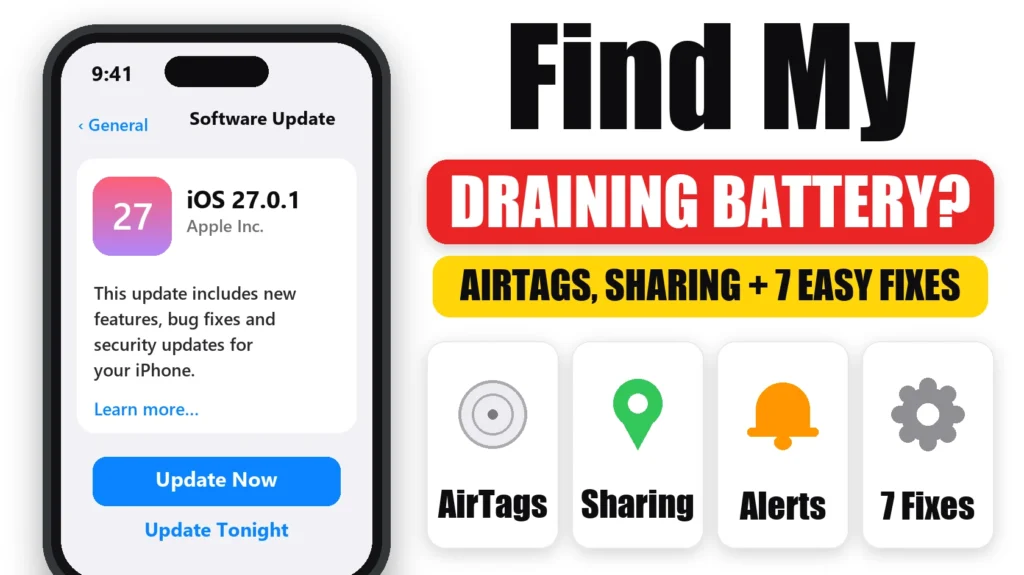
Is Find My draining your iPhone battery, sometimes showing at the top of Settings → Battery even though you rarely open it? The app itself is rarely the problem. The drain usually comes from a paired AirTag or accessory, location sharing, Left Behind alerts or the Find My map left open. Here’s how to find the real cause and 7 ways to stop Find My draining your iPhone battery, without turning off the protection it gives you.
Updated October 12, 2026 for iOS 27.
Official Apple Store on Amazon
Genuine cases, cables, and accessories — sold and shipped by Apple.
🎧 LISTEN TO THIS GUIDE
~90 sec listen
📋 Quick Summary
- A little Find My battery use is normal. Hours of Background activity is not.
- The usual triggers are AirTags and accessories, location sharing and Notify When Left Behind alerts.
- Test by removing or pausing one item at a time and checking Settings → Battery the next day.
- Don’t turn off Find My iPhone to save battery. It also turns off Activation Lock protection.
- Weak signal can make any location feature use more power.
Table of Contents
Why Find My Uses Battery
Find My keeps track of your iPhone, the people sharing their location with you, and any AirTags, AirPods or other items on your account. Doing that means using location, Bluetooth and the network in the background. So seeing Find My in your battery list with a small percentage is expected.
It becomes a problem when Find My shows hours of Background activity, or a big share of your battery overnight while your iPhone sits idle. Apple says Background Activity means most of the usage, such as tracking location, happened while the app was in the background. That points to something specific keeping it busy.
6 Causes of Find My Draining iPhone Battery
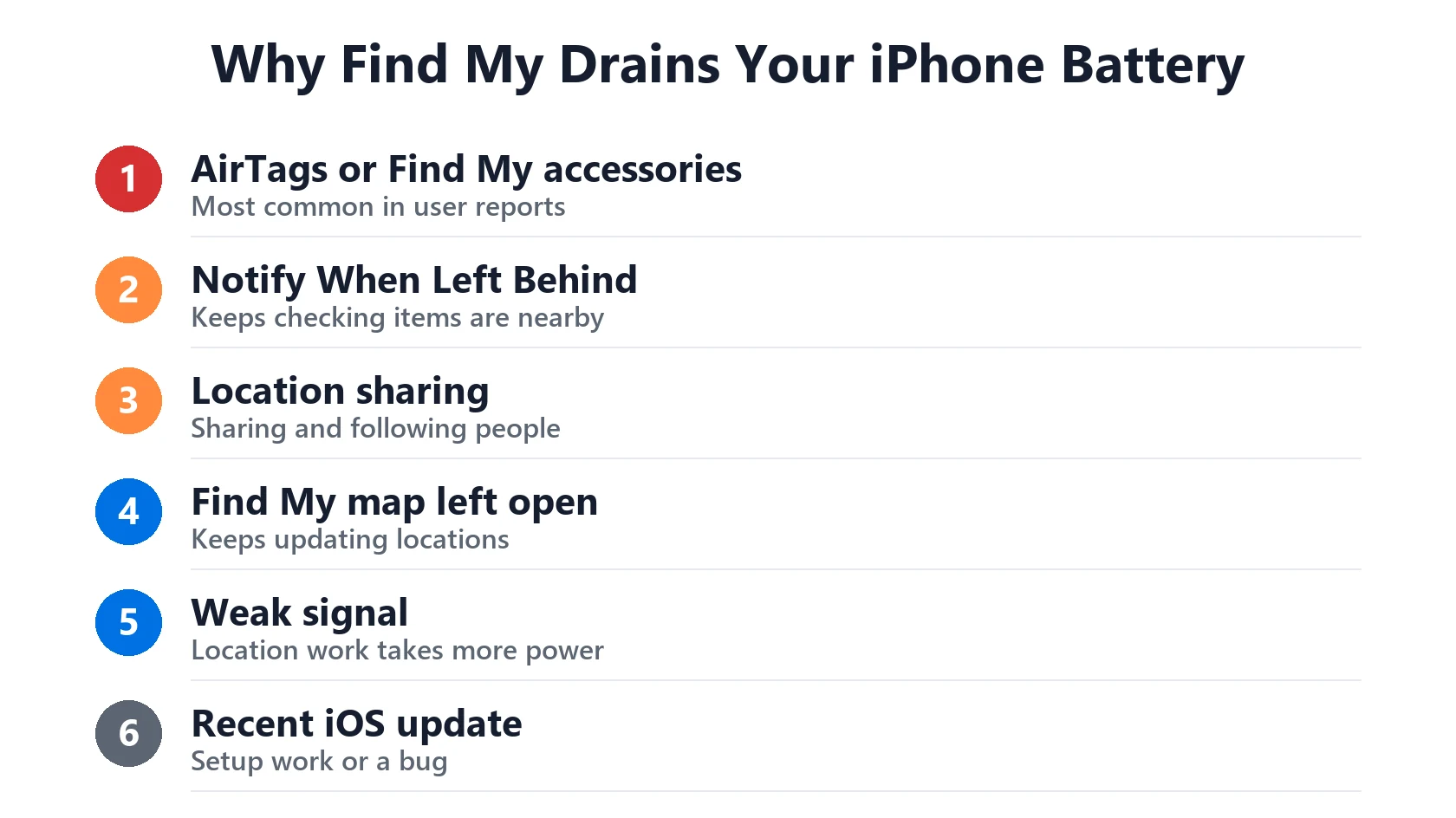
- AirTags or Find My accessories. The most common cause in user reports. Many users find the drain stops after removing one AirTag or third-party tracker from their account.
- Notify When Left Behind. Separation alerts make your iPhone keep checking whether each item or device is still nearby.
- Location sharing. Sharing your location with family or friends, and following theirs, keeps location updates running.
- The Find My map left open. Leaving Find My open on screen, or switching back to it often, keeps updating everyone’s location.
- Weak signal. Apple says a low signal environment affects battery life, and location features feel it most.
- An iOS bug after an update. Some users see Find My spike after an update, especially in the first few days. Wait a few days, then check for a newer point release.
How to Check If Find My Is Really the Problem
- Open Settings → Battery and scroll to the app list.
- Tap Find My to see Screen On and Background time.
- Tap a bar in the last 24 hours chart to see when the drain happened, for example overnight.
- If Background time is far higher than Screen On time and it repeats day after day, work through the fixes below.
Background time that shows up only for a day or two after an update is usually just setup work. See Update Finishing in Background.
How to Stop Find My Draining Your Battery: 7 Fixes
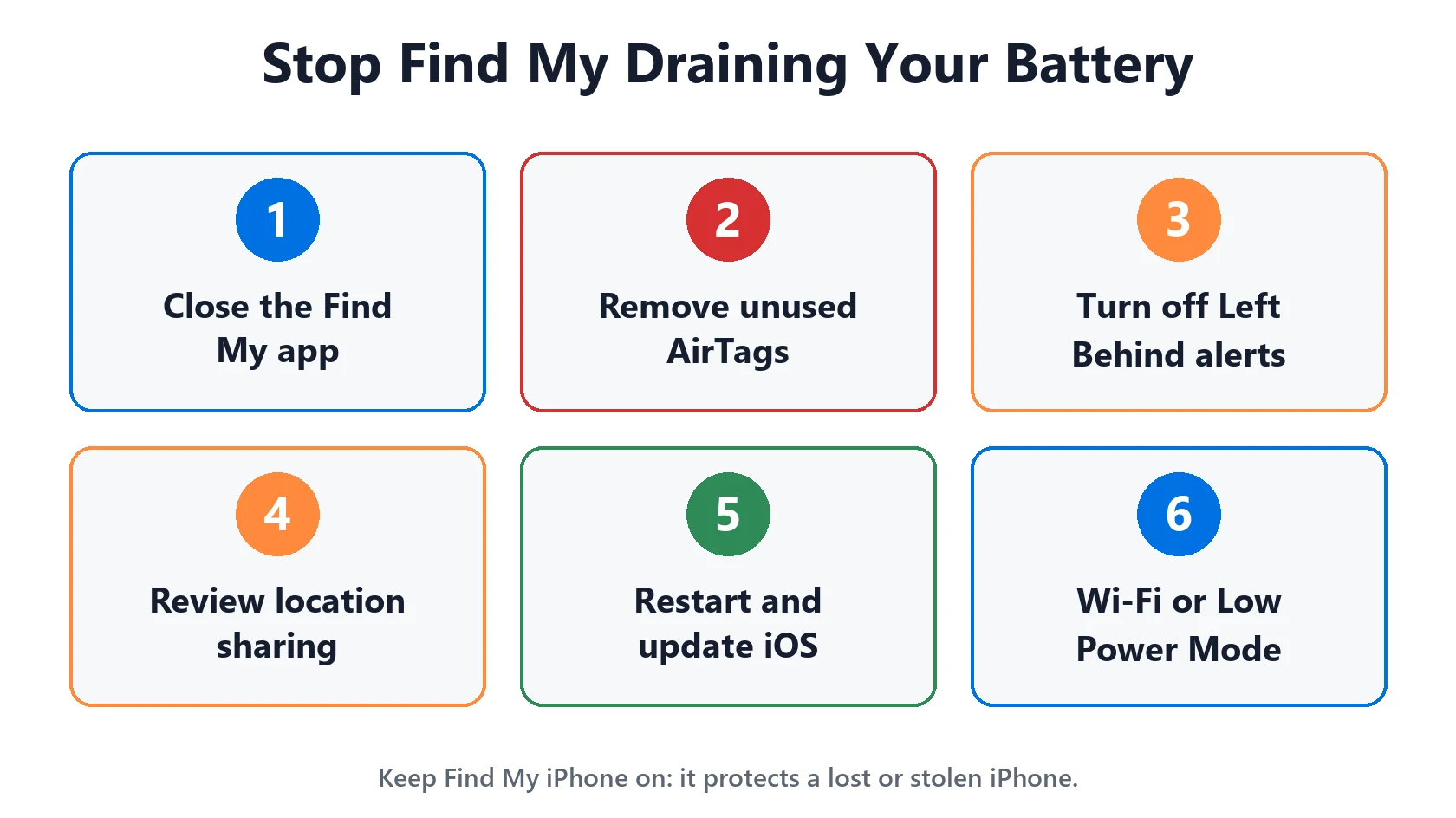
- Close the Find My app when you’re done. Swipe up from the bottom and swipe Find My away instead of leaving the map open.
- Remove AirTags and items you no longer use. In Find My, tap Items, tap the item, then tap Remove Item. Do one at a time and check Settings → Battery the next day.
- Turn off Notify When Left Behind for items that don’t need it. In Find My, tap the item or device, then tap Notify When Left Behind.
- Review location sharing. In Find My, tap People and stop sharing with anyone who doesn’t need it.
- Restart your iPhone to clear a stuck location or Bluetooth process.
- Update iOS in Settings → General → Software Update. A newer point release may fix a bug.
- Use Wi-Fi and Low Power Mode in weak signal areas. Apple says Low Power Mode reduces background activity.
Should You Turn Off Find My?
No. Find My iPhone lets you locate, lock or erase a lost or stolen iPhone, and turning it on also turns on Activation Lock, which stops someone else from using your iPhone. Turning it off to save a few percent of battery isn’t worth it.
The same goes for the Find My network, which, according to Apple, lets you find your iPhone even when it’s offline. If you want to test whether it’s involved, turn it off for one day in Settings → [your name] → Find My → Find My iPhone, then turn it back on.
Match Your Situation
| What you see | Likely cause | What to do |
|---|---|---|
| Heavy overnight drain and you own AirTags | AirTag or accessory | Remove items one at a time to test |
| Drain when you leave home | Notify When Left Behind | Turn off alerts you don’t need |
| Steady drain all day | Location sharing | Review sharing under People |
| Drain after checking the map | Find My left open | Close the app when done |
| Worse in low coverage areas | Weak signal | Use Wi-Fi or Low Power Mode |
| Started after an iOS update | Update work or bug | Wait a few days, then update iOS |
Find My isn’t the top item? See which apps actually drain iPhone battery, No Cell Coverage draining battery, or iPhone battery drains overnight. Want to check your battery itself? Use this:
Battery Health Checker
Enter your numbers below for an instant read on whether your battery is degrading normally.
How to find these numbers on your iPhone
General estimate based on typical lithium-ion degradation — not a diagnostic.
RECOMMENDED FIRST STEP
Find the item behind the drain
Find My drain usually comes from an item, a shared location or the app left open. Remove or pause one item at a time and watch Settings → Battery for a day.
See the Full Battery & Charging GuideFeatured Apple Deals on Amazon
Current discounts on AirPods, chargers, cables, and other Apple gear.
Frequently Asked Questions
Why is Find My draining my iPhone battery?
Usually because of a paired AirTag or accessory, location sharing, Notify When Left Behind alerts, or the Find My map left open. Weak signal and a recent iOS update can make it worse.
Can an AirTag drain my iPhone battery?
Many users report that removing an AirTag from their account stopped heavy Find My drain. Remove items one at a time and check Settings → Battery the next day to find the culprit.
Should I turn off Find My to save battery?
No. Find My iPhone helps you find a lost iPhone and turns on Activation Lock. Fix the cause instead, and turn settings back on after testing.
Does Find My network use a lot of battery?
It shouldn’t. It lets your iPhone be found when it’s offline. If you suspect it, turn it off for a day to test, then turn it back on.
How much battery should Find My use?
A few percent a day is normal. Hours of Background activity, or Find My at the top of the list every day, means something specific needs fixing.
Why does Find My show battery use when I never open it?
Find My works in the background to track your iPhone, items and shared locations, so it can use battery even when you don’t open it.
📚 Related Guides
Written by S M Momin Arif
Founder and lead writer at iPhoneFixDaily, covering iPhone battery and charging diagnostics based on direct hands-on testing. Read more about our approach →