
Liquid Detected in Lightning or USB-C Connector: What to Do (and Not Do)
Apple’s own steps for the liquid-detection alert: how long to wait, what not to do (rice included), and how to charge in an emergency.
Troubleshooting guides for the moment your iPhone won’t charge, charges painfully slowly, or throws an error like “This accessory may not be supported.” Covers lint-clogged charging ports, cable and adapter compatibility, overheating during charge, and the exact order to test things in so you’re not guessing — starting with the cheapest, most likely fix before assuming the worst.
Apple’s own steps for the liquid-detection alert: how long to wait, what not to do (rice included), and how to charge in an emergency.
“Charging On Hold” is a temperature safety pause, not a broken charger. What triggers it and how to resume charging faster.
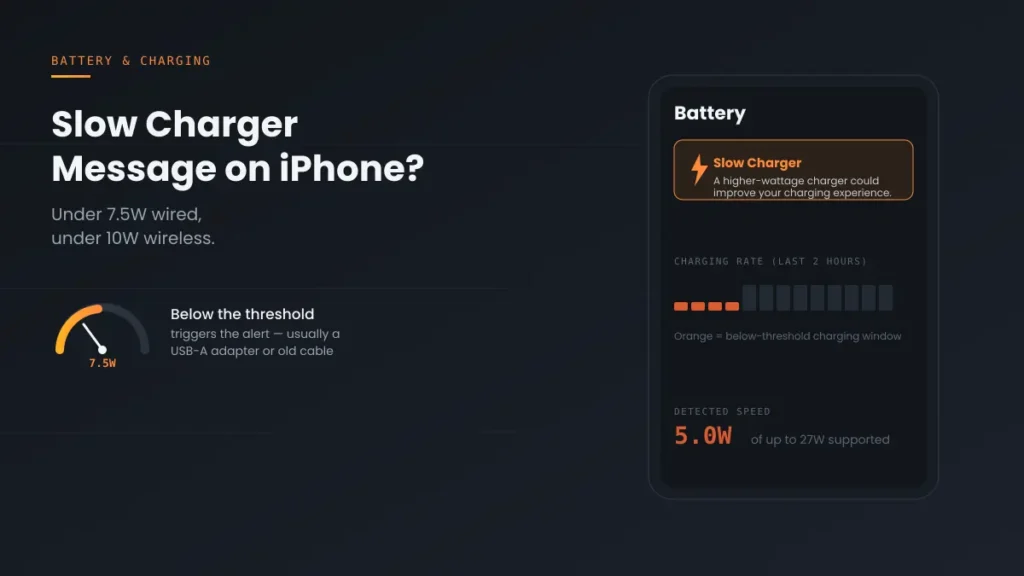
Slow Charger Message on iPhone popping up? It’s not damage — it means you’re under 7.5W wired or 10W wireless. Here’s why, and 5 real fixes.
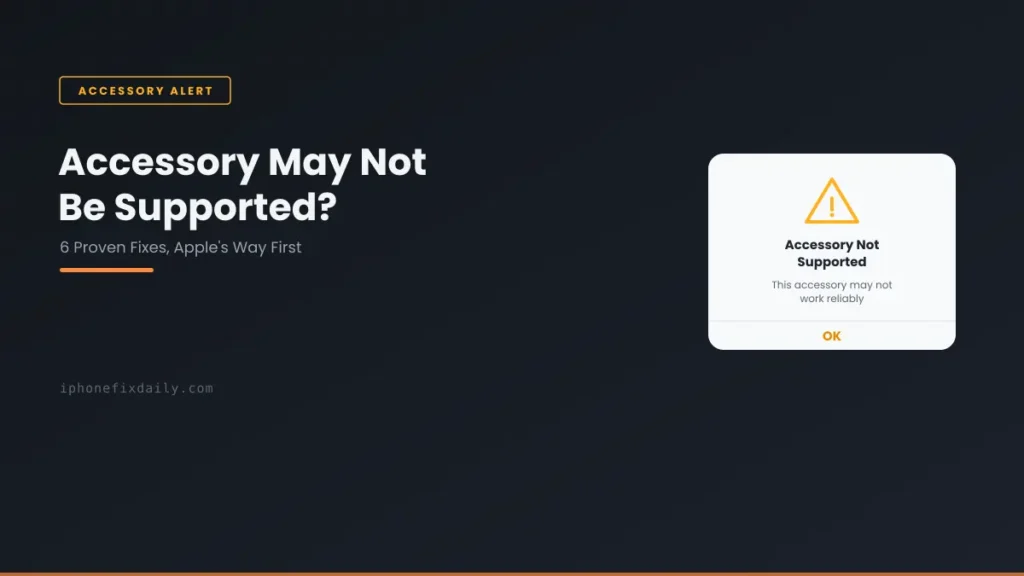
Apple has an official explanation for this alert — most guides skip it. Here’s what Apple actually says, plus 5 more real causes worth checking.
iOS 18 will actually tell you if your charger is the problem — check your Lock Screen first, then work through the other 6 real causes if it doesn’t.
Most “not charging” problems come down to a cable, an outlet, or a stuck process — not a broken phone. Work through these steps in the right order.
Lint is the #1 cause of a broken charging port — and Apple specifically advises against the fix most people reach for first. Here’s the safe method instead.