Latest status · Last checked October 10, 2026
Apple’s response: No public statement yet
iOS 27.0.1: Doesn’t list a speaker fix. Some owners say it helped, others say it didn’t
Our advice: Update, try the steps below, and contact Apple before your return window ends
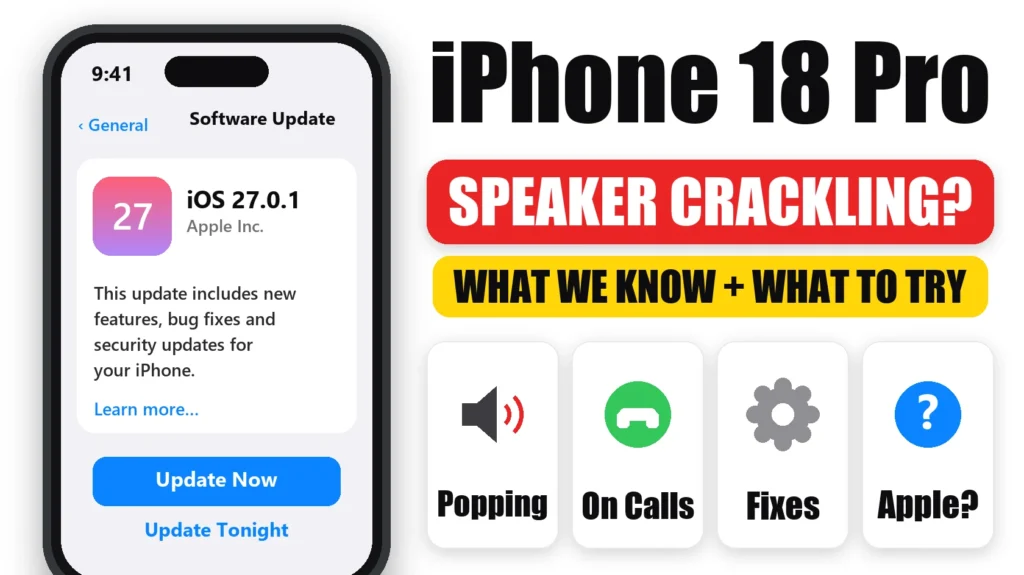
Hearing iPhone 18 Pro speaker crackling or faint popping, sometimes with no audio playing at all? You’re not the only one. Since launch, many iPhone 18 Pro and iPhone 18 Pro Max owners have reported clicks, ticks and crackles, mostly from the top earpiece speaker. Apple hasn’t said what causes it yet. Here’s what owners are reporting, what’s worth trying, and how to get it looked at while you can still return your phone.
Official Apple Store on Amazon
Genuine cases, cables, and accessories — sold and shipped by Apple.
📋 Quick Summary
- Owners report a faint tick, pop or crackle, mostly from the earpiece speaker.
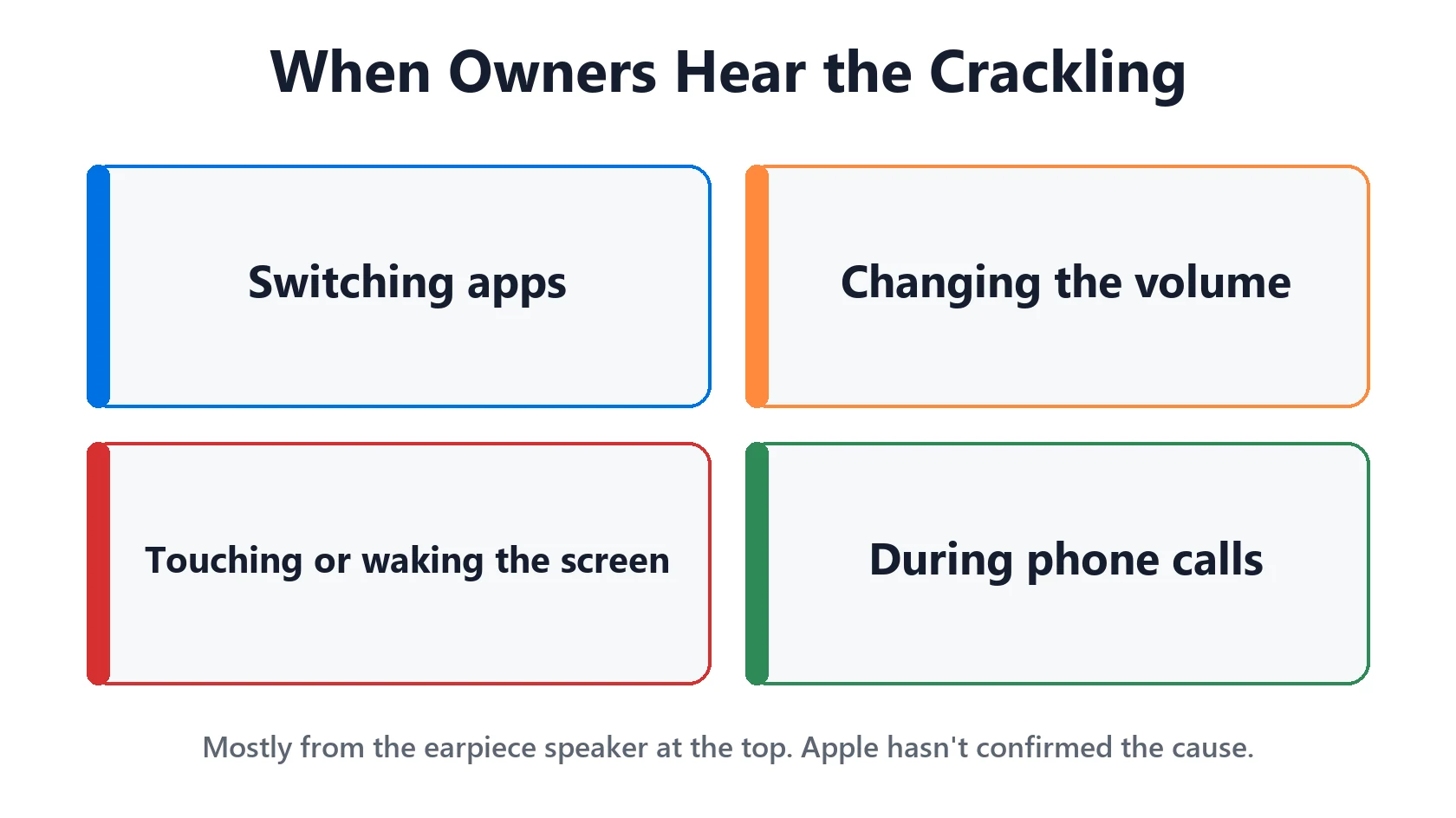
- Common triggers: switching apps, changing volume, touching the screen and phone calls.
- Apple hasn’t commented, and the cause (hardware or software) isn’t confirmed.
- Try updating, restarting, removing the case and switching Mic Mode to Standard on calls.
- Record the sound and contact Apple, ideally within your return window.
Table of Contents
What iPhone 18 Pro Owners Are Hearing
Macworld found that in one Reddit thread, at least 21 of 29 direct replies described the same problem. Owners describe:
- A faint tick or pop from the earpiece at the top of the screen.
- Crackling when switching apps, changing the volume or touching the screen, sometimes even when waking it.
- Crackling only during phone calls, for some people.
- Music at high volume sounding raspy.
Some owners say the noise became less frequent over time. Similar reports have been covered by iLounge and The Mac Observer.
Is It Hardware or Software?
Nobody knows yet. Apple hasn’t made a public statement. Because the sound often happens with no audio playing and is tied to things like app switching, some owners suspect software. Others who exchanged their phones say the replacement did the same thing, which also points away from a single faulty unit. But neither is confirmed.
iOS 27.0.1, released September 28, fixed other iPhone 18 Pro launch bugs. Its release notes don’t mention the speaker. One owner told Macworld the noise stopped completely after updating, while others still hear it.
What to Try First
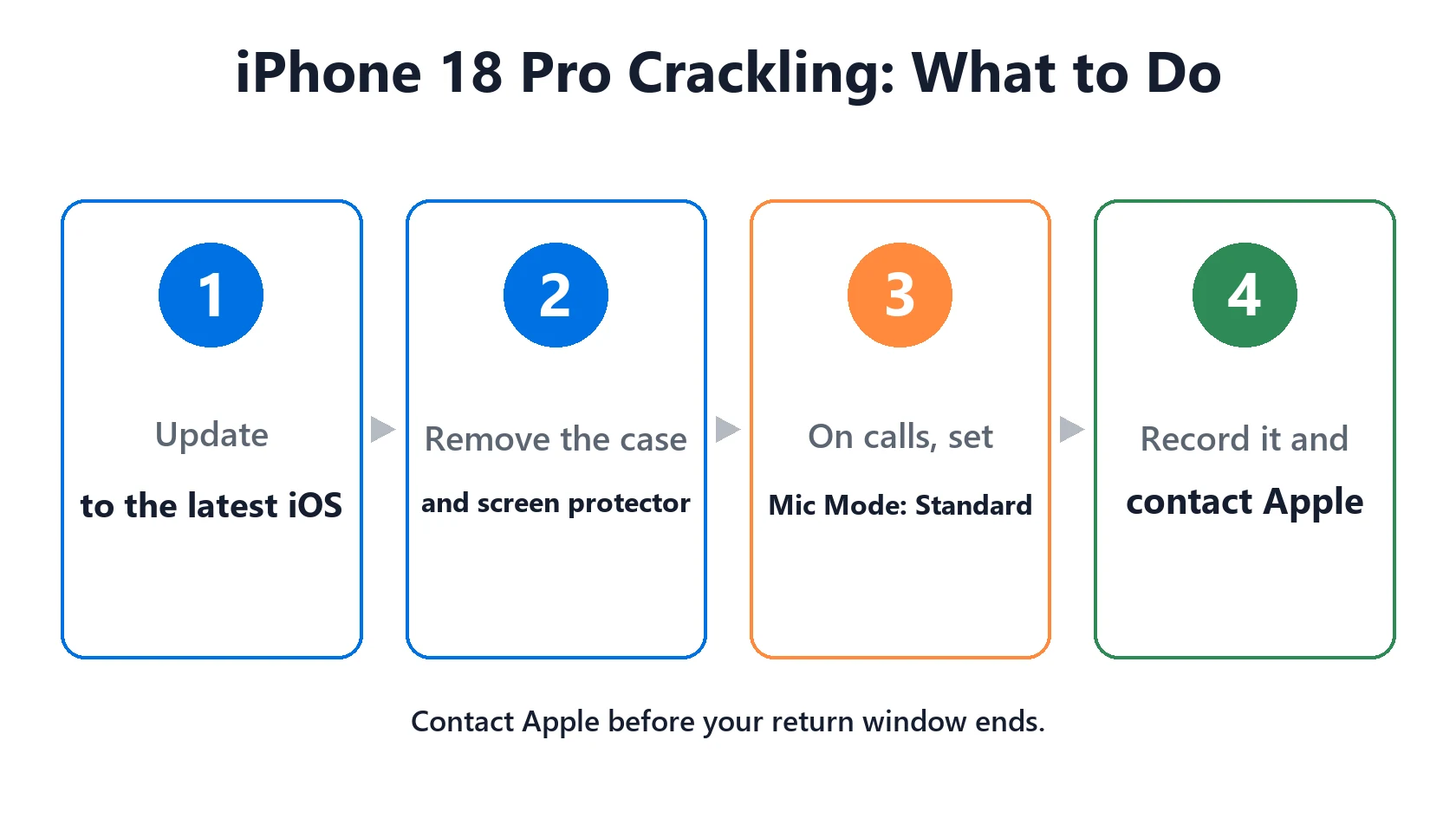
- Update to the latest iOS in Settings → General → Software Update.
- Restart your iPhone.
- Take off the case and screen protector and check nothing covers the earpiece slot at the top of the screen.
- Gently clean the speaker grilles with a soft, dry, clean brush.
- On calls, switch Mic Mode to Standard. During a call, open Control Center, tap Mic Mode and choose Standard instead of Voice Isolation. One owner reported “way less crackling” after this.
- Test with headphones. If the crackle disappears with AirPods or wired headphones, it’s coming from the speaker itself.
Record It and Contact Apple
If it keeps happening, get it on record:
- Record the sound with another phone, and note what triggers it.
- Contact Apple Support or book a Genius Bar appointment. Apple can run audio diagnostics remotely or in store.
- Watch your return window. Apple’s standard return period for most purchases is 14 days. If you’re still inside it, you can choose between an exchange and a refund.
- Your iPhone 18 Pro is under warranty for a year either way, so a repair or replacement is covered if Apple finds a fault.
Apple may fix this in a software update, but there’s no promised date. We’ll update this page if Apple comments or a fix ships. Check iOS 27 problems for every update.
What Not to Do
- Don’t push pins, needles or toothpicks into the speaker grilles.
- Don’t use compressed air or liquid cleaners on the speakers.
- Don’t install iOS betas just to try to fix it. They can add new problems.
Featured Apple Deals on Amazon
Current discounts on AirPods, chargers, cables, and other Apple gear.
Frequently Asked Questions
Why is my iPhone 18 Pro speaker crackling?
Many owners report the same crackling or popping, mostly from the earpiece. Apple hasn’t confirmed the cause. Update iOS, restart and try the steps above, then contact Apple if it continues.
Does iOS 27.0.1 fix the iPhone 18 Pro speaker crackling?
Apple’s release notes don’t mention it. A few owners say it stopped after updating, but many still hear it.
Will Apple replace my iPhone 18 Pro for speaker crackling?
Contact Apple to have it checked. It’s under the one-year warranty, and you can exchange or return it within your return window. Some owners report the replacement did the same thing.
Is the iPhone 18 Pro Max affected too?
Yes. The first widely shared report came from an iPhone 18 Pro Max owner, and both models are mentioned in reports.
Can a case cause speaker crackling?
A case or screen protector that touches the earpiece can cause buzzing. Remove both to rule it out.
📚 Related Guides
Written by S M Momin Arif
Founder and lead writer at iPhoneFixDaily, covering iPhone battery and charging diagnostics based on direct hands-on testing. Read more about our approach →