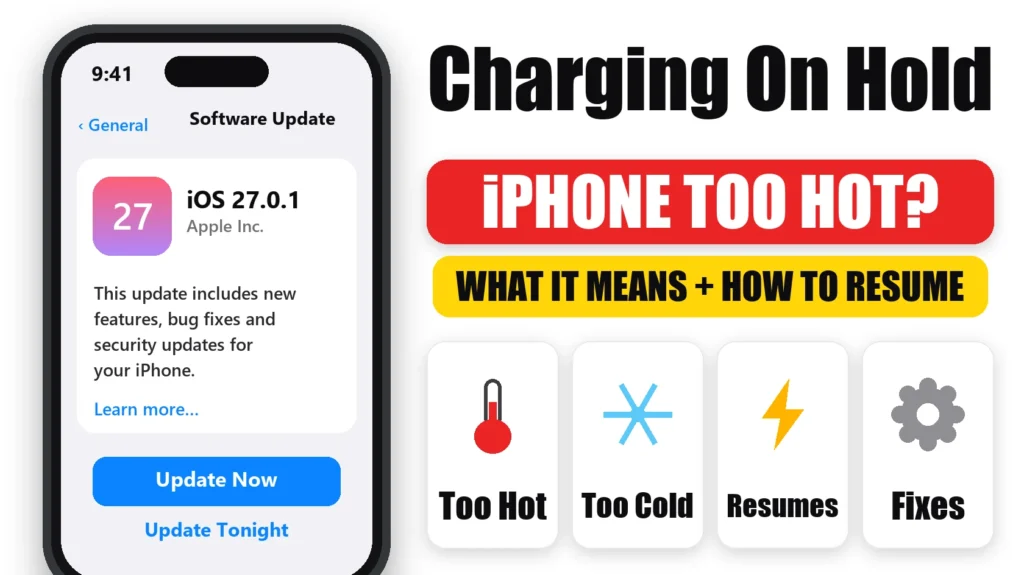
If your iPhone says “Charging On Hold. Charging will resume when iPhone returns to normal temperature,” nothing is broken. It’s a temperature safety feature Apple added in iOS 16: the phone pauses charging when it’s too hot or too cold, then resumes on its own. Here’s what Apple says triggers it, how to get charging going again fastest, and how to tell it apart from the other “why did my iPhone stop charging?” messages.
Official Apple Store on Amazon
Genuine cases, cables, and accessories — sold and shipped by Apple.
📋 Quick Summary
- “Charging On Hold” means your iPhone is too hot or too cold to charge safely. It is not a cable or port fault.
- Charging resumes automatically once the phone is back to a normal temperature.
- Fastest fix: move it somewhere cooler (or warmer), out of direct sun, and lock the screen.
- Apple designs iPhone for ambient temperatures of 0–35°C (32–95°F).
- If charging stops near 80% with no temperature message, that’s usually Optimized Battery Charging or a charge limit instead.
What “Charging On Hold” Means, According to Apple
Apple’s support article on the notification is short: on iPhone and iPad running iOS 16 / iPadOS 16 or later, the device temporarily stops charging when it gets too hot or too cold. The message shows on the Lock Screen, and you can also see it in Settings → Battery.
The key word is temporarily. Your iPhone is protecting the battery, and it will start charging again without you doing anything once the temperature is back in range. What you can do is speed that up.
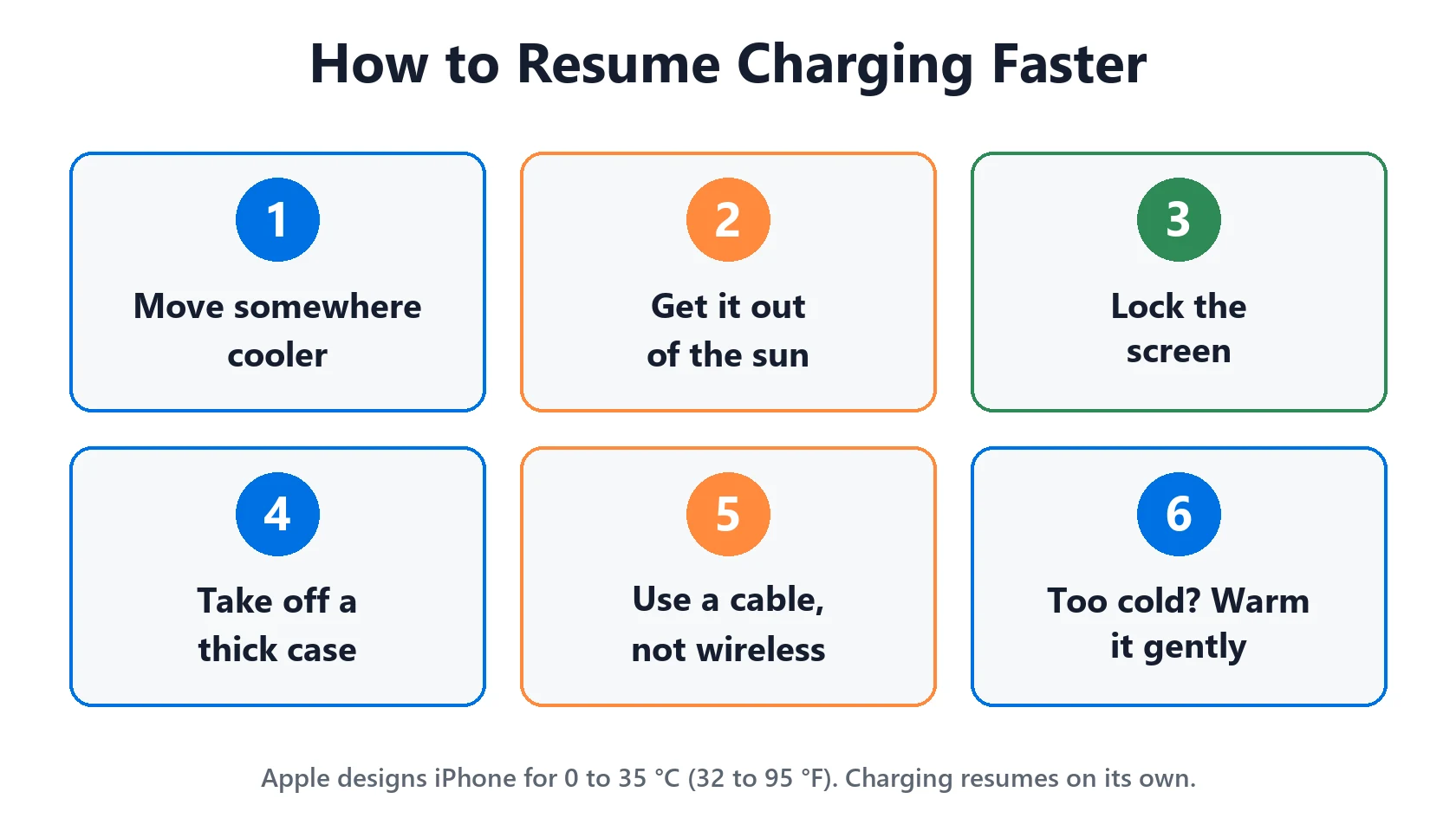
How to Resume Charging Faster
- If it’s hot: move the iPhone to a cooler place, out of direct sunlight. A windowsill, a car dashboard or a pillow all trap heat.
- If it’s cold: move it somewhere warmer, like indoors or an inside pocket. Let it warm up gradually rather than putting it on a heater.
- Stop using it: lock the screen. Apple specifically recommends this, because gaming, navigation or video while charging adds heat on top of charging heat.
- Take off a thick case while it cools. It’s not in Apple’s list, but a case holds heat against the back of the phone.
- On a wireless charger? Try a cable instead for this charge. Apple lists wireless charging as one of the activities that can make an iPhone warmer.
What Makes an iPhone Hot Enough to Pause Charging
Apple’s temperature guidelines say iPhone is designed for ambient temperatures between 0°C and 35°C (32°F to 95°F). Apple lists these as activities that can make it warmer than usual:
- Setting up a new iPhone or restoring from a backup
- Installing a software update (background update tasks can keep it warm for a while afterwards)
- Wireless charging
- Graphics-intensive games or apps, and augmented reality
- Long camera sessions and streaming high-quality video
Combine two of those with a warm room or a sunny car and “Charging On Hold” is expected behaviour. The most common real-world pattern is charging on a car mount in the sun while using navigation. The phone is charging, running GPS and sitting in direct sunlight all at once.
“Charging On Hold” vs Other Charging Messages
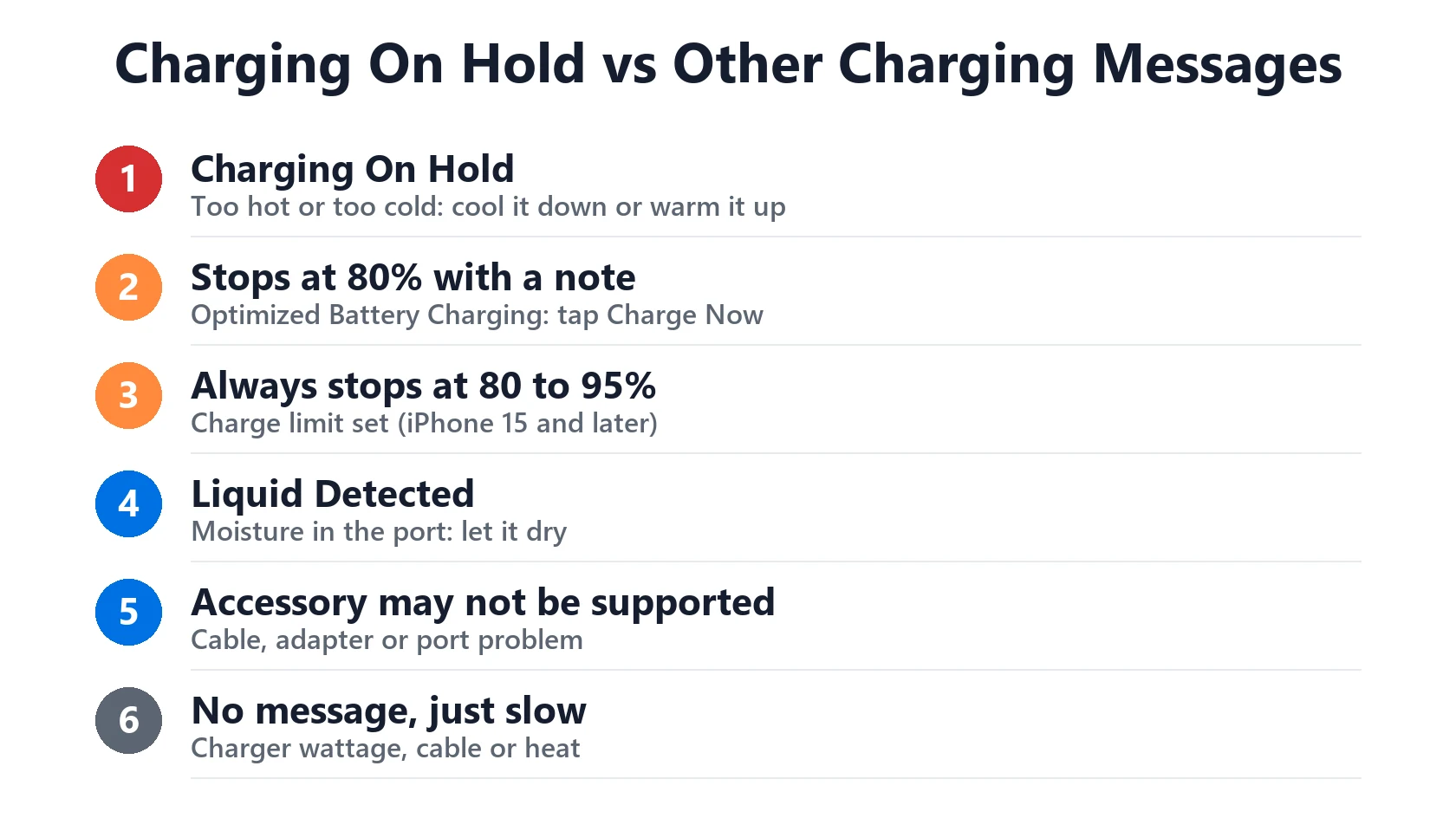
Several different things can stop an iPhone from charging, and they need different fixes. Match what you’re seeing:
| What you see | What it means | What to do |
|---|---|---|
| “Charging On Hold… returns to normal temperature” | Too hot or too cold | Cool it down or warm it up; lock the screen |
| Stops at 80% with a “will charge to 100% by…” note on the Lock Screen | Optimized Battery Charging | Touch and hold the notification, tap Charge Now |
| Always stops at 80/85/90/95% (iPhone 15 and later) | A charge limit is set | Settings → Battery → Charging, raise the limit |
| “Liquid Detected” or “Charging not available” | Moisture in the port | See our liquid detected guide |
| “Accessory may not be supported” | Cable, adapter or port problem | See our accessory not supported guide |
| No message, just very slow charging | Charger wattage, cable or heat | See iPhone charging slowly |
When “Charging On Hold” Is a Sign of Something Else
Seeing the message now and then on a hot day is normal. It’s worth looking closer if:
- It happens in a normal-temperature room while the phone is idle. Check Settings → Battery for an app with unusually high background activity. A runaway app can keep the phone warm. Our guide to which apps actually drain battery shows how to read that screen.
- It started right after an iOS update. Give it a day or two. Indexing and background tasks after an update commonly run warm, then settle down.
- The phone gets hot quickly on every charger. Check your battery health in Settings → Battery → Battery Health. Our Battery Health Checker explains what the percentage means. If the phone is hot to the touch even when unplugged, stop charging it and have it inspected.
Featured Apple Deals on Amazon
Current discounts on AirPods, chargers, cables, and other Apple gear.
Frequently Asked Questions
Can I turn off “Charging On Hold”?
No. It’s a battery-protection behaviour, not a setting. The only way to avoid it is to keep the phone within its normal temperature range while charging.
Does “Charging On Hold” damage my battery?
The pause itself protects the battery. Charging at high temperatures is what wears batteries faster, and that’s what the feature is stopping.
How long does it take to resume?
It depends on how far out of range the phone is. Apple doesn’t give a time. In practice, moving a warm phone out of the sun and locking the screen usually gets charging going again once it has cooled.
Why does it happen in the car?
Parked cars get far hotter than the air outside. Apple warns that parked-car temperatures can exceed even the iPhone’s storage range of -20°C to 45°C (-4°F to 113°F). Charging, navigation and sunlight on a dashboard mount stack up quickly.
For the bigger picture on charging and battery problems, start from our iPhone battery and charging problems hub.