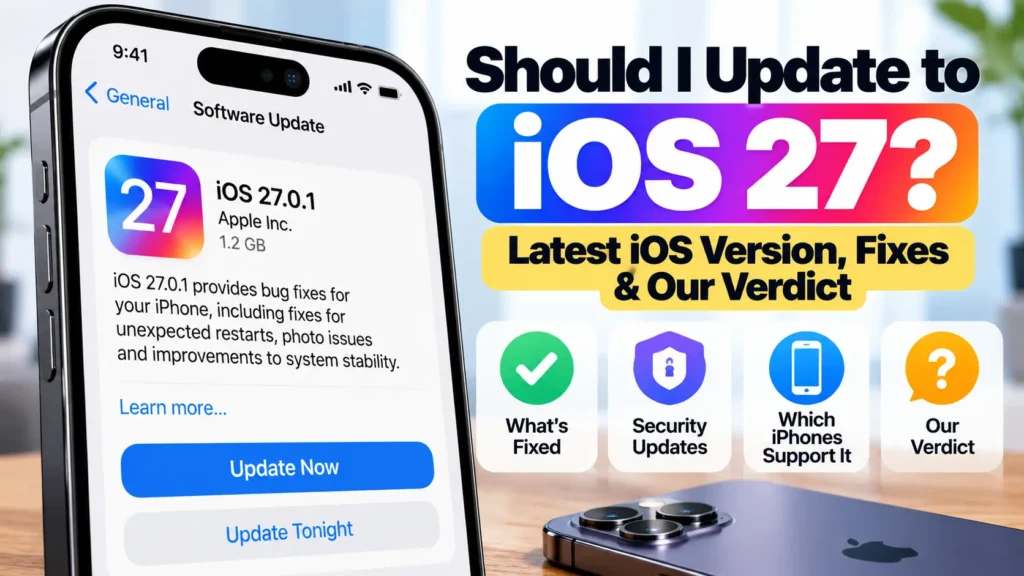
Should I update to iOS 27? This page tracks the latest iOS version, what Apple has fixed, and our verdict for each situation. We check it against Apple’s own release notes and security pages every time Apple ships an update.
Official Apple Store on Amazon
Genuine cases, cables, and accessories — sold and shipped by Apple.
iOS Update Status · Last checked October 9, 2026
Latest version: iOS 27.0.1
| Latest iOS 27 | iOS 27.0.1 · released Sep 28, 2026 |
| Latest for iPhones staying on iOS 26 | iOS 26.7.1 · released Sep 28, 2026 |
| Next update | iOS 27.2 · expected late October |
| Works on | iPhone 11 and later |
| Our verdict | Update — to 27.0.1, or to 26.7.1 if you’re waiting |
Should I Update to iOS 27? Our Verdict by Situation
| Your situation | Our advice | Why |
|---|---|---|
| iPhone 18 Pro or 18 Pro Max | Update to iOS 27.0.1 now | Apple says it fixes unexpected restarts when Face ID fails to authenticate on these models |
| Already on iOS 27.0 | Update to iOS 27.0.1 | Bug-fix release on top of what you already run; low risk |
| On iOS 26 and not ready for iOS 27 | Install iOS 26.7.1 now | Apple says it fixes a flaw that may have been exploited in attacks (details below) |
| On iOS 26 and ready to move up | Fine to update to iOS 27.0.1. Back up first. | First bug-fix release is out; expect a few days of extra battery use after installing |
| You rely on a specific work, banking or accessory app | Stay on iOS 26.7.1 until that app confirms iOS 27 support | App compatibility, not iOS itself, is the usual cause of post-update breakage |
| iPhone XS, XR or older | You can’t get iOS 27 | Apple lists iOS 27 for iPhone 11 and later. Check your model with our iOS compatibility checker |
What iOS 27.0.1 Fixes
Apple released iOS 27.0.1 on September 28, 2026, two weeks after iOS 27. Per Apple’s iOS 27 update notes, it “provides bug fixes for your iPhone, including fixes for the following issues”:
- iPhone 18 Pro and iPhone 18 Pro Max may unexpectedly restart when Face ID fails to authenticate
- A color artifact may appear on photos captured at 2x under certain lighting conditions at f/1.48 on a small number of iPhone 18 Pro and iPhone 18 Pro Max devices
- Opening Notification Center and Control Center simultaneously may cause the touchscreen to become unresponsive
Apple lists iOS 27.0.1 on its security releases page for iPhone 11 and later.
Staying on iOS 26? Install iOS 26.7.1
You don’t have to move to iOS 27 yet. Apple is still releasing iOS 26 updates alongside it. But don’t skip iOS 26.7.1. Apple’s security notes for iOS 26.7.1 describe an out-of-bounds write issue in CoreGraphics, where processing a maliciously crafted file could lead to code execution. Apple says it “is aware of a report that this issue may have been exploited in an extremely sophisticated attack against specific targeted individuals on versions of iOS before iOS 27.”
Most people aren’t targets of attacks like that, but when Apple says a flaw may have been exploited, the update is worth installing promptly. Go to Settings → General → Software Update. The iOS 26 update and the upgrade to iOS 27 appear as separate options there (see Apple’s update guide), so you can install the security fix without moving to iOS 27.
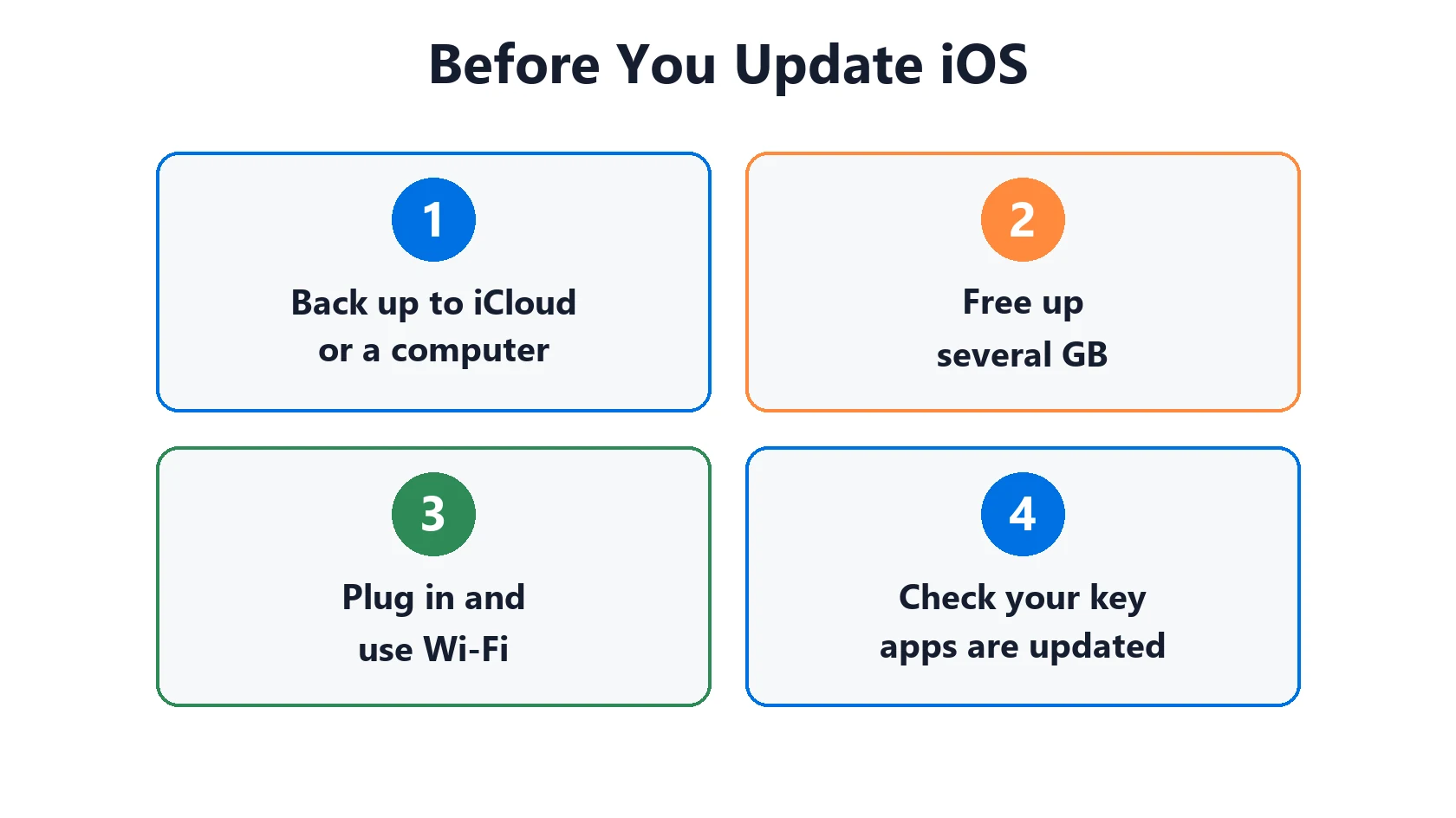
Before You Update to iOS 27
- Back up to iCloud or a computer.
- Free up space. A major update needs several GB free.
- Plug in and use Wi-Fi.
- Check your must-have apps have been updated recently in the App Store.
Our free iOS update prep checklist walks through each step. If the update won’t download or install, see iPhone won’t update.
What to Expect After Updating
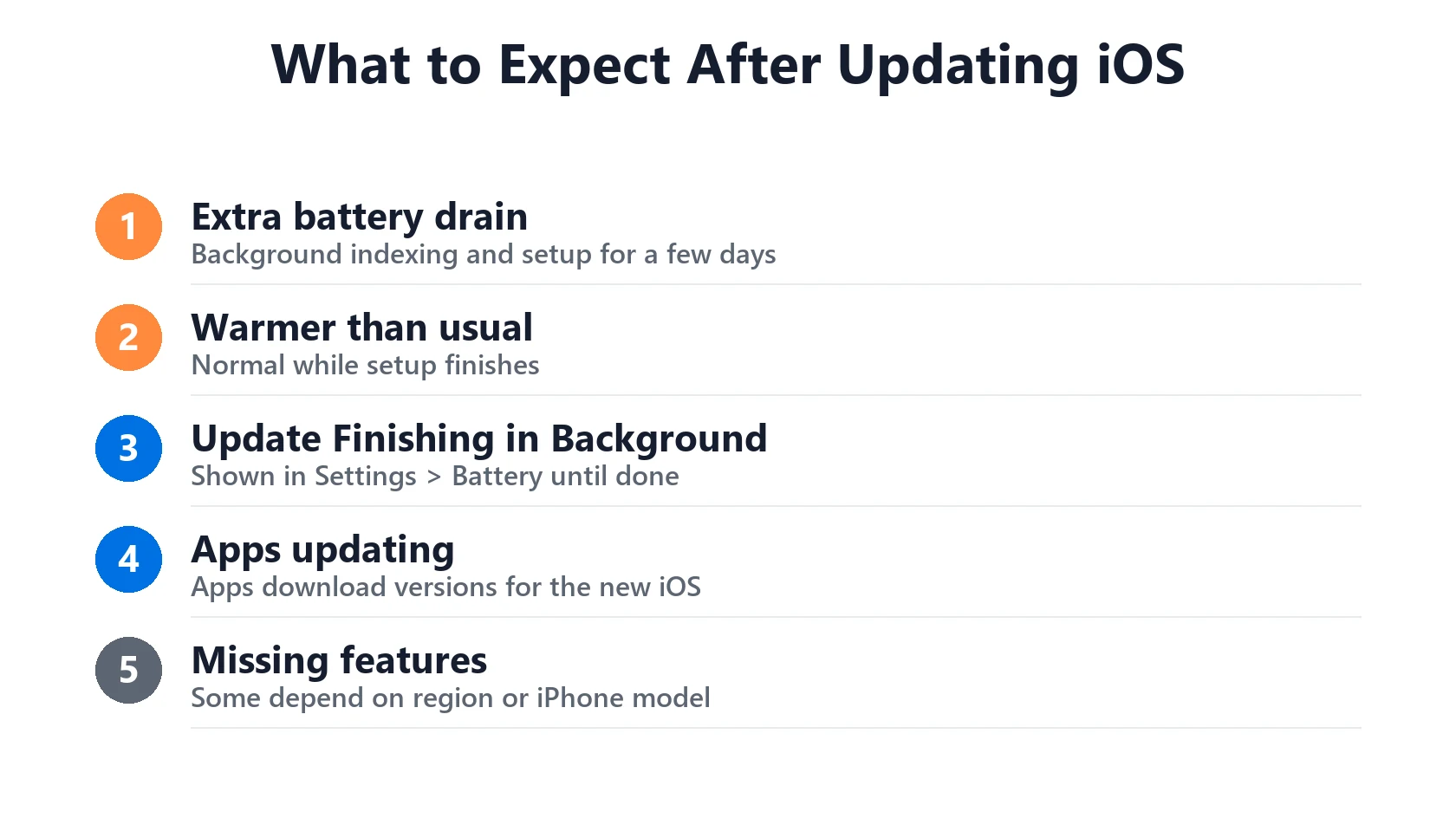
After any major iOS update, your iPhone does a lot of background work: re-indexing photos and search, downloading assets and optimizing apps. For the first few days it’s normal for it to run warmer and use more battery than usual. Leave it charging overnight a couple of times and it usually settles down.
- Battery worse than before? iOS 27 battery drain: causes and fixes
- “Update finishing in background” in Settings → Battery? What that means
- iPhone running hot while charging? Charging On Hold explained
- Everything feels slow? iPhone running slow guide
Apple also notes that “some features may not be available in all regions or on all iPhone models,” so a missing iOS 27 feature doesn’t necessarily mean the update failed.
iOS Release History
Recent iPhone releases, from Apple’s security releases list:
| Version | Released | For | Notes |
|---|---|---|---|
| iOS 27.0.1 | Sep 28, 2026 | iPhone 11 and later | Bug fixes incl. iPhone 18 Pro Face ID restarts |
| iOS 26.7.1 | Sep 28, 2026 | iPhone 11 and later (staying on iOS 26) | Security fix for a possibly exploited CoreGraphics flaw |
| iOS 27 | Sep 14, 2026 | iPhone 11 and later | Major annual release |
| iOS 26.7 | Sep 14, 2026 | iPhone 11 and later | Update for those staying on iOS 26 |
What’s next: iOS 27.2 is in beta and expected in late October for every iPhone that runs iOS 27. iOS 27.1 is only for the new iPhone Duo. See our iOS 27.2 release date and features guide.
Featured Apple Deals on Amazon
Current discounts on AirPods, chargers, cables, and other Apple gear.
Frequently Asked Questions
What is the latest iOS version?
iOS 27.0.1, released September 28, 2026. For iPhones staying on iOS 26, the latest is iOS 26.7.1, released the same day.
Is iOS 27 safe to install?
Yes. It’s Apple’s official release with a bug-fix update already out. “Safe” and “trouble-free” aren’t the same thing, though. If an app you depend on hasn’t confirmed iOS 27 support, staying on iOS 26.7.1 for now is a reasonable choice.
Can I go back to iOS 26 after updating?
Usually not. Apple stops approving (signing) older versions shortly after a new release, so downgrading is generally not possible. Treat updating as one-way and back up first.
Which iPhones can’t get iOS 27?
Apple lists iOS 27 for iPhone 11 and later, so iPhone XS, XS Max, XR and older can’t install it. Use our iOS compatibility checker to see the newest version your model supports.
How often is this page updated?
Whenever Apple releases an iOS update. The “last checked” date in the status box shows when we last verified it against Apple’s pages.