Latest status · Last checked November 16, 2026
Latest version: iOS 27.2.1 (released November 9, 2026), a bug-fix and security update
Works on: iPhone 11 and later, including iPhone Duo
Still to come: The redesigned Health app, now in the iOS 27.3 beta
Our advice: Install iOS 27.2.1, which includes everything in 27.2. Back up first
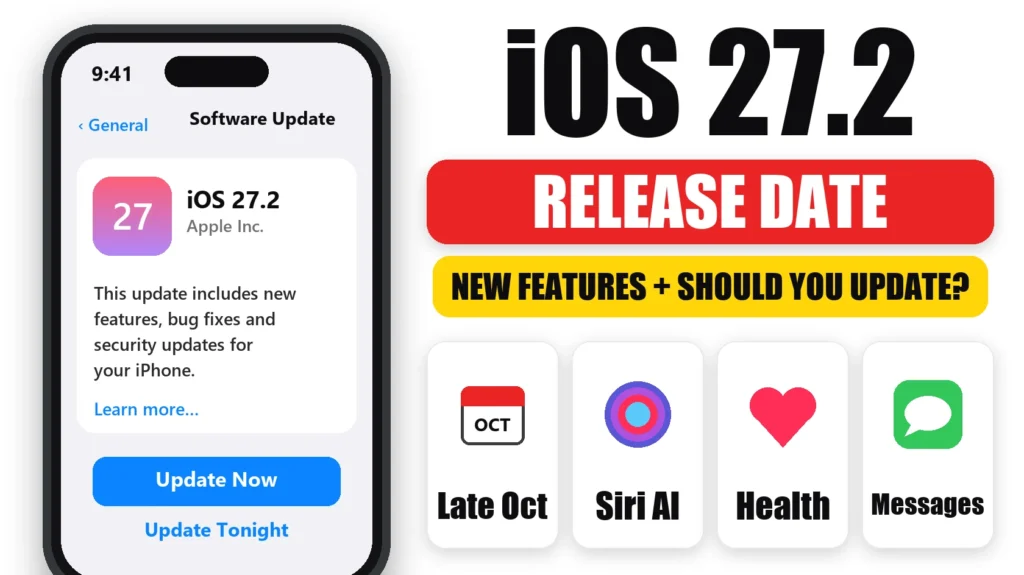
iOS 27.2 is Apple’s October 26, 2026 update, available on iPhone 11 and every newer model, including iPhone Duo. It adds Siri AI in five more languages, Siri memory of past conversations, Suggestions in Messages and dozens of security fixes, but not the redesigned Health app, which Apple pulled before release. Should you update? Yes. Install iOS 27.2.1 (November 9), which includes everything in 27.2 plus more security fixes. Below is every new feature, what 27.2 fixes and how to update.
Table of Contents
When Did iOS 27.2 Come Out?
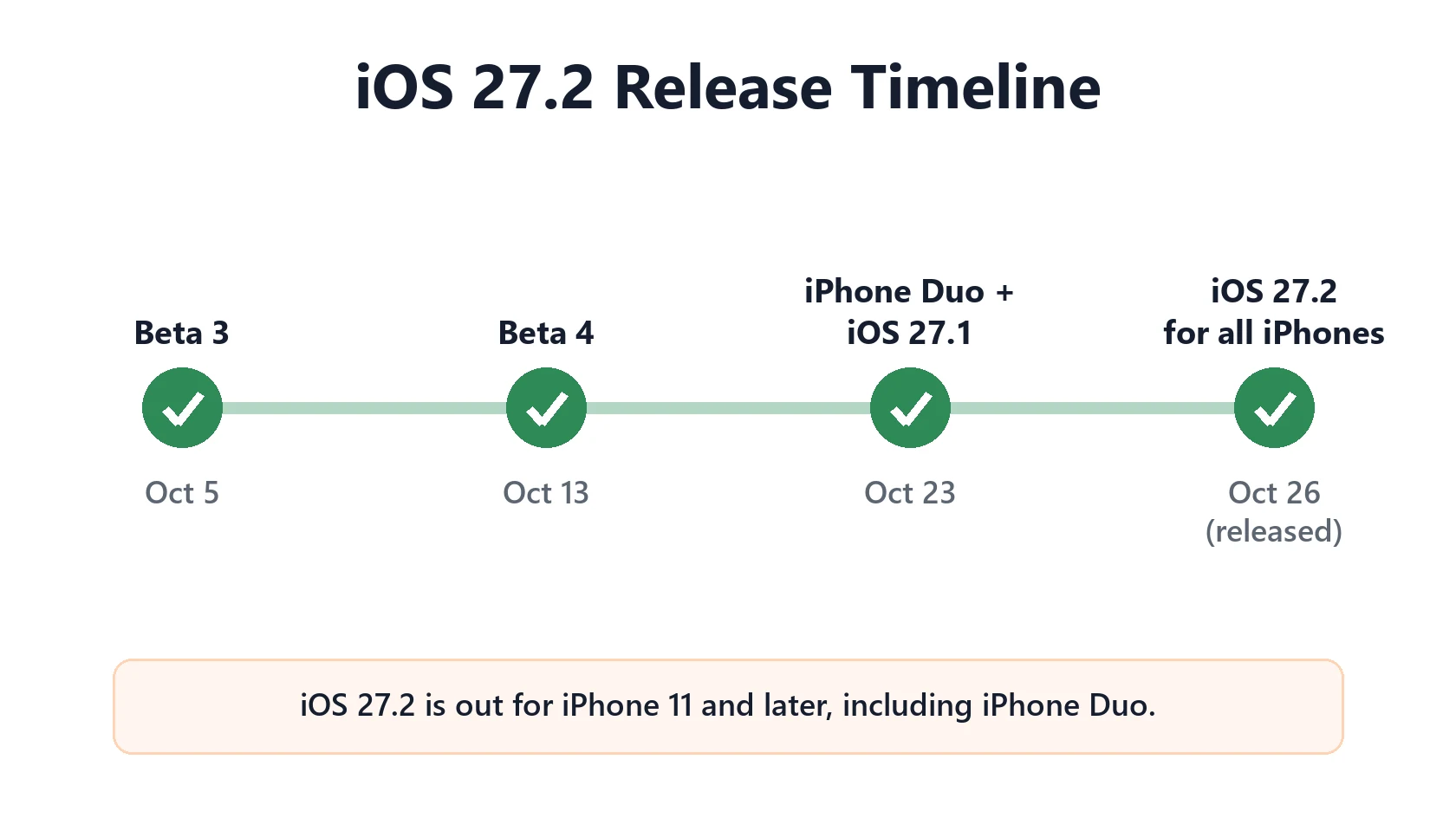
Apple released iOS 27.2 on Monday, October 26, 2026, after four developer betas. That’s three days after iPhone Duo went on sale with iOS 27.1. Apple lists the release on its security releases page, and MacRumors and 9to5Mac published Apple’s release notes the same day.
iOS 27.2 New Features
These are the features in Apple’s iOS 27.2 release notes. You’ll need an iPhone 15 Pro or 15 Pro Max, or any iPhone 16 or later, for the Siri AI features.
Siri AI
- Remembers past conversations, so you can ask about something Siri told you before.
- Draws on more sources, including photos in Messages, Calendar attendees, voicemails, and Safari history and Reading List.
- Excluded Apps lets you choose, in one setting, which apps Siri, Search and suggestions can access.
- Select part of a reply and copy just the text you need.
- Five more languages: French, Japanese, Korean, Portuguese and Spanish. Siri AI still isn’t available in the EU or mainland China. If it isn’t showing, see Siri AI not working or not showing.
Messages, Photos and FaceTime
- Suggestions in Messages help you act on a conversation, like adding a Calendar invite for a dinner.
- Shared Albums let you edit captions and comments, avoid duplicate photos, and get a reminder before an album expires.
- SynthID watermark support helps show whether an image was made or changed with generative tools.
- FaceTime lets you add a third-party sign language interpreter or live captioner to a call.
Apps
- Podcasts: the Home tab splits into New Episodes and Continue Playing.
- Apple TV: Simple Profiles give everyone in your household their own recommendations.
- Games: the Friends tab explains friend suggestions and shows recent games.
9to5Mac also points out changes Apple’s notes don’t list, including Dual Capture in Group FaceTime and a refreshed Apple Music look. On iPhone Duo, iOS 27.2 adds support for the USB-C Apple Pencil.
What’s Missing: The New Health App
The redesigned Health app was in early iOS 27.2 betas, but Apple removed it before release. 9to5Mac reports that it’s still planned for later this year, most likely in a future update. If you’re waiting for it, iOS 27.2 won’t change your Health app.
What iOS 27.2 Fixes
Apple’s release notes don’t list specific bug fixes, and they don’t mention battery life. The main fixes are for security. Apple’s iOS 27.2 security content page lists dozens of fixed vulnerabilities across the system, including the kernel, WebKit (Safari) and image handling. That’s the best reason to install it, even if you don’t care about the new features.
If you’re staying on iOS 26, Apple released iOS 26.7.2 the same day with security fixes. Our iOS 27 problems page tracks which bugs are still being reported.
iOS 27.2 vs iOS 27.1
Apple broke its usual order this time. iOS 27.1 came only on iPhone Duo, which launched on October 23. All other models skipped from 27.0.1 to 27.2, and Duo owners can install 27.2 as well. If you never saw iOS 27.1, see why iOS 27.1 isn’t showing.
Should You Update to iOS 27.2?
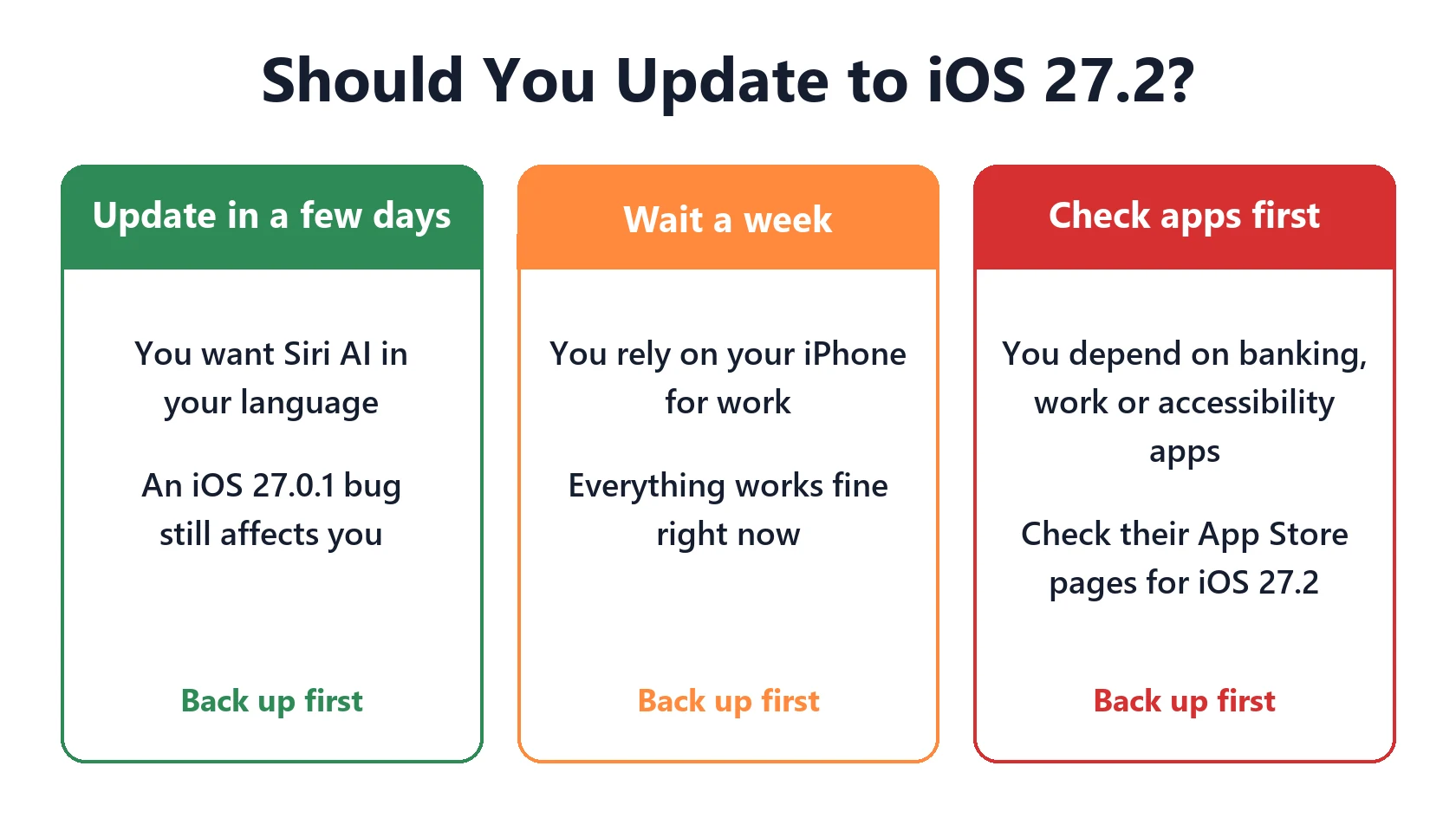
Yes for most people, and go straight to iOS 27.2.1. Here’s how to decide:
Most people: update now
Three weeks after release, Apple hasn’t confirmed any widespread iOS 27.2 bug, and iOS 27.2.1 adds security fixes on top. Our iOS 27.2 problems tracker lists what owners still report.
Wait a few days if you depend on one app or accessory
Check the developer’s App Store page or support site for iOS 27.2 notes first. Banking, work and accessibility apps matter most.
Treat the update as one-way
Apple stops signing older versions soon after a release, so you can’t count on going back to iOS 27.0.1.
See should I update iOS for our verdict by situation.
How to Update to iOS 27.2
- Back up to iCloud or a computer.
- Free up storage. See iPhone storage full if the update says there isn’t enough space.
- Charge to 50% or more, or stay plugged in.
- Update your apps in the App Store first.
- Go to Settings → General → Software Update and tap Update Now.
Software Update now offers iOS 27.2.1, which already includes everything in iOS 27.2, so you don’t need to install 27.2 first. If the download gets stuck, see iPhone won’t update.
iOS 27.3 is next. Its public beta arrived on November 5 and brings back the Health app redesign. See what’s new in the iOS 27.3 beta.
Before you start, you can confirm your model supports iOS 27 with our iOS compatibility checker.
Frequently Asked Questions
When was iOS 27.2 released?
On Monday, October 26, 2026.
What’s new in iOS 27.2?
The headline additions are Siri AI in five more languages, Siri remembering earlier chats, Suggestions in Messages and Excluded Apps, plus changes to Shared Albums and Apple TV profiles.
Does iOS 27.2 include the new Health app?
No. Apple removed it before release, and it’s back in testing in the iOS 27.3 beta.
Should I install iOS 27.2 or iOS 27.2.1?
iOS 27.2.1. It contains everything in 27.2 and adds security fixes, and Software Update offers it directly.
Which iPhones can get iOS 27.2?
iPhone 11 and later, including iPhone Duo.
Why didn’t my iPhone get iOS 27.1?
iOS 27.1 was only for iPhone Duo. Other iPhones went straight to iOS 27.2.
Will iOS 27.2 drain my battery?
Some extra drain for a few days is normal after any update. See iOS 27.2 battery drain for what’s normal and how to fix it. For other bugs, see iOS 27.2 problems.
📚 Related Guides
- iOS 27.2.1 Is Out: What It Fixes
- iOS 27.3 Beta: What’s New
- iOS 27.2 Problems: Every Bug Reported So Far + Fixes
- iOS 27.2 Battery Drain: What’s Normal and 7 Fixes
- iOS 27 Problems: Known Bugs
- Should I Update iOS? Our Verdict
- iOS 27.1 Not Showing on Your iPhone?
- iPhone Won’t Update? Fixes for Stuck Downloads
- iPhone Apps Crashing or Closing? Apple’s Fixes in Order
- iPhone Keyboard Lag After iOS 27 Update? 9 Easy Fixes
Written by S M Momin Arif
Founder and lead writer at iPhoneFixDaily, writing practical iPhone troubleshooting guides checked against Apple’s official support documentation. Read more about our approach →