
Latest status · Last checked November 10, 2026
Latest for every iOS 27 iPhone: iOS 27.2.1 (released November 9, 2026)
iOS 27.1: iPhone Duo only (October 23, 2026)
Staying on iOS 26: iOS 26.7.3 (November 9)
Next: iOS 27.3, in beta now and expected in December
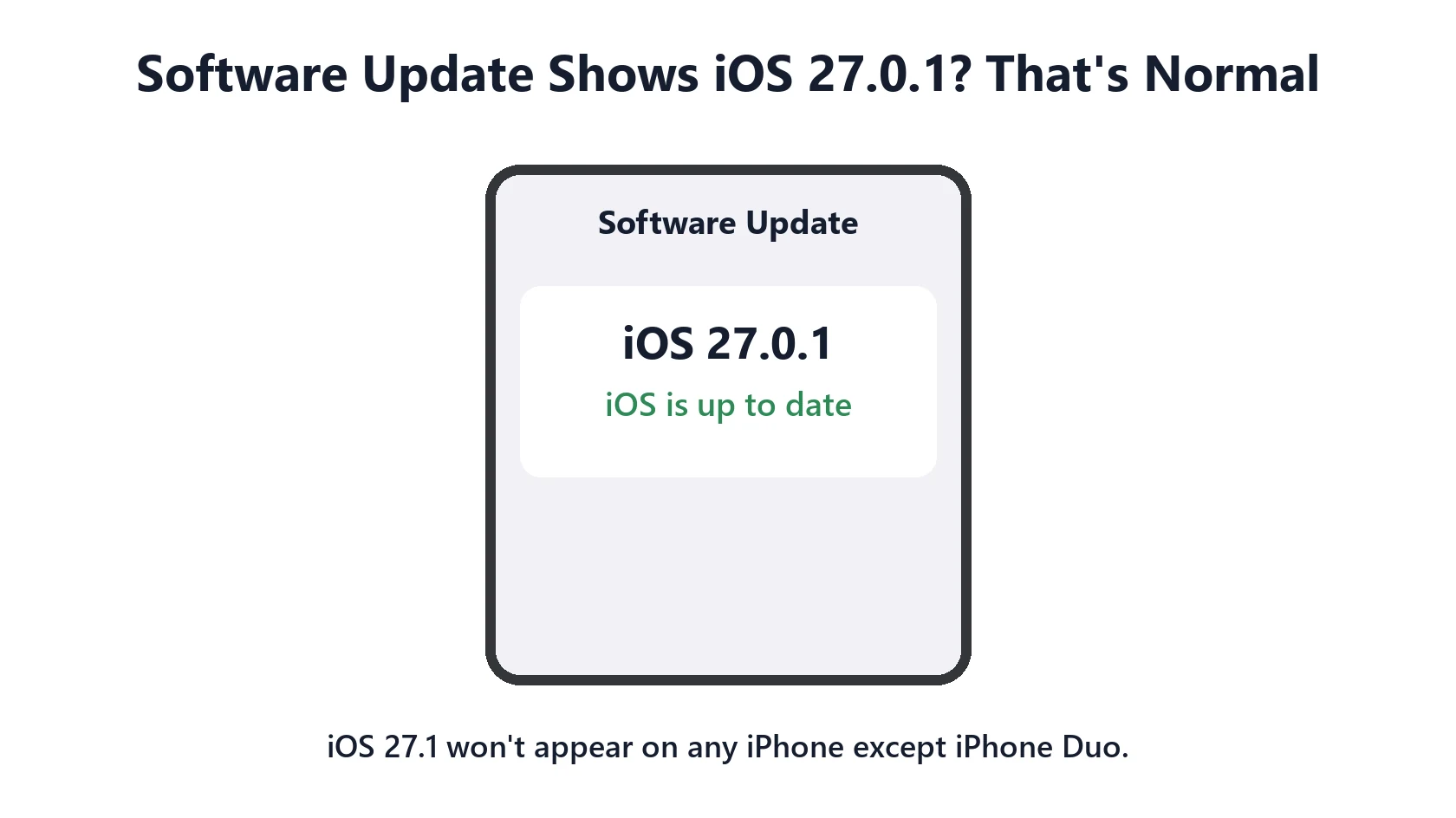
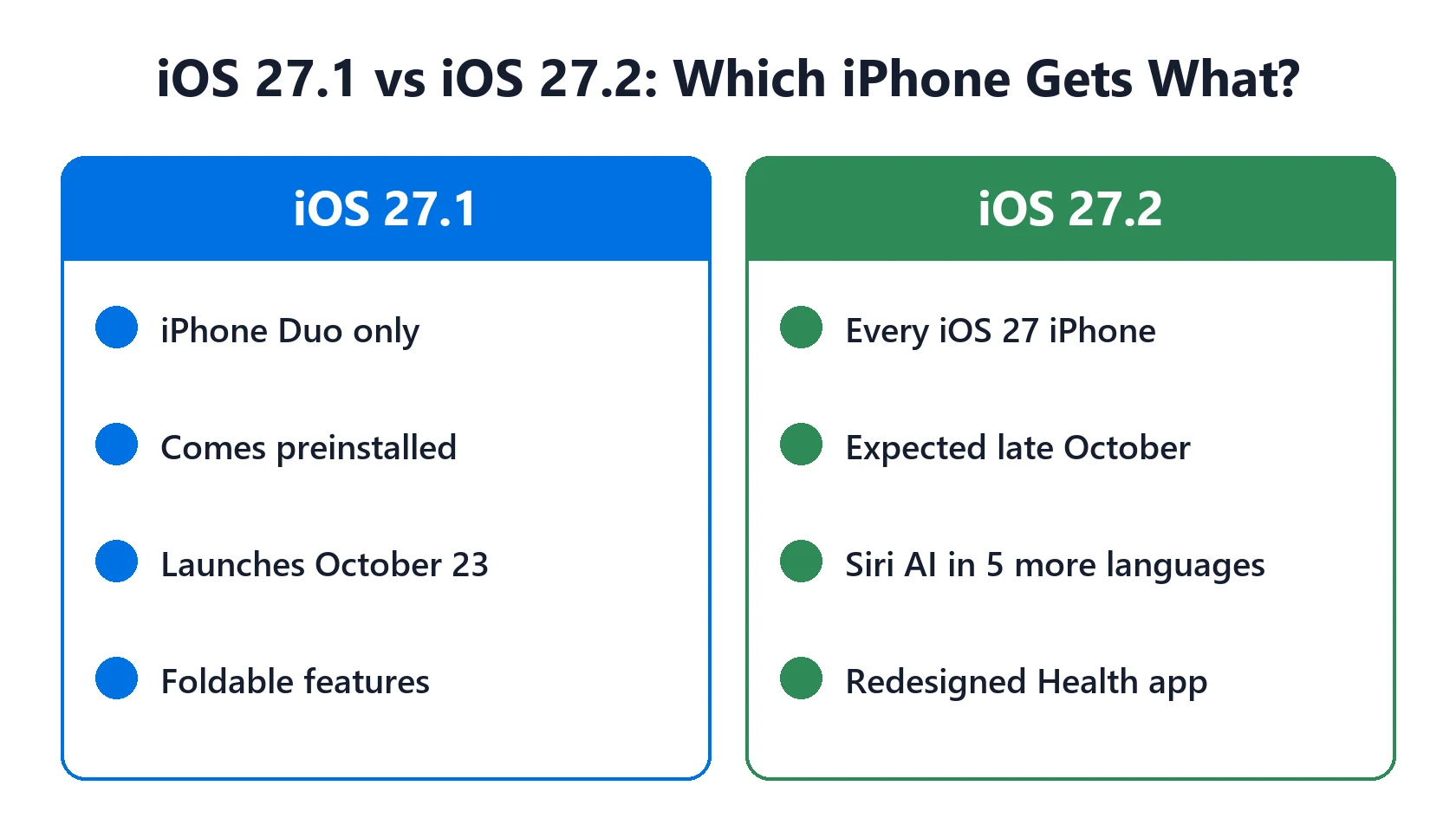
iOS 27.1 not showing in Software Update? Your iPhone isn’t broken. iOS 27.1 was made only for the foldable iPhone Duo, which shipped with it. Every other iPhone skipped it and went from iOS 27.0.1 to iOS 27.2 (October 26), and the latest version for all of them is now iOS 27.2.1, released November 9, 2026.
📋 Quick Summary
- iOS 27.1 is for iPhone Duo only, according to Apple’s own security releases list.
- Other iPhones go 27.0.1 → 27.2 → 27.2.1. Nothing is missing.
- The latest version is iOS 27.2.1 (November 9, 2026).
- Signed up for betas? You may see iOS 27.3 instead.
- If Software Update shows an error or nothing at all, use the checks below.
Table of Contents
iOS 27.1 Not Showing on Your iPhone: Why
Apple’s security releases page lists iOS 27.1 with a single device next to it: iPhone Duo, released October 23, 2026. It added the software the Duo needs for its foldable design and two displays, so Apple didn’t offer it to any other iPhone. That’s unusual, but Apple has released device-only updates for new hardware before.
So if you have any other iPhone, Software Update was never going to show iOS 27.1. It offered iOS 27.2 instead, and now offers iOS 27.2.1.
Which iOS Version Should Your iPhone Show?
Here’s what Software Update should show as up to date on November 10, 2026, going by Apple’s release list:
| Your iPhone | Latest version it can show |
|---|---|
| iPhone Duo | iOS 27.2.1 (it shipped with iOS 27.1) |
| iPhone 11 and later, on iOS 27 | iOS 27.2.1 |
| iPhone 11 and later, staying on iOS 26 | iOS 26.7.3 (iOS 27.2.1 appears as a separate upgrade) |
| iPhone XS, XS Max, XR | iOS 18.7.12 (these can’t run iOS 27) |
To see which version you have, go to Settings → General → About and look at iOS Version (Apple’s guide). If it matches the table, you’re up to date. Not sure which iPhone you have? Use our iPhone model number lookup.
What Your iPhone Gets Instead: iOS 27.2 and 27.2.1
iOS 27.2 came out on October 26, 2026 for every iPhone that runs iOS 27. It added Siri AI in French, Japanese, Korean, Portuguese and Spanish, Siri memory of past conversations and Suggestions in Messages. See our iOS 27.2 features guide.
iOS 27.2.1 followed on November 9. It has no new features, just bug fixes and 9 security fixes, including two for iMessage group chats. Our iOS 27.2.1 guide explains what it fixes and whether to install it now.
Seeing iOS 27.3 Beta Instead?
If you joined Apple’s beta program, Software Update may show iOS 27.3 beta instead of a normal release. That’s the next big update, with the redesigned Health app, and it’s in public beta now. To go back to normal releases, go to Settings → General → Software Update → Beta Updates and choose Off. You’ll move to the next normal release when it comes out. See iOS 27.3 beta: what’s new.
When It’s a Real Update Problem
If Software Update shows an error, keeps spinning, or doesn’t offer iOS 27.2.1 when your iPhone should get it, try these in order (from Apple’s update guide):
- Check your model. iOS 27 runs on iPhone 11 and later. Our iOS compatibility checker confirms it in seconds.
- Wait a few hours. Apple rolls updates out gradually, so it may not appear for everyone at once.
- Join Wi-Fi and plug in. Updates often won’t start on low battery or cellular data.
- Free up space. Updates need several GB. See iPhone storage full.
- Delete a stuck download. Go to Settings → General → iPhone Storage, find the iOS update, delete it, then download it again.
- Restart your iPhone and check Software Update again.
Still stuck, or seeing "Unable to Check for Update"? Our iPhone won’t update guide covers every error, including updating with a Mac or PC.
Frequently Asked Questions
Why can’t I find iOS 27.1 on my iPhone?
Because iOS 27.1 is only for iPhone Duo. Apple’s release list shows no other device for it. Your iPhone got iOS 27.2 instead, and the latest is iOS 27.2.1.
Will iOS 27.1 come to iPhone 17 or iPhone 18?
No. They skipped it and went straight to iOS 27.2, then iOS 27.2.1.
What is the latest iOS version?
iOS 27.2.1, released November 9, 2026, for iPhone 11 and later. Check Settings → General → Software Update.
Is my iPhone missing an update?
Not if Settings → General → About shows iOS 27.2.1, or iOS 26.7.3 if you chose to stay on iOS 26. If it shows something older and Software Update offers nothing, work through the checks above.
When is the next update after iOS 27.2.1?
iOS 27.3 is in beta now. MacRumors and 9to5Mac expect the final release in December.
📚 Related Guides
Written by S M Momin Arif
Founder and lead writer at iPhoneFixDaily, writing practical iPhone troubleshooting guides checked against Apple’s official support documentation. Read more about our approach →