Latest status · Last checked November 10, 2026
iOS 27.2: Released October 26, 2026
Battery fix in Apple’s release notes: No. Battery life isn’t mentioned
iOS 27.2.1: Out November 9. Its notes don’t mention battery life either. See iOS 27.2.1
Our advice: Give it 2–3 overnight charges before judging battery life
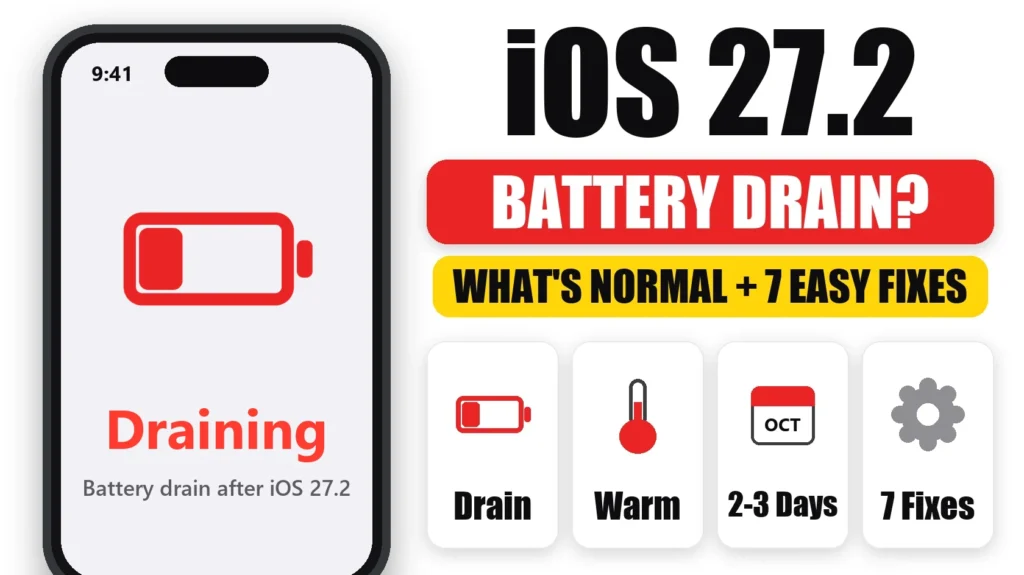
iOS 27.2 battery drain after updating is usually temporary. After any iOS update, your iPhone spends a few days re-indexing photos, messages and search in the background, and iOS 27.2 adds new Siri AI features on top. This guide covers what’s normal, the 5 most likely causes of iOS 27.2 battery drain, and 7 fixes to try.
📋 Quick Summary
- Some extra drain for 2–3 days after updating is normal while your iPhone re-indexes.
- Leave it charging and locked overnight to let background work finish faster.
- Check Settings → Battery for any one app with unusually high background activity.
- Still draining after a week? It’s likely an app, a setting or battery health, not the update itself.
Table of Contents
Does iOS 27.2 Drain Battery?
Not permanently, in most cases. Almost every iOS update causes a few days of higher battery use while your iPhone finishes background work. That’s especially true for feature updates like iOS 27.2. Apple’s own battery support page notes that tasks after an update can temporarily affect battery life.
Apple released iOS 27.2 on October 26, 2026. Its release notes list new Siri AI features, Suggestions in Messages and app updates, plus security fixes, but nothing about battery life. So don’t expect 27.2 to fix drain you already had. As of October 27, the day after release, early coverage hasn’t reported a widespread battery problem. It’s early, so we’ll update this page as reports come in.
What’s Normal After Updating to iOS 27.2
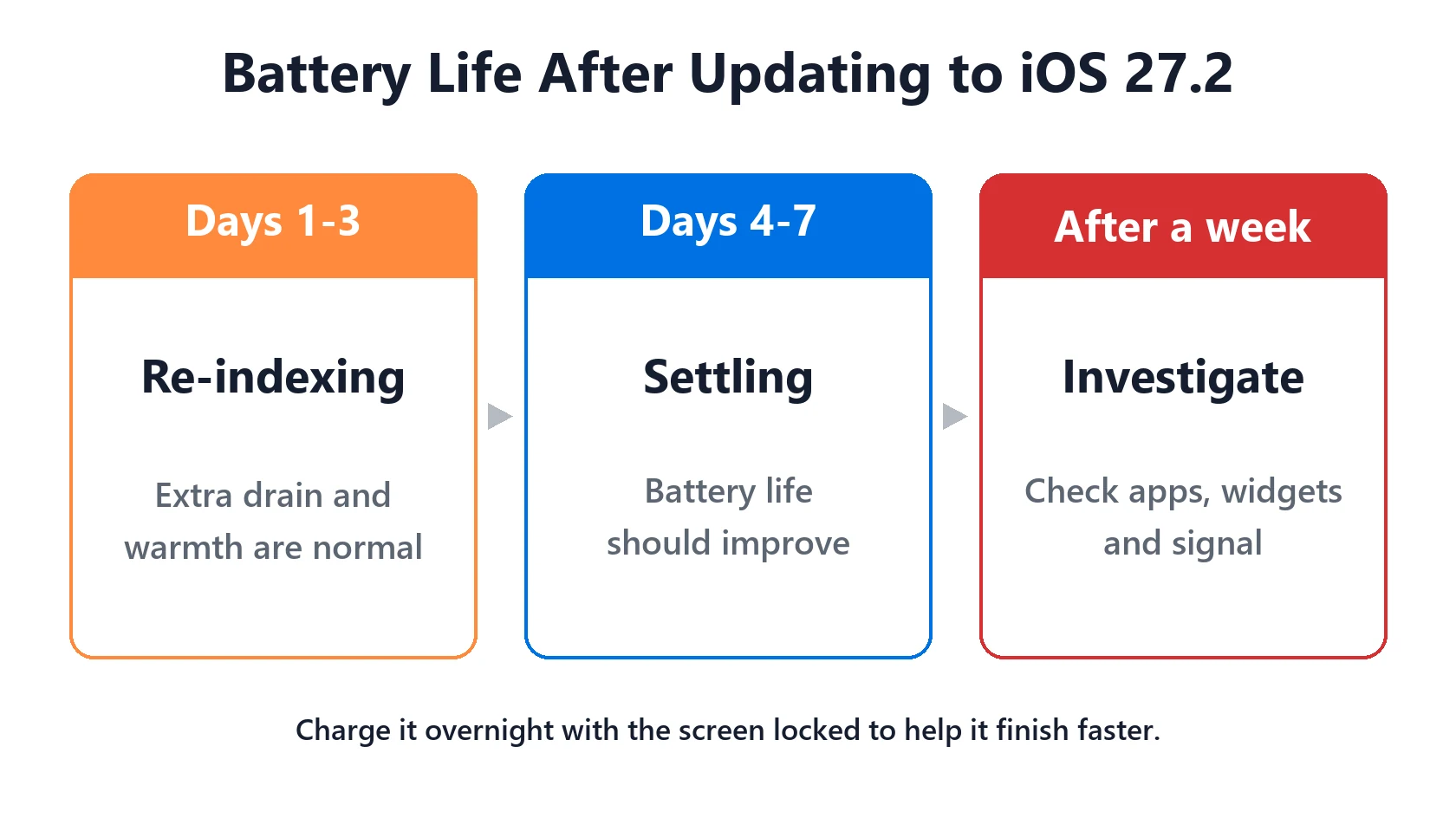
For the first 48–72 hours after updating, expect your iPhone to feel warmer and lose charge faster than usual, especially while it’s charging or locked. You may see Ongoing iOS Update or similar in Settings → Battery. That’s the re-indexing at work, and it ends on its own.
If iOS 27.2 battery drain is no better after a week, something else is going on. Work through the causes below.
5 Causes of iOS 27.2 Battery Drain
1. Re-indexing after the update
Photos, Messages, Mail and Spotlight all rebuild their indexes after a major update. This is the most common cause, and it’s temporary.
2. New Siri AI features
Siri AI in iOS 27.2 can draw on more of your data, like photos in Messages and voicemails, and adds French, Japanese, Korean, Portuguese and Spanish. Setting that up after the update can mean extra background work for a few days. It should be one-off.
3. Apps not yet updated for iOS 27.2
An app that isn’t optimized for the new version can get stuck working in the background. Update all your apps in the App Store, then check per-app battery use.
4. Settings changed by the update
Updates sometimes switch features on, such as new widgets, Live Activities or location access for new features. Our Home & Lock Screen battery drain guide covers the widget side.
5. Weak signal or an older battery
Updates get blamed for problems that were already there. Weak cellular signal and a worn battery both cause drain that has nothing to do with iOS 27.2.
How to Fix iOS 27.2 Battery Drain
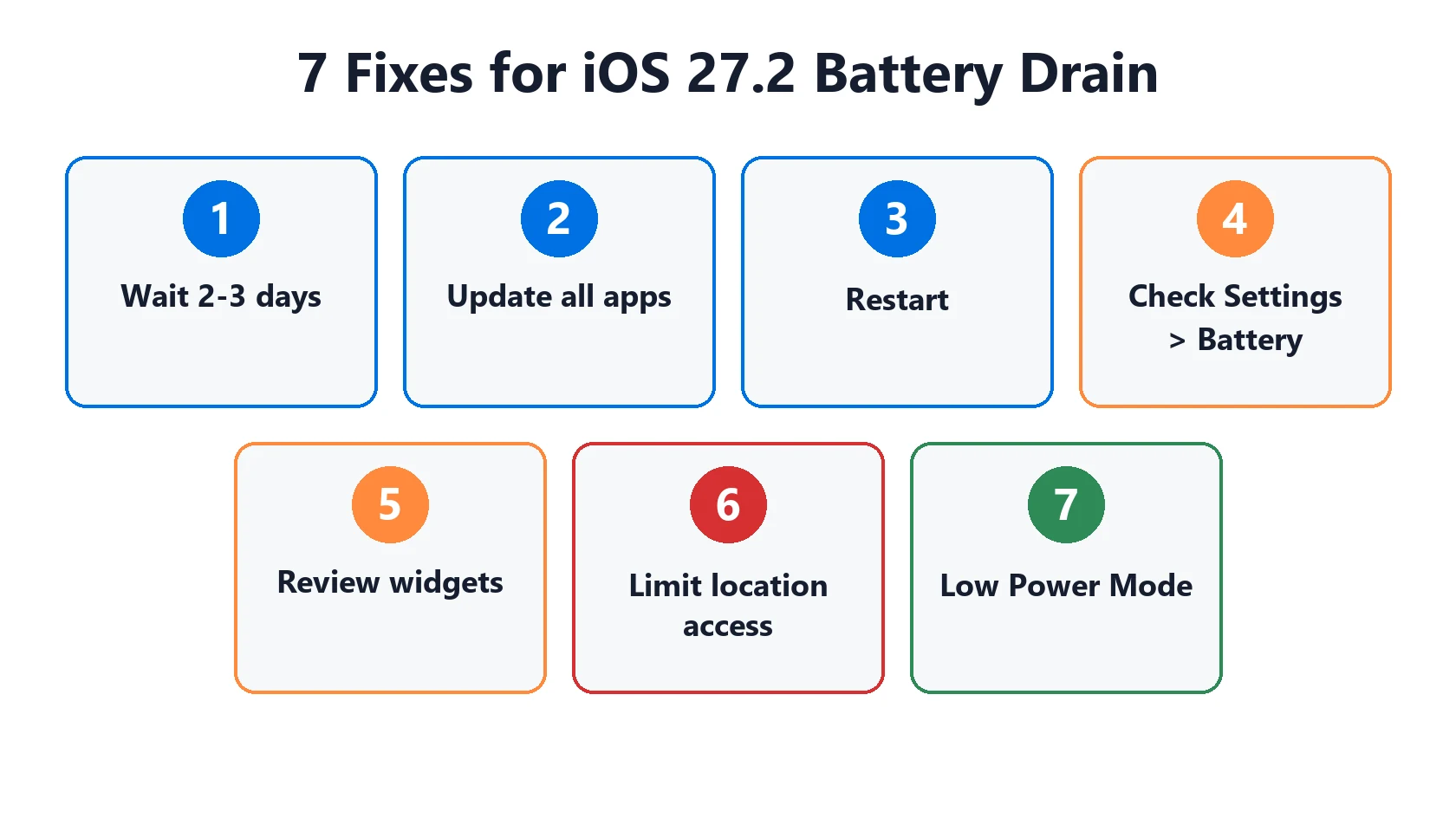
- Wait 2–3 days and charge overnight with the screen locked.
- Update all your apps in the App Store.
- Restart your iPhone once the re-indexing seems finished.
- Check Settings → Battery and look for one app with high background activity. Turn off Background App Refresh for that app.
- Review new widgets and Live Activities on your Lock Screen.
- Check location access in Settings → Privacy & Security → Location Services and change “Always” to “While Using” where possible.
- Use Low Power Mode as a stopgap while you troubleshoot.
Our which apps drain iPhone battery guide shows how to read the battery screen properly.
When It’s Not the Update
If the drain started before the update, or is still bad after a week, check Settings → Battery → Battery Health. A battery below 80% maximum capacity holds noticeably less charge. See iPhone battery cycle count and battery replacement cost. If it drains mostly overnight, see iPhone battery drains overnight.
Frequently Asked Questions
Does iOS 27.2 drain battery?
Some extra drain for 2–3 days after updating is normal while your iPhone re-indexes. If iOS 27.2 battery drain lasts more than a week, an app, setting or worn battery is more likely the cause.
How long does battery drain last after updating to iOS 27.2?
Usually 48–72 hours. Charging overnight with the screen locked helps the background work finish faster.
Should I wait to update to iOS 27.2 because of battery life?
Not usually. The temporary drain happens after every update. If battery life matters on a specific day, like a trip, update afterwards.
Does iOS 27.2 fix battery drain?
No. Apple’s release notes don’t list a battery fix. If iOS 27.0.1 was draining your battery, work through the fixes above.
Can I go back to iOS 27.0.1 if battery life is worse?
Only for a short window while Apple still signs iOS 27.0.1, and it requires a computer. In most cases it’s better to wait for the drain to settle.
📚 Related Guides
Written by S M Momin Arif
Founder and lead writer at iPhoneFixDaily, writing practical iPhone troubleshooting guides checked against Apple’s official support documentation. Read more about our approach →