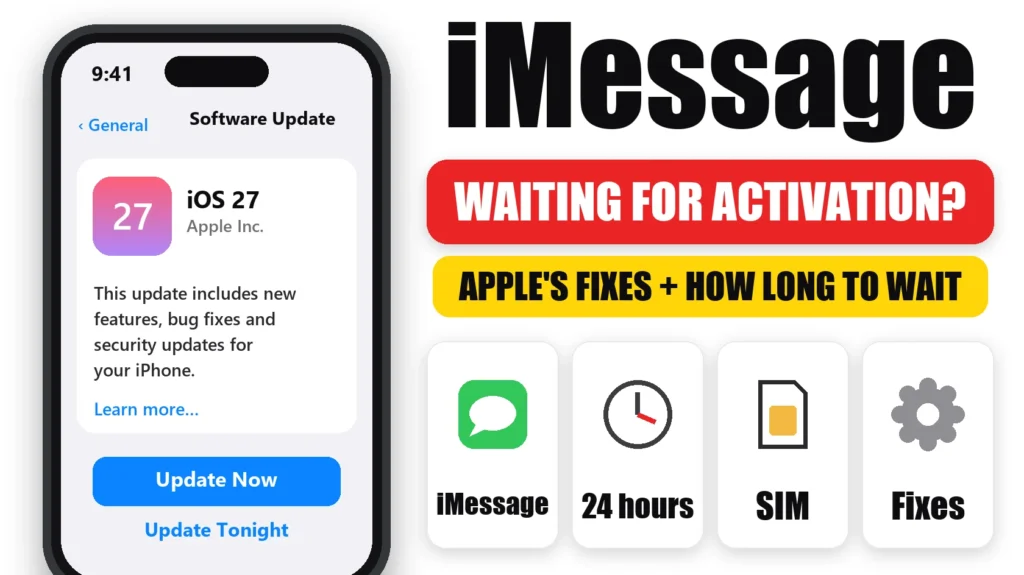
Seeing iMessage waiting for activation on your iPhone? It means your iPhone is still trying to register your phone number with Apple, which uses a hidden text message through your carrier. Usually it finishes on its own. If it doesn’t, the cause is almost always the network, the date and time, your SIM or eSIM, or your carrier. Here are Apple’s fixes in order, and how long you should wait.
Official Apple Store on Amazon
Genuine cases, cables, and accessories — sold and shipped by Apple.
📋 Quick Summary
- “Waiting for activation” is normal for a few minutes. Apple says carrier verification can take up to 24 hours.
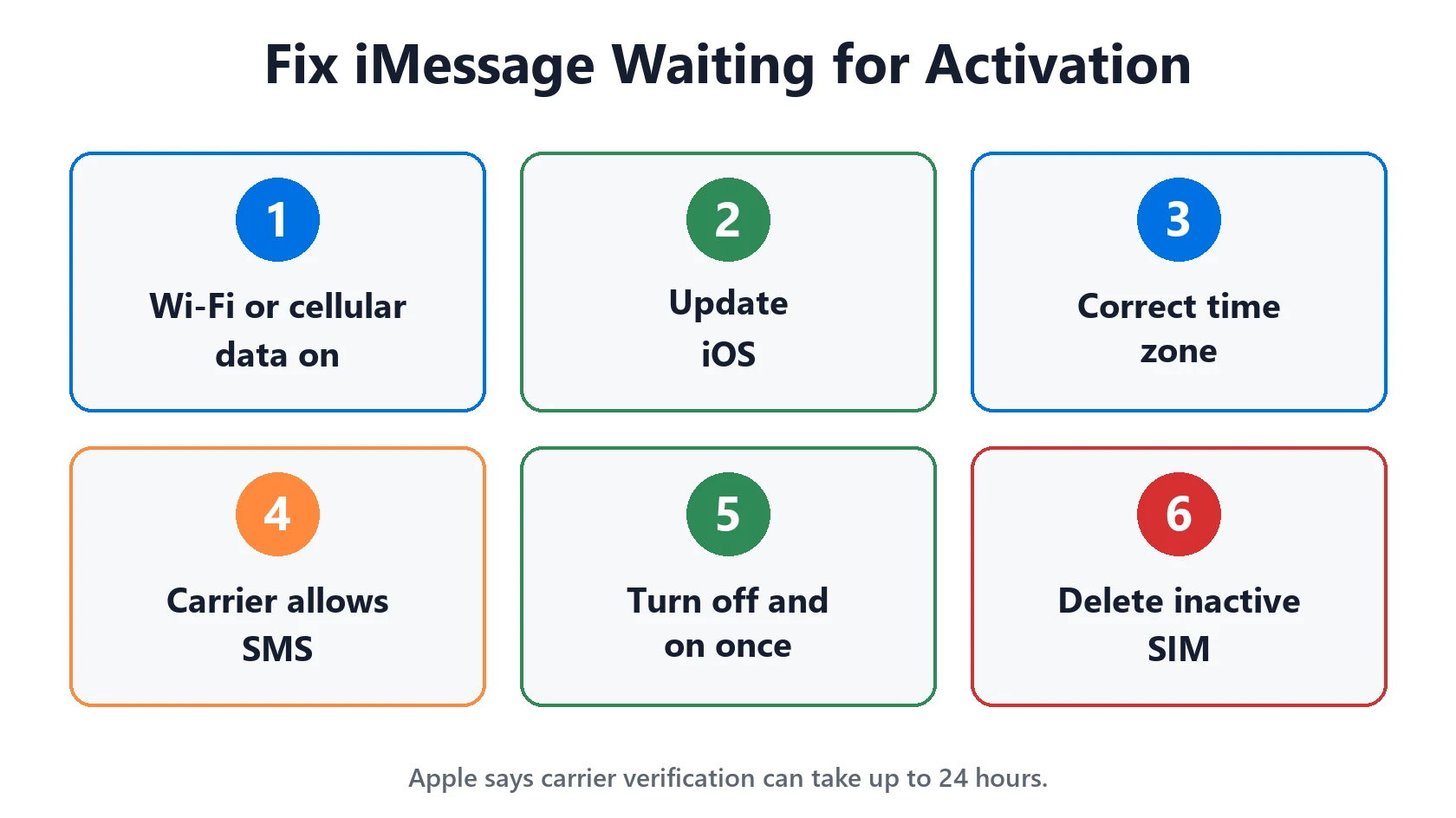
- Check you have Wi-Fi or cellular data, the latest iOS and the right time zone.
- Then turn iMessage and FaceTime off, restart and turn them back on, just once.
- New eSIM, or an old SIM with the same number? Turn iMessage off and on, or delete the inactive SIM.
- Still stuck after 24 hours? Ask your carrier about international SMS, or activate with your email address.
Table of Contents
What “Waiting for Activation” Means
To use iMessage with your phone number, your iPhone sends a hidden SMS to Apple to prove the number is yours. While that’s happening, Settings shows “Waiting for activation”. It’s common after:
- Setting up a new iPhone or restoring from a backup.
- Putting in a new SIM, switching to eSIM or changing carrier.
- Signing in to a different Apple Account.
- A big iOS update.
If you see a spinning gear next to your number in Settings → Apps → Messages → Send & Receive, iPhone is still trying by itself. Apple says not to keep turning iMessage off and on while it does.
Quick Fixes First
These come first in Apple’s iMessage activation guide. Check each one, then give it a few minutes.
- Get a connection. You need Wi-Fi or cellular data. Turn off any VPN while it activates.
- Check SMS works. Activation needs a normal text message. If you see SOS or No Service, fix that first.
- Update iOS in Settings → General → Software Update.
- Set the time zone. Go to Settings → General → Date & Time and make sure it’s correct. Set Automatically is the easiest.
- Accept the SMS charge prompt. If you see “Your network provider may charge for SMS messages used to activate iMessage and FaceTime”, tap Turn On.
- Check Apple’s servers. Look for iMessage on Apple’s System Status page.
How Long iMessage Activation Takes
Most iPhones activate within a few minutes. But Apple says verifying your number with your carrier can take up to 24 hours.
If there’s still no check mark next to your number after 24 hours, contact your carrier and ask them to confirm your line can send and receive international SMS. The activation text goes to an Apple number, which may be outside your country, so a plan that blocks international texts can stop activation. Then wait up to another 24 hours after trying the steps here.
Turn iMessage and FaceTime Off and On
If nothing has changed after the quick fixes, reset both services once:
- Go to Settings → Apps → Messages and turn off iMessage.
- Go back to Settings → Apps → FaceTime and turn off FaceTime.
- Restart your iPhone.
- Turn iMessage and FaceTime back on, then wait.
Do this once, not over and over. Every attempt sends a new activation text, and your carrier may charge for them.
Two SIMs or a New eSIM? Fix This First
Two SIM problems stop iMessage activating, especially on iOS 26 and later:
- An inactive SIM with the same number. After transferring to eSIM, the old SIM can stay in Settings. Apple says this can stop iMessage activating with your number. Go to Settings → Cellular, tap the inactive SIM and tap Delete eSIM (or remove the physical SIM). Then go to Settings → Apps → Messages → Send & Receive and tap your number. iOS 26.1 and later also fix it.
- An eSIM added after setup. If you skipped iMessage or eSIM while setting up a new iPhone on iOS 26 or later, iMessage doesn’t turn on automatically when you add the eSIM later. Turn iMessage off and back on.
Signs of either problem: Not Delivered alerts, everything sending as green SMS or RCS, messages sending from your email address, or the same number showing twice in Send & Receive. More on SIM errors in Invalid SIM or No SIM.
Activate Online or Use Your Email Address
Apple has an online activation form that can help when your iPhone keeps failing:
- Open apple.co/IMFT-mac.
- Under Enable Apple Account, tap Get Started.
- Sign in with your Apple Account and follow the steps. Enter the phone number you use with iMessage.
- Wait for an email from Apple saying your account is ready.
You can also use iMessage with your email address while your number activates. Check your email is verified at account.apple.com, then choose it in Settings → Apps → Messages → Send & Receive. Friends may see a separate thread from your email until your number works.
Other Activation Errors and What They Mean
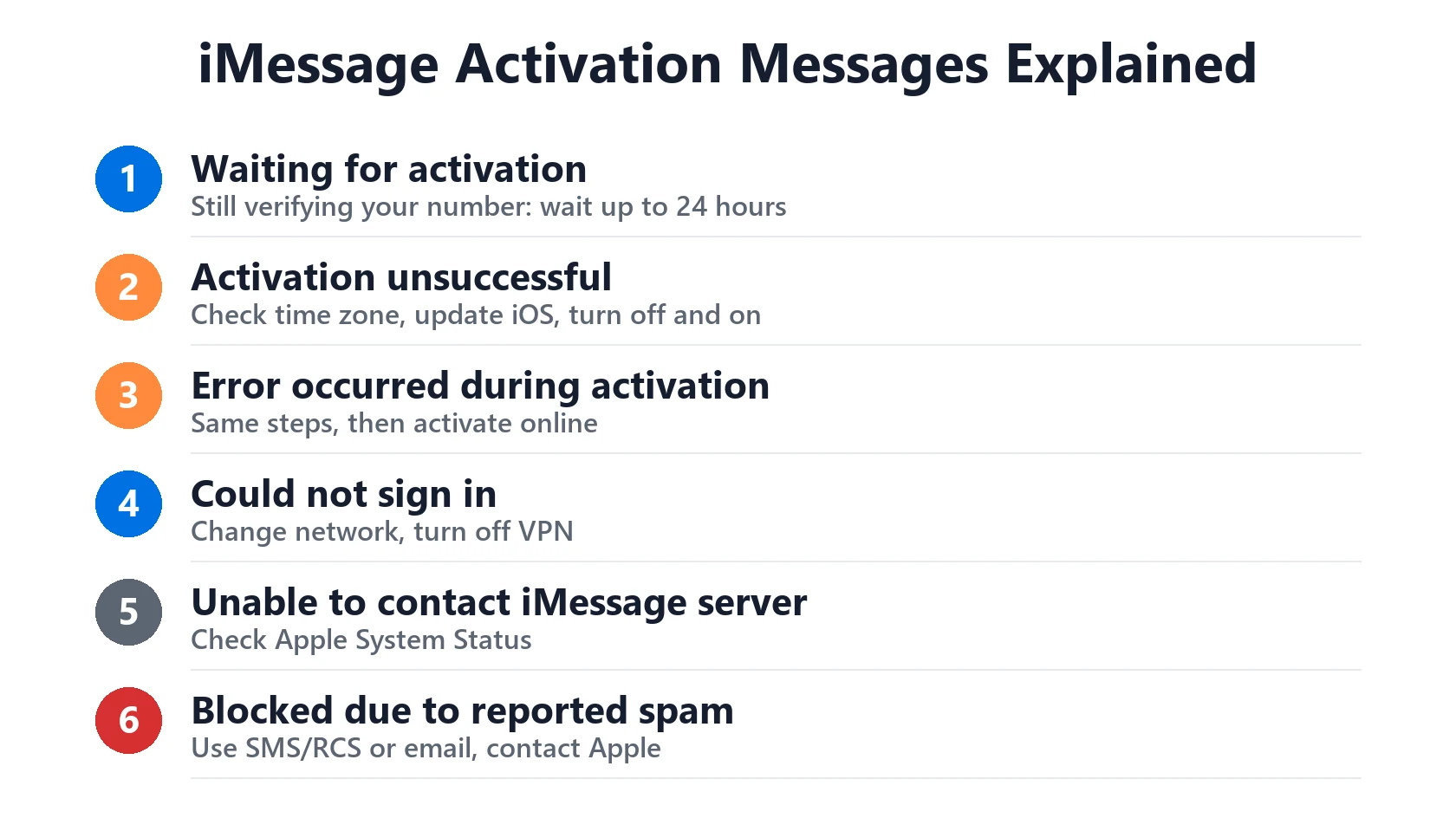
| Message | What it means | What to do |
|---|---|---|
| Waiting for activation | Still verifying your number | Wait, check connection and SMS, up to 24 hours |
| Activation unsuccessful | Verification failed | Check time zone, update iOS, turn off and on once |
| An error occurred during activation | Verification failed | Same steps, then activate online |
| Could not sign in, please check your network connection | No connection to Apple | Change Wi-Fi or cellular, turn off VPN |
| Unable to contact the iMessage server | Server or network problem | Check Apple System Status, try later |
| This account is blocked due to reported spam | Apple has limited the account | Use SMS/RCS or email; contact Apple |
If you see “An error occurred while activating iMessage or FaceTime” with a Get Help button, or a message that your account is blocked due to reported spam, and you got no email after activating online, Apple says the account is likely blocked. You can still text with SMS, MMS or RCS by turning iMessage off. Annoying sign-in pop-ups too? See Apple ID sign-in requested keeps popping up.
Match Your Situation
| Your situation | Most likely fix |
|---|---|
| Just set up a new iPhone | Wait up to 24 hours with a connection |
| Moved to eSIM or changed SIM | Delete the inactive SIM, then tap your number in Send & Receive |
| Prepaid plan or abroad | Ask your carrier to allow international SMS |
| Wrong date or time | Settings > General > Date & Time, Set Automatically |
| Spinning gear for hours | Leave it on; restart once; wait |
| Nothing after 24 hours | Activate online, use your email address meanwhile |
Featured Apple Deals on Amazon
Current discounts on AirPods, chargers, cables, and other Apple gear.
Frequently Asked Questions
How long does iMessage waiting for activation take?
Usually a few minutes. Apple says verifying your phone number with your carrier can take up to 24 hours.
Why is my iMessage stuck on waiting for activation?
Most often there’s no connection, the time zone is wrong, your carrier is blocking the activation SMS, or an old SIM with the same number is still set up.
Does iMessage activation cost money?
It uses an SMS to Apple, and Apple says your carrier may charge for it. Most plans include it.
Can I activate iMessage on Wi-Fi only?
Your iPhone can use Wi-Fi, but it still needs to send an SMS through your carrier to activate your number. With no cell service, use your email address instead.
Why does iMessage keep sending from my email address?
Your number hasn’t activated. On iOS 26 or later, delete any inactive SIM with the same number and turn iMessage off and on.
Should I keep turning iMessage off and on?
No. Do it once. If there’s a spinning gear next to your number, iPhone is already trying, so leave it.
📚 Related Guides
Written by S M Momin Arif
Founder and lead writer at iPhoneFixDaily, covering iPhone battery and charging diagnostics based on direct hands-on testing. Read more about our approach →