Latest status · Last checked October 10, 2026
Affected: Some U.S. iPhone 18 Pro Max units on AT&T
Apple’s fix: iOS 27.0.1 + a carrier settings update. These prevent the problem but don’t repair phones that already lost service
Already showing SOS: Apple says the phone needs a hardware replacement
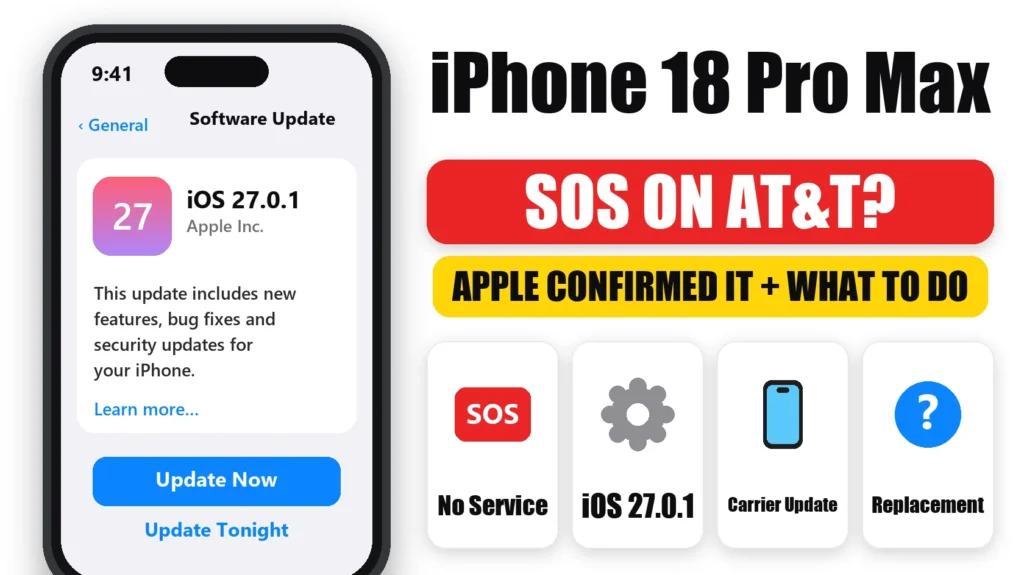
If your iPhone 18 Pro Max shows SOS on AT&T and can’t make calls, send texts or use data, you’re not alone. On October 2, 2026, Apple confirmed an issue affecting a small number of iPhone 18 Pro Max users on the AT&T network. Updating to iOS 27.0.1 and the new carrier settings helps stop it happening, but phones that have already lost service need a hardware replacement. Here’s how to tell if you’re affected and exactly what to do.
Official Apple Store on Amazon
Genuine cases, cables, and accessories — sold and shipped by Apple.
📋 Quick Summary
- Apple confirmed the iPhone 18 Pro Max AT&T SOS issue on October 2, 2026.
- Install iOS 27.0.1 and the carrier settings update right away.
- Those updates prevent the problem. They don’t fix a phone that already lost service.
- Still on SOS after updating? Apple says you need a hardware replacement.
- The iPhone 18 Pro and iPhone 18 Pro Max sold outside the U.S. aren’t part of this issue.
Table of Contents
What’s Happening to iPhone 18 Pro Max on AT&T
Affected phones lose their connection to AT&T’s network. The status bar shows SOS, and calls, texts and mobile data stop working. For some people it comes and goes. For others it never comes back. AT&T’s message to customers warned that some phones may be unable to complete calls, texts or data, including to 911.
Apple’s statement, reported by 9to5Mac: “We have identified an issue affecting a small number of iPhone 18 Pro Max users on the AT&T network.” Apple released iOS 27.0.1 and a carrier settings update to stop more phones being affected, and said that devices that have already lost service require a hardware replacement.
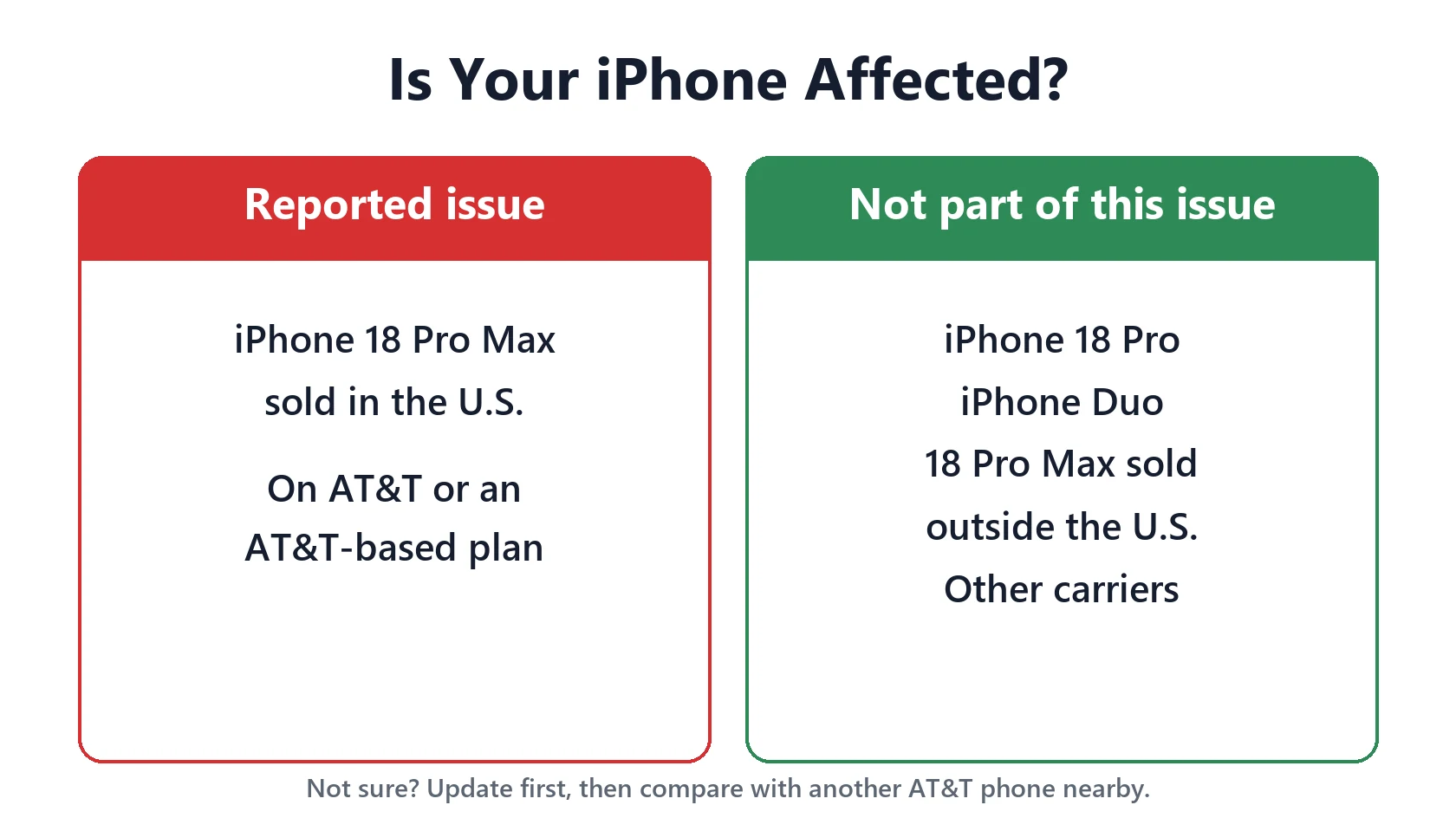
Is Your iPhone Affected?
This issue has only been reported on a specific combination:
- iPhone 18 Pro Max sold in the U.S. It’s the only new iPhone that uses a Qualcomm modem. iPhone 18 Pro, iPhone Duo and iPhone 18 Pro Max sold elsewhere use Apple’s own C2 modem, according to MacRumors.
- On AT&T, including AT&T-based plans.
- Not every unit. Apple says it’s a small number of phones, though forum reports run into the thousands.
If you have a different model or carrier and see SOS, it’s almost certainly an ordinary signal or SIM problem. Our iPhone SOS or No Service guide covers those fixes.
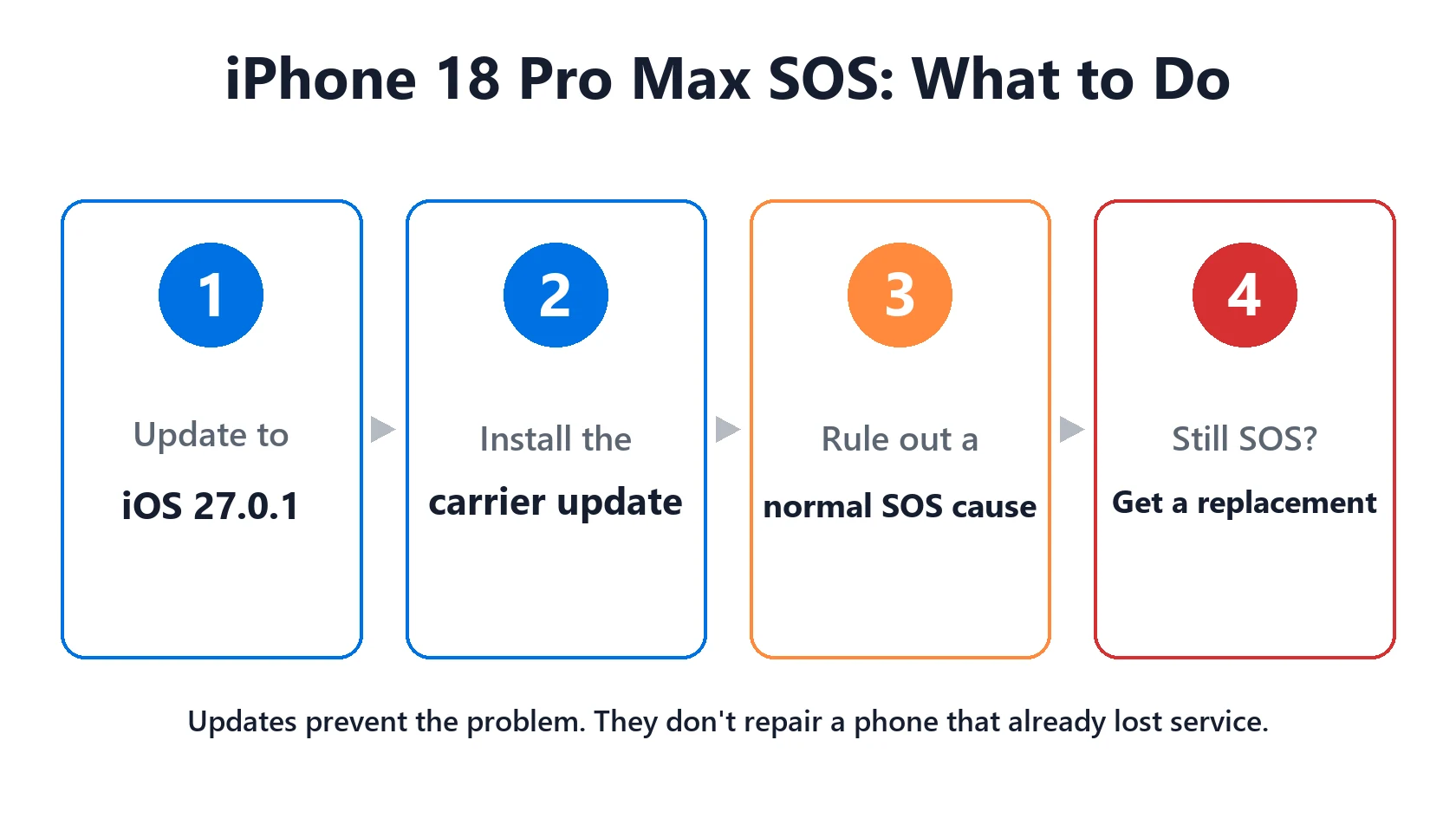
Step 1: Update to iOS 27.0.1 and Install the Carrier Update
Do this even if your phone works fine right now. It’s Apple’s way of stopping the problem from starting.
- Connect to Wi-Fi.
- Go to Settings → General → Software Update and install iOS 27.0.1 or later.
- Go to Settings → General → About and wait about 30 seconds. If a Carrier Settings Update prompt appears, tap Update. Apple says the update also installs automatically over 14 days.
- Restart your iPhone.
Step 2: Rule Out an Ordinary SOS Problem
Before you book a replacement, spend two minutes ruling out the usual causes of SOS:
- Turn Airplane Mode on, wait 15 seconds, then turn it off.
- Check Settings → Cellular and make sure your line is turned on.
- Try a spot where another AT&T phone has good signal.
- Ask AT&T whether there’s an outage in your area.
If another AT&T phone works next to yours and your iPhone 18 Pro Max still shows SOS after updating, you’re very likely affected by this issue.
Step 3: Get a Replacement If Service Doesn’t Come Back
Apple says software can’t bring back service on a phone that has already lost it. Here’s how to get it replaced:
- Back up your iPhone to iCloud or a computer over Wi-Fi.
- Contact Apple Support or AT&T, or visit an Apple Store or AT&T store. Mention that Apple has confirmed the iPhone 18 Pro Max AT&T issue.
- Bring your proof of purchase. iPhone 18 Pro Max launched in September 2026, so every unit is still within Apple’s one-year limited warranty.
- Set up the replacement from your backup and install the latest iOS before inserting or transferring your SIM or eSIM.
Staying Reachable in the Meantime
Until your phone is replaced, plan for no mobile service:
- Turn on Wi-Fi Calling in Settings → Cellular → Wi-Fi Calling. If AT&T has it enabled on your line, it may let you call and text over Wi-Fi.
- Use iMessage and FaceTime over Wi-Fi for Apple contacts.
- Keep another way to reach emergency services, such as another phone, especially when you’re away from Wi-Fi.
Featured Apple Deals on Amazon
Current discounts on AirPods, chargers, cables, and other Apple gear.
Frequently Asked Questions
Why does my iPhone 18 Pro Max say SOS on AT&T?
Apple has confirmed an issue that makes some U.S. iPhone 18 Pro Max units lose AT&T service and show SOS. Update to iOS 27.0.1 and the carrier settings. If it still shows SOS, Apple says the phone needs a hardware replacement.
Does iOS 27.0.1 fix the iPhone 18 Pro Max SOS problem?
It helps prevent it, but it doesn’t repair a phone that has already lost service. Many affected users report that updating didn’t bring their signal back.
Is the iPhone 18 Pro affected?
No. Reports so far only involve the U.S. iPhone 18 Pro Max, which uses a Qualcomm modem. The iPhone 18 Pro uses Apple’s C2 modem.
Will Apple replace my iPhone 18 Pro Max for free?
Apple says affected phones need a hardware replacement, and every iPhone 18 Pro Max is still under Apple’s one-year warranty. Contact Apple Support or AT&T to arrange it.
Can I still call 911 if my iPhone shows SOS?
Not reliably on affected phones. AT&T warned that some may be unable to complete calls, including to 911. Keep another way to reach emergency services until your phone is replaced.
📚 Related Guides
Written by S M Momin Arif
Founder and lead writer at iPhoneFixDaily, covering iPhone battery and charging diagnostics based on direct hands-on testing. Read more about our approach →