
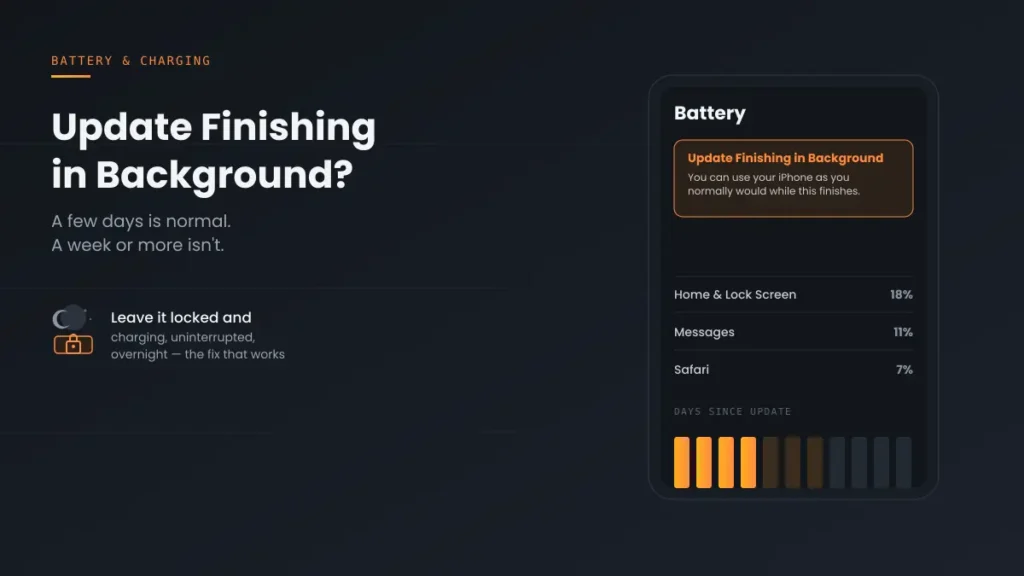
Update Finishing in Background on iPhone: How Long It Takes and 7 Fixes
Update Finishing in Background iPhone won’t go away? A few days is normal — here’s how to tell if it’s actually stuck, and 5 fixes if it is.
Update Finishing in Background iPhone won’t go away? A few days is normal — here’s how to tell if it’s actually stuck, and 5 fixes if it is.
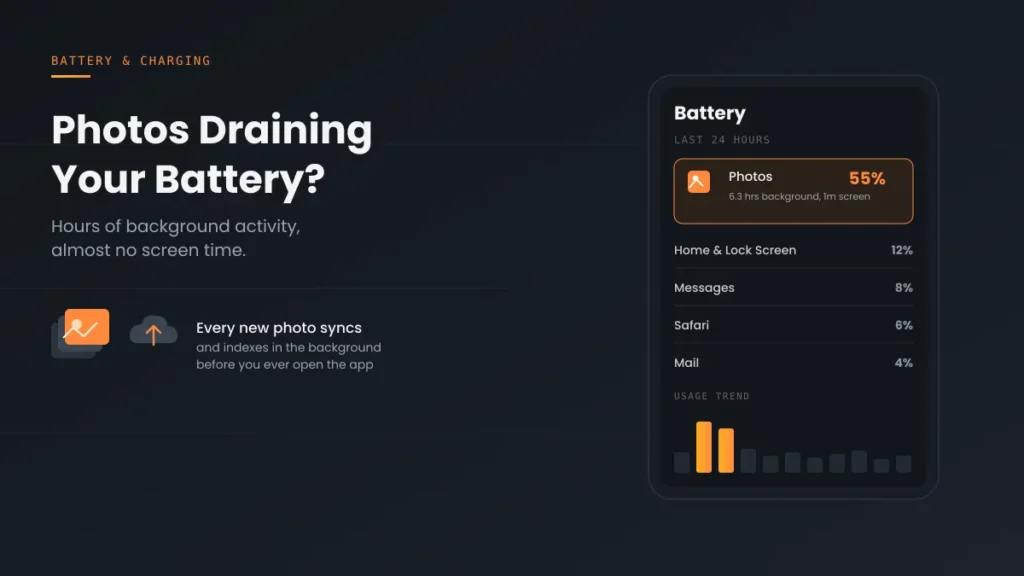
Photos draining iPhone battery with hours of background activity? It’s iCloud sync and indexing, not a broken phone. Here’s why it happens and 5 fixes that work.
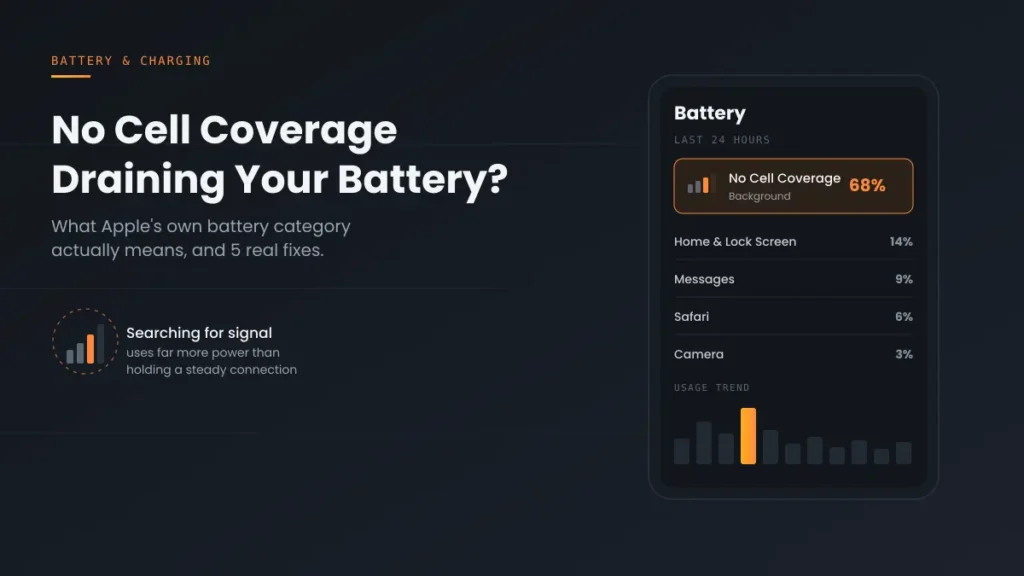
No Cell Coverage draining iPhone battery? It’s a real Apple-tracked category, not a bug. Here’s what triggers it and the 5 fixes that actually work.
Severe Find My drain usually isn’t the app itself — it’s a paired AirTag. Here’s the quick test to confirm it, plus 4 more real causes.

Apple has an official explanation for this alert — most guides skip it. Here’s what Apple actually says, plus 5 more real causes worth checking.
A widget, a stuck process, or iPhone Mirroring — this recurring drain has a real cause, not just “restart and hope.” Here’s how to actually find yours.
iOS 18 will actually tell you if your charger is the problem — check your Lock Screen first, then work through the other 6 real causes if it doesn’t.
Most “not charging” problems come down to a cable, an outlet, or a stuck process — not a broken phone. Work through these steps in the right order.
iOS 26.6 battery drain is real and currently being reported — here’s the typical stabilization window, and how to tell if it’s actually something else.
Lint is the #1 cause of a broken charging port — and Apple specifically advises against the fix most people reach for first. Here’s the safe method instead.