Latest status · Last checked October 8, 2026
Latest version: iOS 27.0.1 (released September 28, 2026)
Next update: iOS 27.2, expected late October for all iPhones (iOS 27.1 is iPhone Duo only). See iOS 27.2 release date and features
Battery fix in Apple’s release notes: No
Our advice: Update anyway for the bug fixes, then give it 2–3 overnight charges
Does iOS 27.0.1 fix battery drain? Not directly. Apple’s release notes for iOS 27.0.1 (September 28, 2026) list fixes for Face ID restarts on iPhone 18 Pro, a photo color artifact and an unresponsive touchscreen. Battery life isn’t mentioned. Most iOS 27 battery drain comes from background work after the update (re-indexing Photos and Spotlight, downloading assets), which usually settles within a few days. If your battery hasn’t improved after a week, work through the 6 causes and fixes below.
Official Apple Store on Amazon
Genuine cases, cables, and accessories — sold and shipped by Apple.
🎧 LISTEN TO THIS GUIDE
~90 sec listen
📋 Quick Summary
- iOS 27 battery drain right after updating is real and expected — Apple itself says battery life can be temporarily affected while background work finishes.
- The most common cause is post-update indexing, which typically settles within a few days.
- iOS 27–specific factors worth checking: apps not yet updated for iOS 27, visual effects during heavy use, and a leftover beta setting.
- Keep your iPhone charged and idle overnight so background work can finish faster.
- Drain that’s severe or hasn’t improved after a week points to something worth investigating, not more waiting.
What’s Actually Different About iOS 27
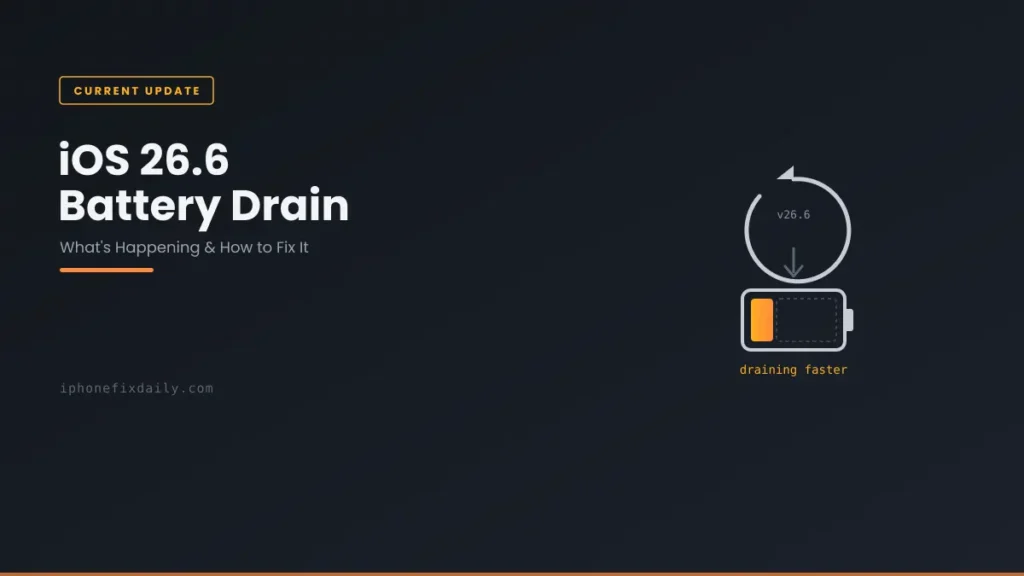
Apple released iOS 27 to the public on September 14, 2026, for the iPhone 11 and later, plus the iPhone SE (2nd generation) and later. As a major annual release, it does more background work after installing than a point update like iOS 26.6 — rebuilding search and photo indexes, downloading new assets, and re-optimizing apps. That’s why iOS 27 battery drain in the first few days tends to feel more noticeable than after a minor update, even though the underlying mechanism is the same one covered in our iOS 26.6 battery drain guide.
If your drain is worst while you’re actively using your iPhone rather than in the days right after updating, it’s worth ruling out iOS 27’s transparency and motion effects — step 6 below shows a simple way to test that directly.
Is This Just the Normal Post-Update Pattern?
For most people, yes. Apple’s own support documentation on battery drain explains that after an update, certain tasks related to the update continue in the background and might affect battery life and thermal performance. If your drain started the day you updated and is gradually improving, that’s this pattern — and the fix is mostly patience plus a few overnight charges.
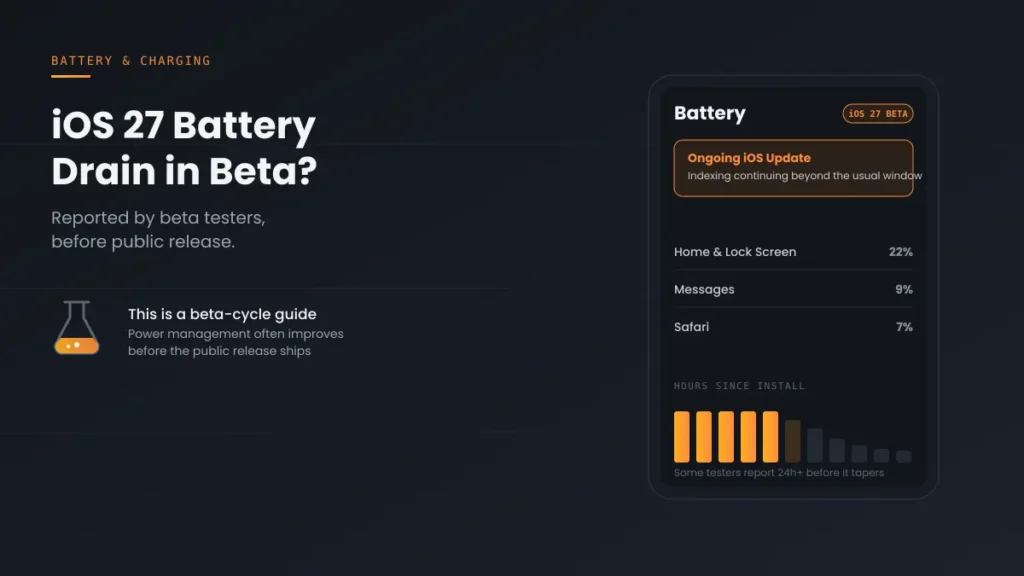
If you see the “Ongoing iOS Update” insight in Settings → Battery, that confirms background work is still running. If that message hasn’t changed for more than a week, see Update Finishing in Background iPhone for what’s actually stuck versus normal.
6 Likely Causes of iOS 27 Battery Drain, Ranked
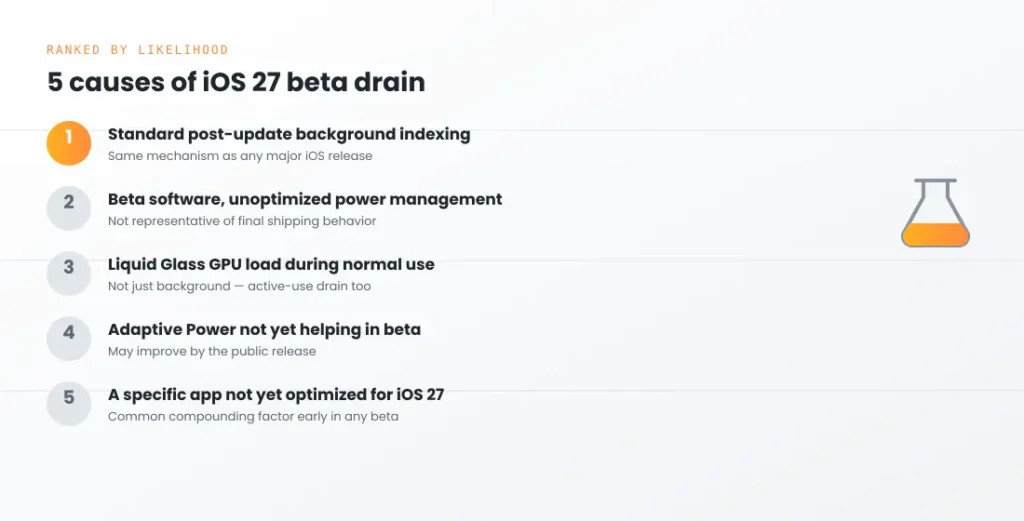
- Post-update background indexing. The same mechanism as every major iOS release — Spotlight, Photos, and on-device features re-processing your data. Expected to taper off on its own, fastest when your iPhone is charging and idle.
- Apps not yet updated for iOS 27. Some third-party apps take a while to ship iOS 27–optimized versions, and an app misbehaving on a new OS can drain far more than iOS itself. Settings → Battery shows you exactly which ones.
- Visual effects during active use. iOS 27’s transparency and motion effects are part of what your iPhone renders on screen during use. If your drain is concentrated in active use, they’re worth ruling out — and easy to test for.
- Still receiving beta builds. If you tested the iOS 27 beta and never turned beta updates off, you may still be on a beta build, which isn’t representative of final power management.
- Settings reset or re-enabled by the update. Background App Refresh, location access, and widget activity can behave differently after a major update, adding drain you didn’t have before. If Home & Lock Screen tops your battery list, see Home & Lock Screen battery drain.
- An aging battery the update is exposing. A worn battery handles the extra post-update load less gracefully. If drain comes with sudden shutdowns, that’s a battery health issue rather than an iOS 27 one.
How to Fix iOS 27 Battery Drain, Step by Step
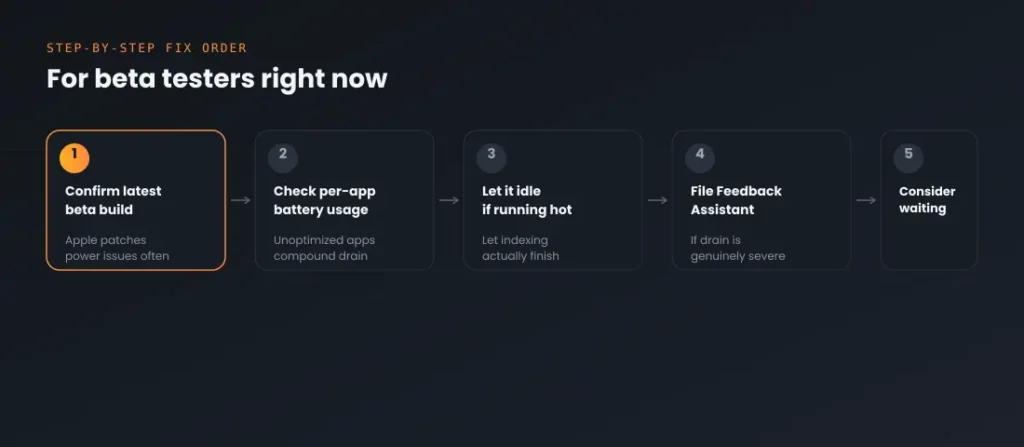
If you’re dealing with iOS 27 battery drain right now, here’s the order to work through:
- Give it a few overnight charges. Keep your iPhone plugged in and locked overnight so background indexing can finish without competing with active use.
- Install the latest update. Go to Settings → General → Software Update. Apple often ships bug fixes in the first point releases after a major update, so make sure you’re current. Our iOS update status page shows the latest version and what it fixes.
- Turn off Beta Updates if you tested the beta. In Settings → General → Software Update → Beta Updates, choose Off so you stay on the public release.
- Check per-app battery usage. In Settings → Battery, look for any app using far more than you’d expect for how much you actually used it.
- Update all your apps. Open the App Store and install pending updates — developers ship iOS 27 fixes in the weeks after release.
- Test with Reduce Transparency on. Turn on Settings → Accessibility → Display & Text Size → Reduce Transparency for a day. If battery life clearly improves, visual effects are part of your drain.
- Review Background App Refresh and location access. In Settings → General → Background App Refresh, turn it off for apps that don’t need it, and check Settings → Privacy & Security → Location Services for apps set to “Always.”
- Check your battery health. In Settings → Battery → Battery Health, check Maximum Capacity. A low reading means the update is exposing an aging battery rather than causing the drain.
When It’s More Than Just Temporary
If drain is severe — noticeably faster than before the update, not just marginally different — or hasn’t improved after a week or more, treat it as a separate issue rather than continued patience. A few specific patterns worth checking:
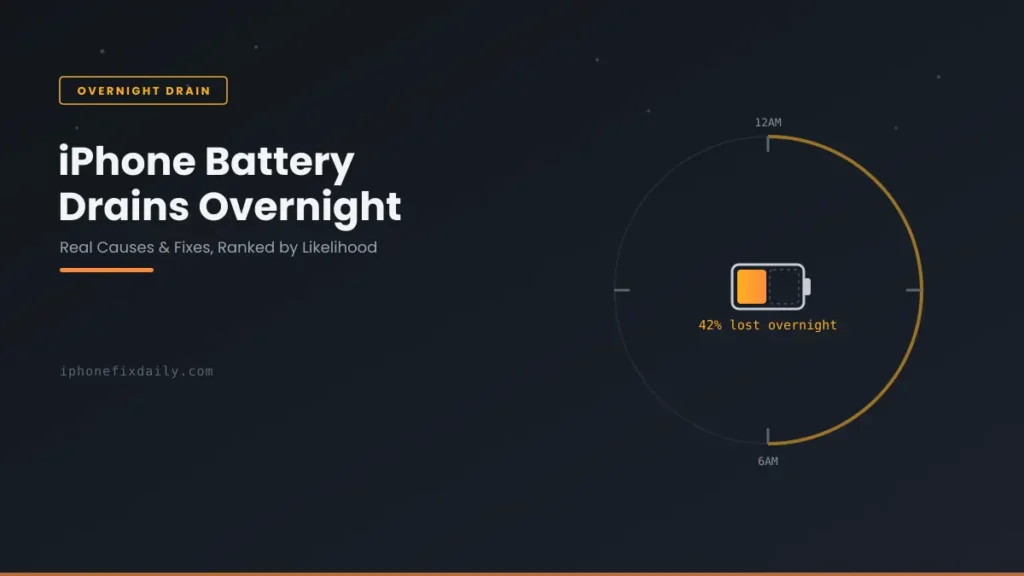
- If the drain is worst overnight, see our guide on why your iPhone battery drains overnight — several causes there are unrelated to iOS 27 itself.
- If No Cell Coverage appears near the top of Settings → Battery, the drain is coming from weak signal, not iOS 27. See poor cell coverage draining iPhone battery.
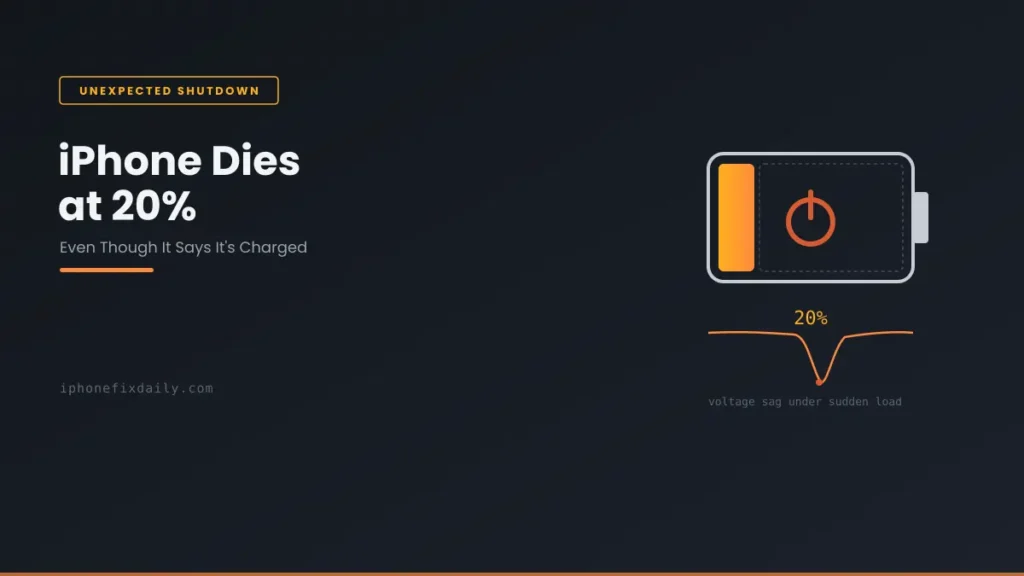
- If your iPhone is shutting down unexpectedly while the percentage still shows charge, see why an iPhone dies at 20 percent.
- If one app dominates your battery screen and you’re not sure why, see which apps actually drain iPhone battery.
- If it’s charging that feels different rather than battery life, see why your iPhone is charging slowly.
If You’re Still on the iOS 27 Beta
Beta builds run with different power management than the public release — Apple’s own developer forum guidance notes that betas aren’t representative of final shipping behavior. If you don’t need upcoming beta features, turning off Beta Updates and moving to the public release is the simplest fix. If you stay on the beta, file severe drain through Feedback Assistant — that’s how beta issues get fixed.
A note on scope: this guide covers software-related drain on iOS 27. If you’re on iOS 26.6 or 26.6.1 instead, see iOS 26.6 Battery Drain. If you notice any physical swelling or a bulging back panel, that’s a separate, more urgent issue — see the safety guidance in our main iPhone Battery and Charging Problems guide.
Recommended First Step
Charge overnight, then check Settings → Battery
Most iOS 27 battery drain is background work finishing up. Give it a few overnight charges, then check per-app usage before troubleshooting anything else.
See the Full Battery & Charging GuideFeatured Apple Deals on Amazon
Current discounts on AirPods, chargers, cables, and other Apple gear.
Frequently Asked Questions
Does iOS 27.0.1 fix battery drain?
Apple’s release notes for iOS 27.0.1 don’t list a battery fix. It’s still worth installing for its bug fixes, but expect battery life to improve only once post-update background work finishes, usually within a few days.
Will the next iOS 27 update fix battery drain?
Apple hasn’t said. The next update for most iPhones is iOS 27.2, expected in late October (iOS 27.1 is for iPhone Duo only). See iOS 27.2 release date and features. We’ll update this page if it lists a battery fix. Until then, the fixes above are your best option.
Why is iOS 27 draining my battery so fast?
If it’s within the first few days after updating, it’s very likely the standard post-update background work — indexing, asset downloads, and app optimization. If it’s still happening after a week, work through the step-by-step fixes above rather than continuing to wait.
How long does battery drain last after updating to iOS 27?
Usually a few days, though it varies by device, how much data you have, and how often your iPhone sits charging and idle. Apple doesn’t publish an exact figure.
Is iOS 27 battery drain permanent?
For most people, no — it follows the same temporary pattern as previous major releases. Persistent drain after a week usually has a specific cause, like an app or an aging battery, that’s worth tracking down.
Do iOS 27’s visual effects drain the battery?
It depends on your device and how you use it. Turning on Reduce Transparency for a day is the easiest way to see whether they’re affecting your battery life — if nothing changes, look elsewhere.
Should I downgrade to iOS 26 if my battery drains after iOS 27?
Apple stops signing previous iOS versions shortly after a new release, making downgrading technically unsupported for most users. Waiting out the stabilization period and working through the fixes above is usually more effective.
Is iOS 27 battery drain different from what beta testers reported?
The post-update indexing pattern is the same. Beta builds also carried extra, beta-specific power management issues, so public release users shouldn’t assume beta reports apply to them one-for-one.
📚 Related Guides
This page may contain affiliate links. If you purchase through one, we may earn a commission at no extra cost to you. See our full Affiliate Disclosure for details.
Written by S M Momin Arif
Founder and lead writer at iPhoneFixDaily, covering iPhone battery and charging diagnostics based on direct hands-on testing. Read more about our approach →